

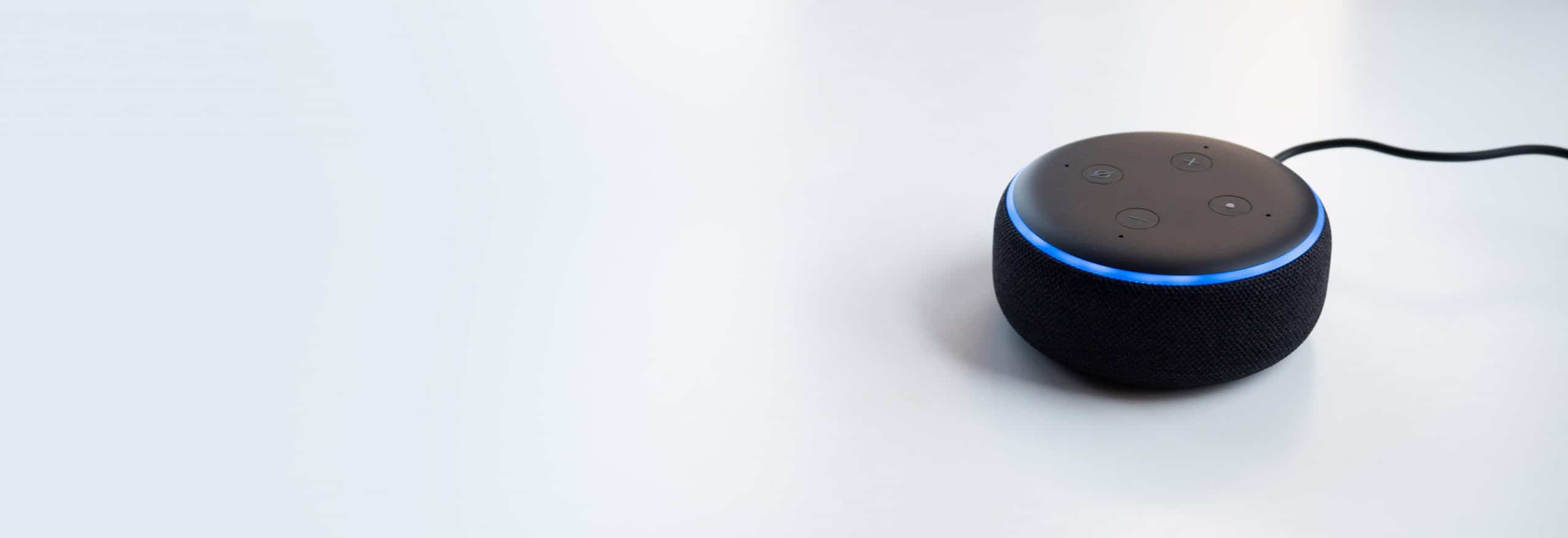
Your Complete Smart Home Guide
Smart homes aren't just the stuff of science fiction.



Smart home is one of the buzzwords of 2026, but what exactly does it mean? In a nutshell, a smart home means a home where certain items are connected to the Internet, otherwise known as Internet of Things (IoT) devices. This could be everything from light bulbs that you can turn on with your voice to smart security cameras that let you livestream your footage from a mobile application. When it comes to home security, smart home products include cameras, sensors, touch panels, video doorbells, and more.
There’s so much you can do with a smart home, from voice commands through Alexa or Google Assistant to automating actions, like having your thermostat dip when your security system is armed, meaning you’re not home. Ideally, smart home products make your life more convenient so you can focus on what matters— doing the things you love, which probably doesn’t include housework. This guide will tell you everything you need to know about a smart home: what it is, what it may include, and how you can get one for yourself.

Smart Home Assistants



Home Security Cameras



What Are Smart Homes?
Smart homes include WiFi-connected devices that are controlled using a mobile app or even a voice assistant like Alexa. Common smart home devices include smart lights, smart thermostats, smart locks, and more. Smart homes are becoming popular due to the convenience and money-saving benefits they offer.
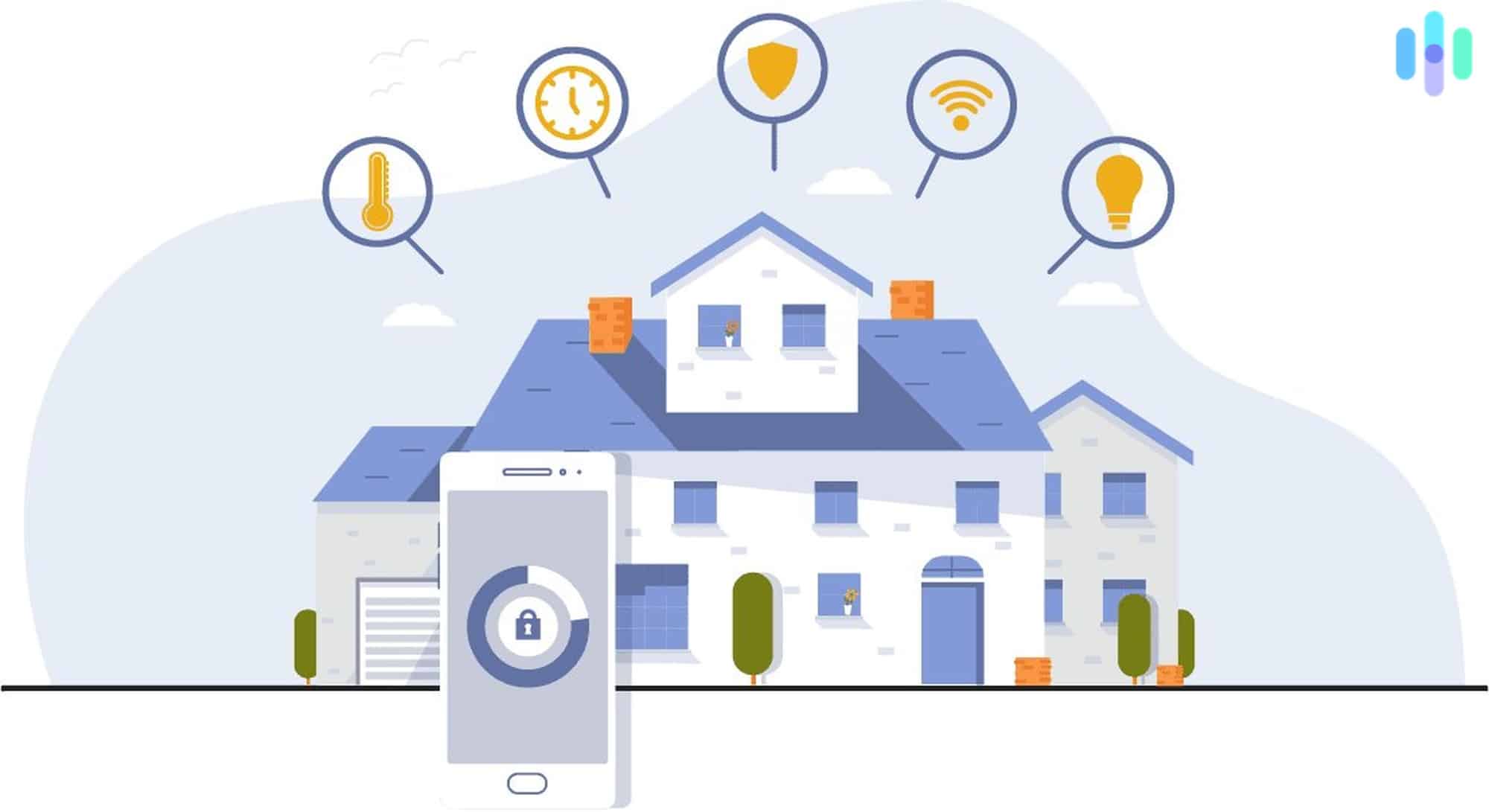
Of course, no home is fully automated yet, but the industry is getting closer every year. With a wide range of devices available, from smart security systems to smart smoke detectors, there are very few gadgets you can’t find an IoT version of these days.
Smart Home Connectivity
IoT devices can connect to the Internet in a few different ways, with Wi-Fi being the most common. Cellular backup and landline backup is typically used with smart security cameras and systems, while Z-Wave, ZigBee and Bluetooth are less commonly used.
Wi-Fi
Sometimes spelled Wi-Fi, WiFi is a wireless technology that allows IoT devices to connect to the web with super-fast speeds. Using radiofrequency technology, most connected devices use some form of WiFi to connect to your app. However, if it’s an important device like a security motion sensor, you may want to add in cellular or landline backup in case the WiFi is faulty, which we also discuss below.
Bluetooth
Bluetooth: it’s what you use to connect your AirPods or your smart speaker to your car’s radio. A wireless technology, Bluetooth works by using short-wavelength radio waves. It’s most commonly used with car stereo systems, hands-free headsets, mouses, keyboards, printers, and gaming consoles, and it’s less common in smart home security.
Z-Wave
Z-Wave is a wireless communications protocol that lets devices connect with each other and a companion app using low-energy radio waves. As of 2026, there are over 4,500 certified Z-Wave products, and the ecosystem continues to grow as more manufacturers adopt the standard.
Zigbee
Another communications protocol is Zigbee, which actually creates networks via digital radios. Cheaper than WiFi and Bluetooth, Zigbee’s only requirement is a data transfer with a short range, meaning it uses less power. Plus, those concerned with privacy will be happy to know that Zigbee is one of the more secure options out there, as all of its networks are symmetrically encrypted.
Cellular Backup
Your phone uses data, so why can’t your security system? In order to keep everything on if the power goes out, some security companies offer cellular data as a backup. This usually costs a monthly or yearly fee, but sometimes it’s built into the alarm panel or base station through a cellular communicator.
Landline Backup
If you still have a landline in your home, another way to keep your system on in a power outage is through landline backup, meaning it’s connected to communication wires or cables. The big advantage of landline over cellular backup is that if you call the police, they’ll know your location instantly, which isn’t always the case for mobile devices with less than perfect GPS. Although they may seem unnecessary in this smartphone world, having a landline is a great way to make your home more secure.
Home Automation
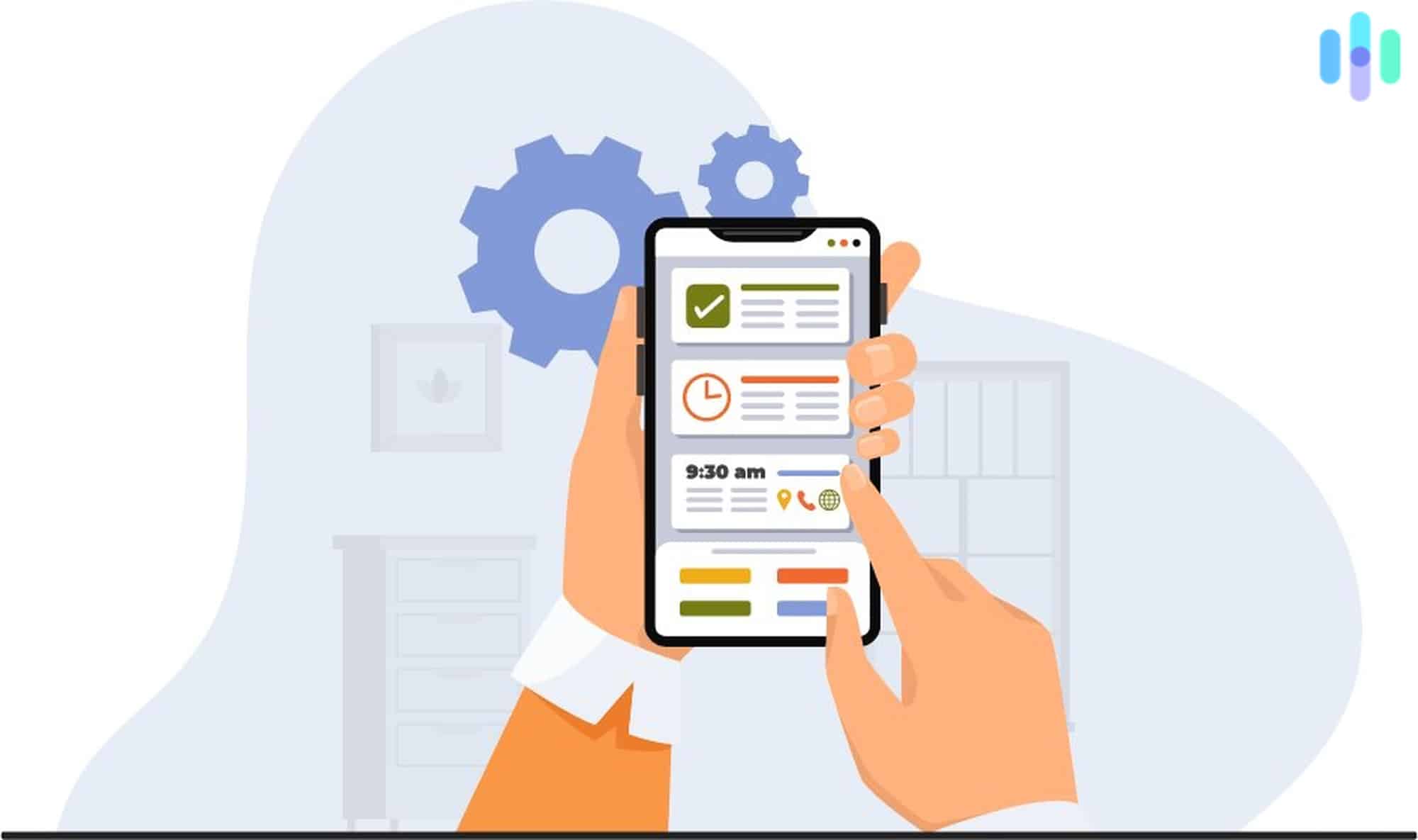
A smart home is only more convenient if it controls itself. After all, having to go into a million different apps all day just to turn on your lamps might get annoying, which is where home automation comes in. Whether it’s by putting your devices on schedules or by having them trigger each other, you can set up your smart home so it works for you, not against you. For example, you might have your garage door controller trigger your smart lock so that the door to your home inside your garage unlocks automatically whenever the garage door is opened.
Another idea is to have your fan turn on at the same time every day so that you return to a cool, airy bedroom. With such automation, IoT devices can be the “set it and forget it” types that make smart homes so convenient.
IFTTT
If This Then That is a free platform that lets IoT devices from different companies trigger with each other. If a device works with IFTTT, that means that it works with any other IFTTT-compatible device, allowing for a ton of cross-brand pollination.
Smart Assistants
Voice commands are only possible because of voice assistants, which developers integrate into IoT products. The most popular voice assistants are Amazon’s Alexa and Google’s Gemini, with Apple’s Siri and Samsung’s Bixby also in the mix.
No matter which voice assistant you use, you’ll be able to turn your connected devices on and off using your voice alone, as well as make other adjustments, whether that’s dimming lights, setting the temperature down five degrees, or what have you.
Alexa
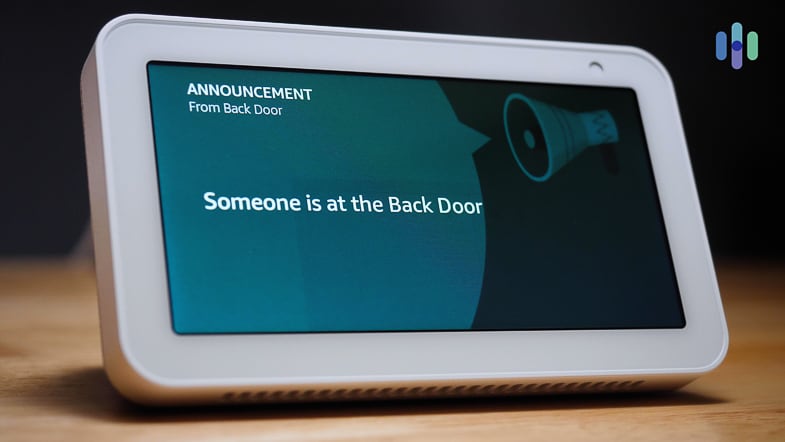
If you have an Echo speaker or Echo Show display, Alexa is your voice assistant. Amazon has expanded Alexa’s capabilities significantly over the years — there are now over 130,000 Alexa skills available, making it one of the most broadly compatible voice assistants on the market.1 Amazon has also begun rolling out Alexa+, a more conversational, AI-powered upgrade to the classic assistant.
Gemini
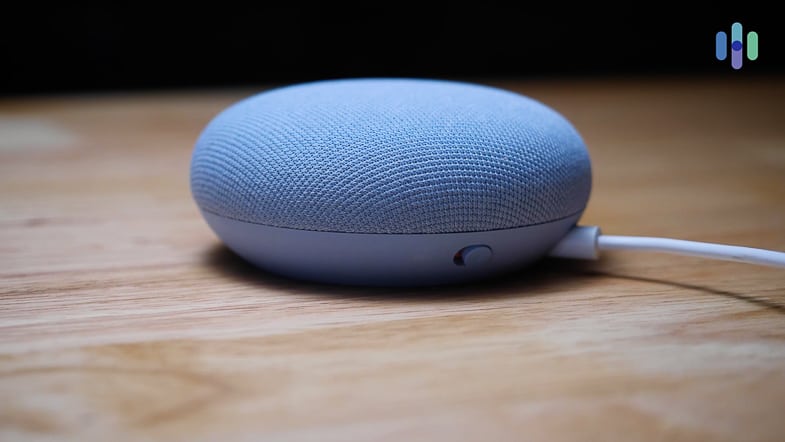
Gemini for Home is Google’s next step in smart home voice control, built into Nest Hub and Nest Mini speakers. You wake it up the same way, with “Ok Google” or “Hey Google,” but the assistant behind that command has been upgraded. Gemini brings more conversational capability and contextual understanding to smart home interactions, handling complex requests and multi-step actions more naturally than its predecessor. It supports thousands of compatible devices and integrations across a wide range of brands, keeping Google’s ecosystem one of the broadest available.
Siri
Siri comes on all iOS devices, but it’s also an integral part of Apple HomeKit. Apple has been steadily expanding HomeKit compatibility, and as of 2025, thousands of third-party devices work with Siri — from smart locks and thermostats to lights and security cameras. With the introduction of the Matter standard, HomeKit now supports an even broader range of accessories. Siri is also used to map directions, play media, and run internet searches across iPhones, iPads, Macs, Apple Watch, HomePod, and Apple TV.
Bixby
Bixby is Samsung’s built-in voice assistant, found on Galaxy phones, tablets, and select smart displays. It integrates directly with Samsung’s SmartThings platform, letting you control compatible lights, thermostats, locks, and appliances by voice. It works best within a Samsung-heavy setup, and while third-party device support exists through SmartThings, its ecosystem reach is narrower than what Google or Amazon brings to the table.
Tour Our Smart Home
Want to see a smart home in action? Tour our virtual smart home and see how its products all work together seamlessly to create a house that adjusts to your needs automatically. All of the devices below can be commanded using your voice alone through a voice assistant such as Alexa, Google Assistant, or Siri. Here are some of our favorite smart home devices:
Smart Light Bulbs
Smart light bulbs can be set onto schedules or even synced with the GPS on your phone or the sunrise and sunset.
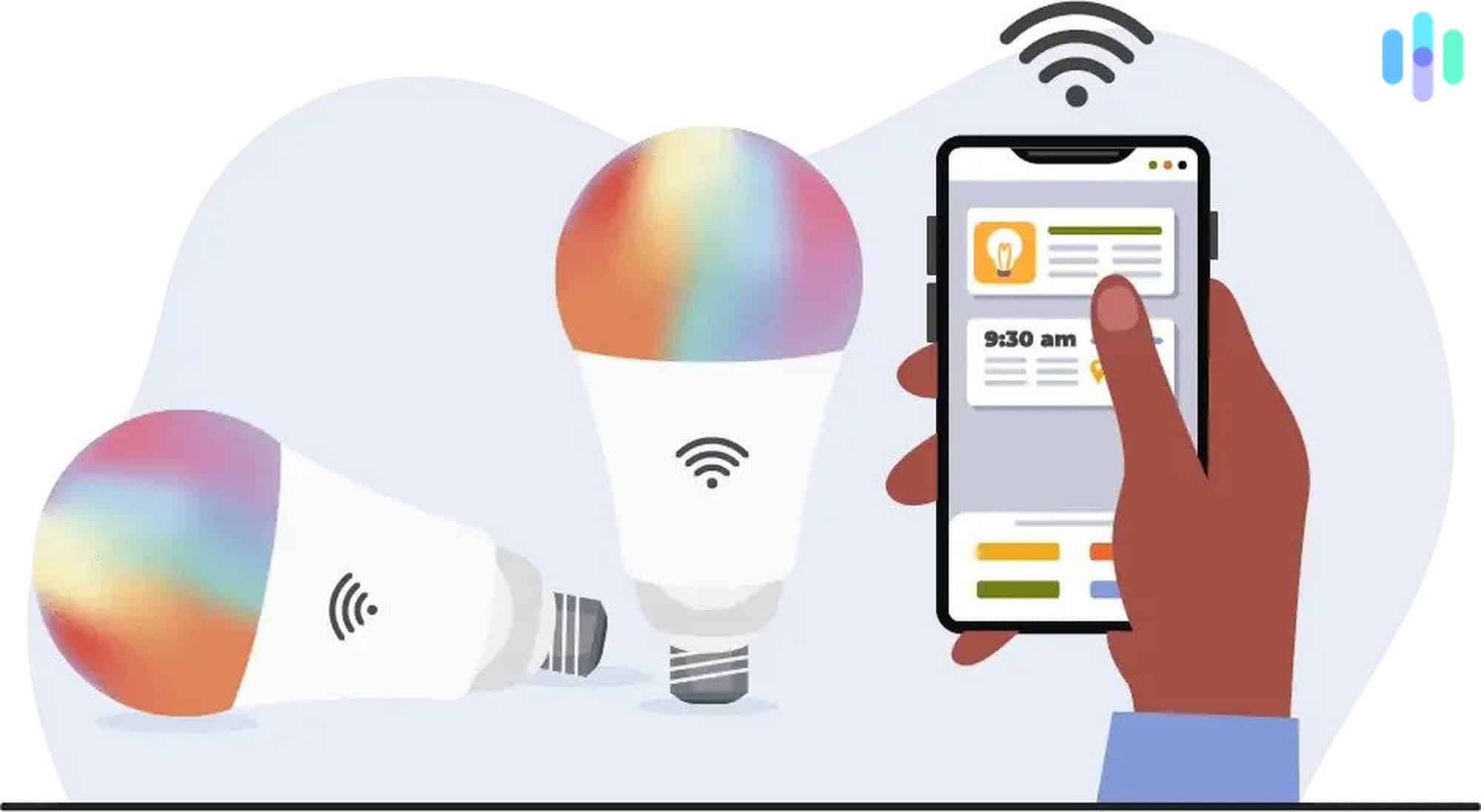
With dimmable, LED bulbs that you can adjust to over 16 million different colors, smart bulbs last much longer than incandescent bulbs and are a lot more fun as well. After customizing your lighting, you can create scenes, groups of bulbs that you’ve adjusted to your liking, so that you can easily access them later.
- Popular smart bulb brands: LIFX, Philips Hue, Bulbrite, Sylvania, Wyze, Cree, eufy, TP-Link
- Average cost: $10–$50 depending on brand and features
- Product spotlight: Philips Hue White and Color Bulb
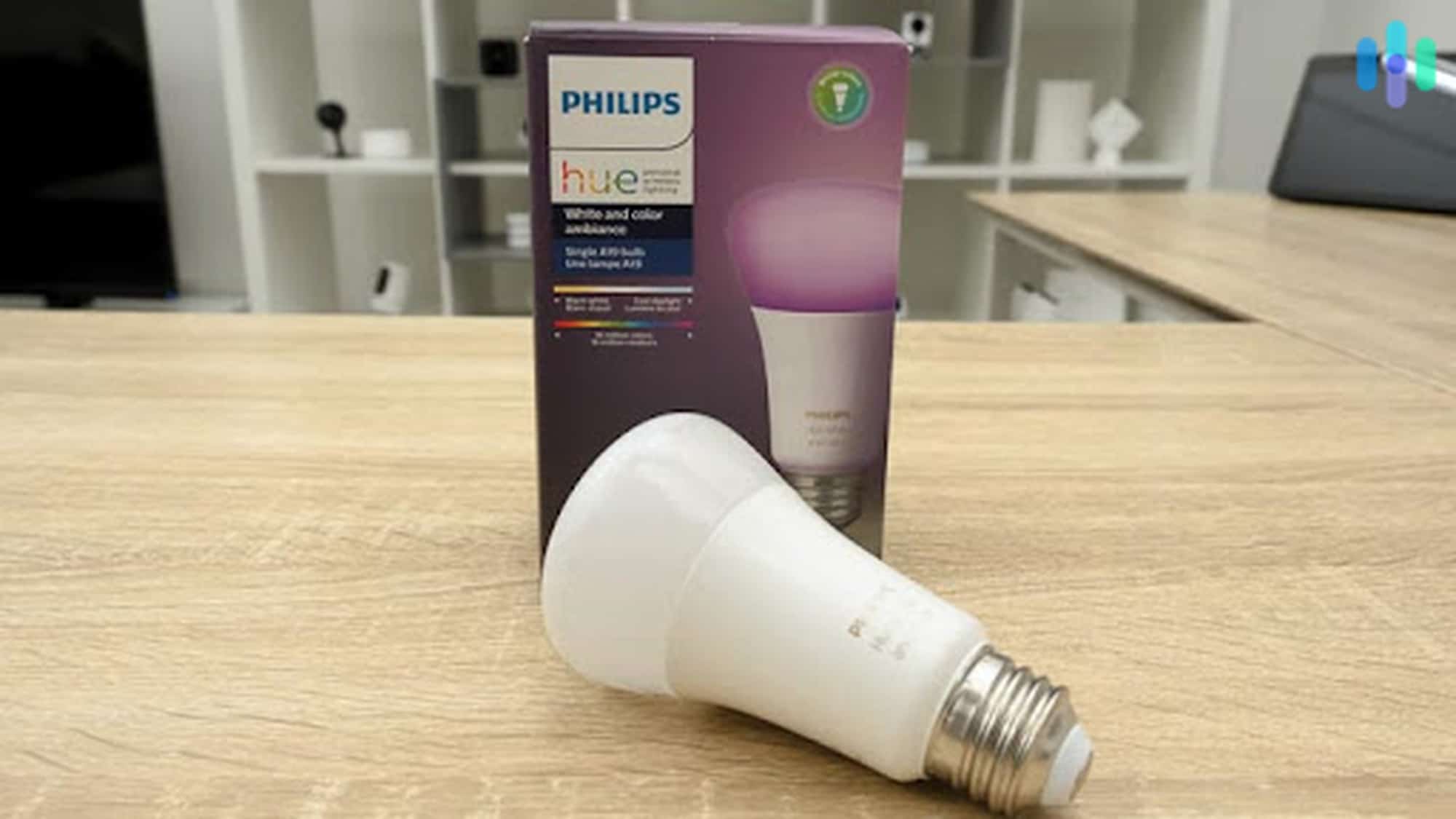
Philips Hue is probably the most recognizable lighting brand, and they have a ton of different smart lighting to offer. This white and color bulb has 16 million different color options and is also dimmable, so you can create the exact lighting you want in your home. You’ll also be able to set your lighting onto schedules, group multiple customized bulbs into scenes for easy access, and even sync your lighting with the sunrise and sunset, if you want! Or, hook it up with the GPS on your phone so your lights turn off automatically when you leave the house and vice versa.
Philips Hue works with products from Google Nest, Vivint, and SimpliSafe, making it easy to build out home automations that actually feel seamless. We tested our Philips Hue lighting with Google Assistant, Alexa, and Siri — all worked without a hitch. Keep in mind that newer Philips Hue bulbs support both Zigbee and Bluetooth, though the Hue Bridge is still required for full functionality including schedules, geofencing, and out-of-home control. And because it’s LED, it uses up to 80% less energy than a traditional incandescent bulb.
Smart Plugs
If you’re just starting out with your smart home, smart plugs will be a godsend.
They can turn any appliance that uses 1,800 watts or less into a WiFi-connected device, ideal for small appliances like flat irons or space heaters. That means that you’ll be able to turn these appliances off and on using your voice as well as create schedules and scenes.
- Popular smart plug brands: iHome, TP-Link, Aukey, Amazon, Wemo, iDevices, eufy
- Average cost: $10–$35, depending on brand and features
Smart Security Systems
Smart security systems ensure that you’ll always stay on top of your home’s security. With WiFi-connected sensors, you’ll be alerted if any of your alarms go off when your security system is armed via a mobile notification.
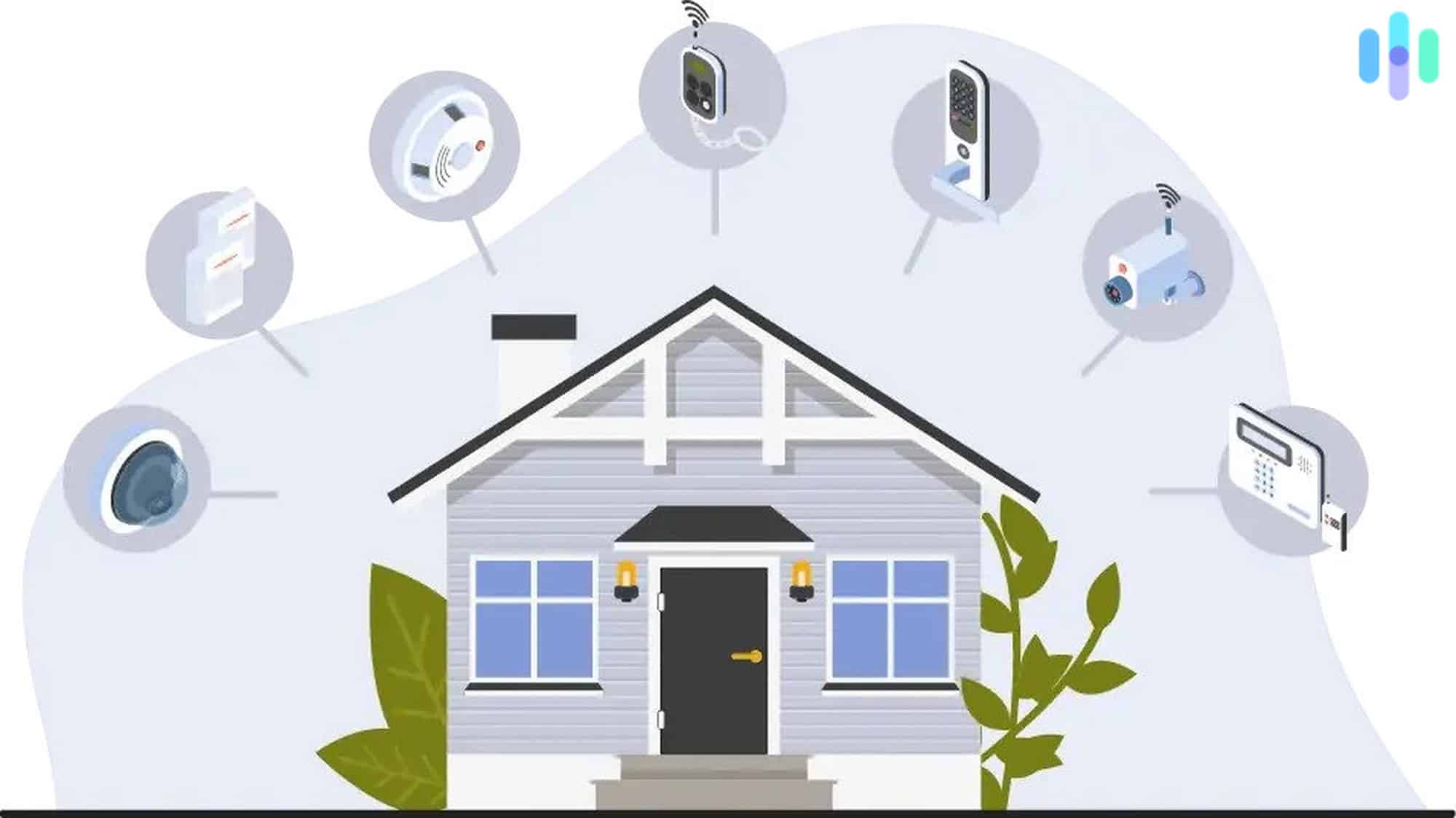
From there, you’ll be able to check in and livestream footage, if your system includes a camera.
| ADT Video Package | Frontpoint Customized System | Vivint Basic Security System | |
|---|---|---|---|
| Hub/ Base Station | Yes | Yes | No |
| Panel | No | No | Yes |
| Keypad | No | Yes | No |
| Motion Sensor | Yes | Yes | Yes |
| Entry Sensor | Yes | Yes | Yes |
| Recessed Entry Sensor | No | No | No |
| Garage Door Sensor | No | No | No |
| Glass Break Sensor | No | Yes | Yes |
| Keyring Remote | No | Yes | No |
| Smart Lock | No | No | No |
| Alarm | No | No | No |
| Indoor Camera | Yes | Yes | Yes |
| Video Doorbell | Yes | Yes | Yes |
| Radio | No | Yes | No |
| Smoke and C.O Monitor | No | No | Yes |
| Price | $529 | $630 | $844 |
- Popular smart security brands: Frontpoint, ADT, Vivint, Ring, SimpliSafe, abode
- Average cost: $200–$700+, depending on package and monitoring plan
- Product spotlight: Ring
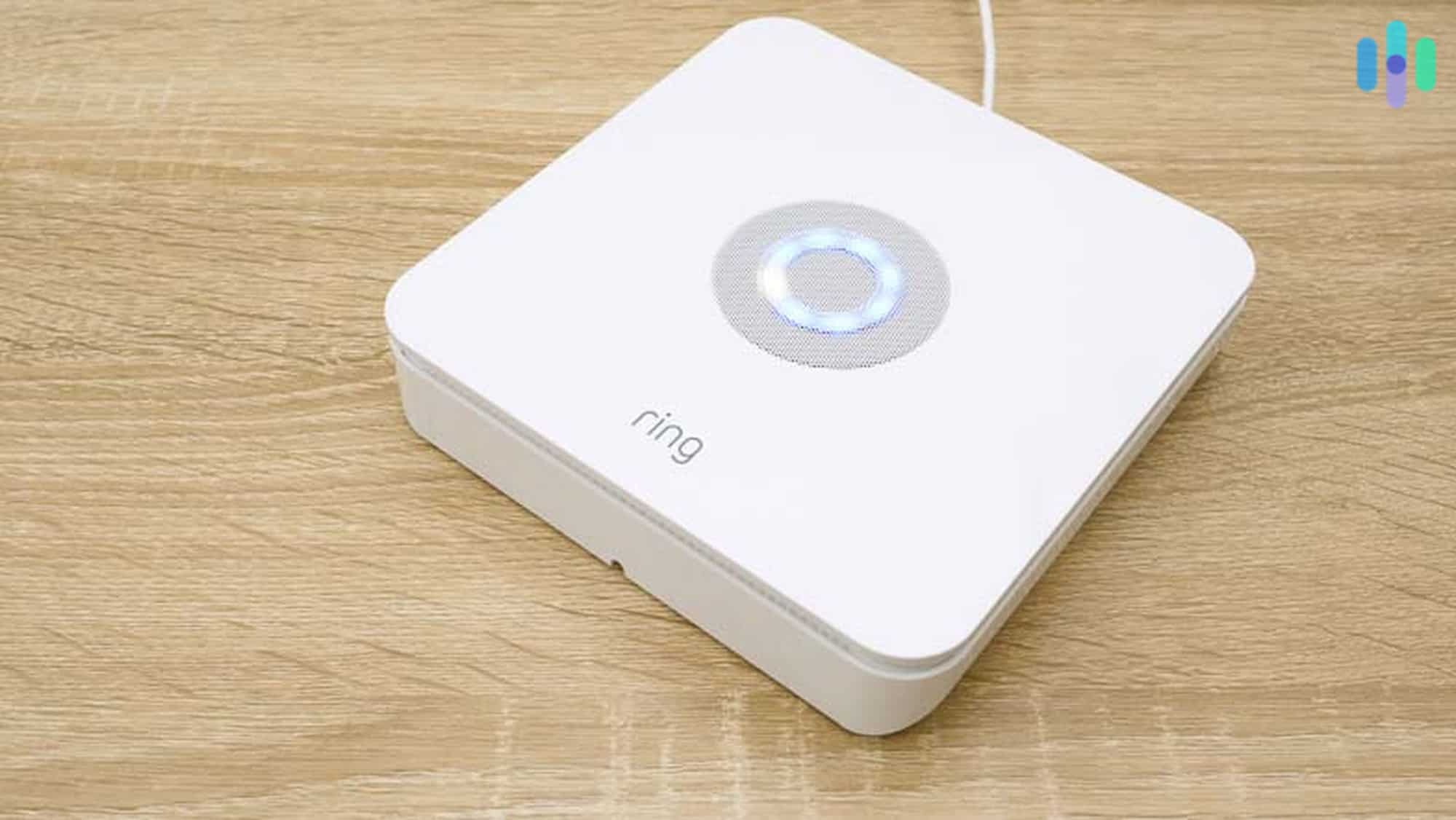
Ring Alarm is one of the most affordable DIY smart home security systems out there. Packages start at just $199.99 for the basic 5-piece kit, giving you everything you need right out of the box to get protected fast. Even without a paid monitoring plan, you still get real-time notifications and full remote control through the Ring app — which is a solid deal on its own. If you want 24/7 professional monitoring and cellular backup, Ring Home plans start at $20 per month or $200 per year. Ring also integrates seamlessly with Alexa, making it a natural fit for anyone already in the Amazon ecosystem.
The Ring app makes it easy to manage everything from your phone, and it’s well-rated on both the App Store and Google Play. Setup is DIY-friendly, which keeps costs low from day one — no technician fees, no hassle.
They also make a number of indoor and outdoor cameras and video doorbells which will easily integrate with Ring’s sensors, making Ring a one-stop shop for smart home security.
Smart Security Cameras
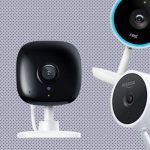
How useful are security cameras if you can’t actually see their footage? With smart security cameras, you’ll be able to check in and livestream footage anytime, anywhere from your mobile application. You can also show your footage on a smart display, Chromecast, Fire TV, or Apple TV, depending on its make, and review cloud storage as well. Some smart security cameras even have person detection so you’ll only be notified when it detects a person, but more advanced cameras have facial recognition, allowing you to name faces it’s seen multiple times for even more specific notifications.
| Wireless | Plug-In | Price | |
|---|---|---|---|
| abode Cam 2 | Yes | Yes | $59.99 |
| abode iota | No | Yes | $319.00 |
| Arlo Essential Indoor | Yes | Yes | $49.99 |
| Arlo Essential XL | Yes | No | $99.99 |
| Arlo Pro 6 2K | Yes | No | $249.99 |
| Blink Indoor | Yes | No | $49.99 |
| Blink Outdoor 4 | Yes | No | $99.99 |
| Canary Pro | Yes | No | $169.00 |
| Canary Flex | Yes | No | $199.00 |
| Canary View | No | Yes | $99.00 |
| Fortress Indoor | No | Yes | $79.00 |
| Frontpoint Indoor Camera | Yes | Yes | $99.99 |
| iSmartSafe Indoor | Yes | No | $69.99 |
| Logitech Circle View | Yes | Yes | $159.99 |
| Lorex Super HD 4MP Camera | No | Yes | $139.99 |
| Nest Cam Indoor | No | Yes | $99.99 |
| Nest Cam Battery | Yes | No | $179.99 |
| Nest Cam with Floodlight | No | Yes | $279.99 |
| Netatmo Indoor | Yes | Yes | $189.99 |
| Night Owl HD Wired Bullet Camera | No | Yes | $349.99 for 4 with 1 TB DVR |
| Ring Outdoor Cam, Battery | Yes | No | $79.99 |
| Scout HD Camera | No | Yes | $99.00 |
| Swann Thermal Sensing Camera | No | Yes | $71.99 |
| Vivint Indoor | No | Yes | $249 |
| Wyze Cam | No | Yes | $33.99 |
| Wyze Cam Pan | No | Yes | $37.99 |
- Popular smart security camera brands: Ring, Nest, Wyze, Blink
- Average cost: $155
- Product spotlight: Wyze Cam
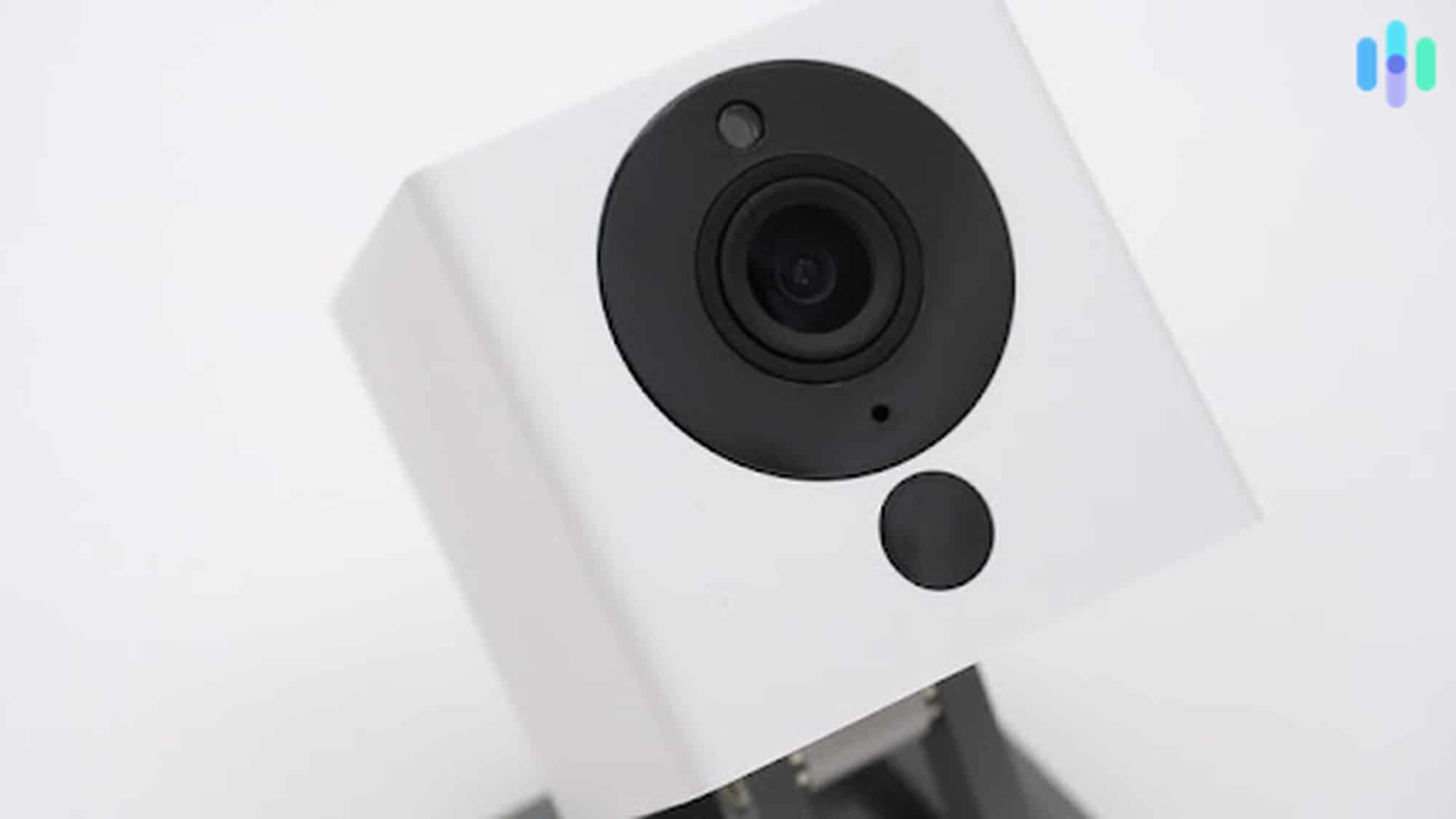
At just $33.99, the Wyze Cam v3 punches well above its weight class. You get 1080p HD resolution with 8x zoom for capturing fine details, color night vision with a Starlight sensor, two-way audio, and integrations with Alexa and Google Assistant. Storage works via a micro-SD card (sold separately), and Wyze offers a Cam Plus subscription starting at $2.99 per month for extended cloud event recording. The camera can even recognize existing smoke and CO alarms, sending you a mobile alert when they trigger. Round out your smart home setup with Wyze’s growing lineup of security sensors, smart plugs, smart bulbs, robot vacuums, and more.
Smart Thermostats
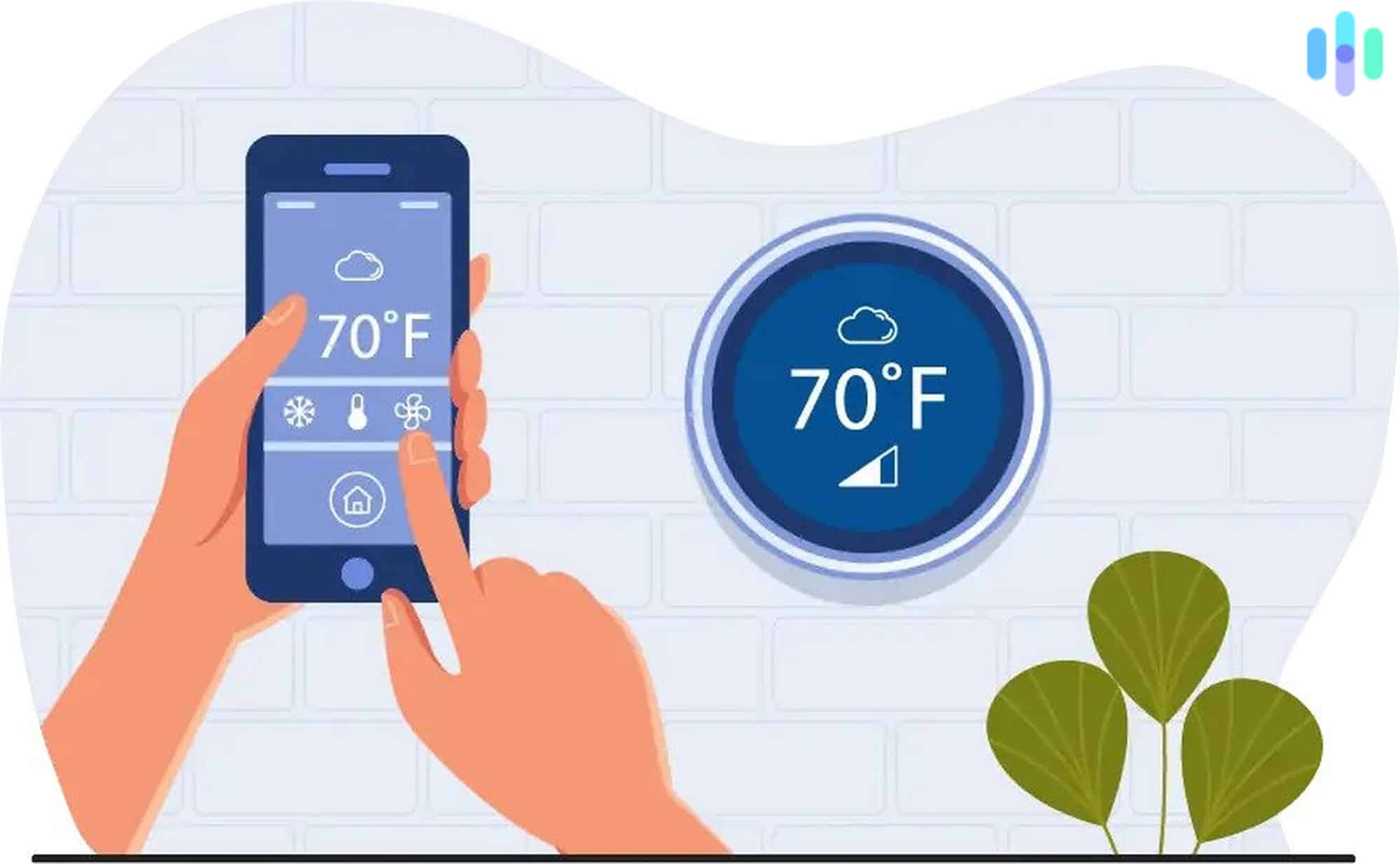
Aside from being able to control your home’s temperature remotely and set it onto schedules, many smart thermostats also have sensing for movement and occupancy, meaning they’ll adjust based on your location and even if you’re awake or asleep.
You can also set up geofencing with some smart thermostats, meaning they’ll adjust based on your location by using the GPS in your mobile device. That can lead to real savings as you can set your heater and air conditioner to run less when your home’s empty.
- Popular smart thermostat brands: Nest, Honeywell, ecobee
- Average cost: $130–$250
Smart Smoke and CO Sensors
If your smoke alarm goes off and no one is home to hear it, is it really that useful? With smart smoke and CO detectors, you’ll always get notified if there were any huge increases in temperature, or if dangerous levels of smoke and/or CO are detected. If you already have existing smoke and CO detectors that aren’t connected to the Internet, there are also smoke and CO listeners that’ll alert you if any of your alarms go off, a cost-effective solution to get smart environmental monitoring.
- Popular smoke and CO detector brands: Nest, First Alert, Kidde, ADT
- Average cost: $40–$120

Smart Flood Sensors
Floods can cause thousands of dollars worth of damages to your home, which is why it’s best to catch them early with a flood or water leak sensor. Placed near anywhere that water could leak, like near a dishwasher or washing machine, you’ll get a notification if the sensor detects water so you can fix the problem early.
- Popular flood sensor brands: Ring, Honeywell, Samsung SmartThings, Kangaroo, First Alert
- Average cost: $20–$40
Smart Freeze Sensors
If your pipes freeze it could cause them to burst, resulting in, you guessed it, a flood. Fortunately for you, there are WiFi-connected freeze sensors that will alert you if temperatures reach a certain level.
- Popular freeze sensor brands: SimpliSafe, Ring
- Average cost: $40
Smart Speakers
Smart speakers do a lot more than just play music. Ask them to read an audiobook, queue up a podcast, set a timer, or control your other connected devices — all completely hands-free. Some models even display the time, so they double as a clock on your nightstand or kitchen counter.
- Popular smart speaker brands: Amazon, Google Nest
- Average cost: $50–$100
Smart Locks
Smart locks are super useful. Aside from being able to control them remotely, users will also be able to create passcodes for specific periods of time to let people in when they’re not home. This is particularly handy if you have a dog walker, house sitter or babysitter that needs to be let in in a way much safer than hiding a key under the mat. You’ll be able to see your lock’s activity and some locks can even be opened with voice commands!
- Popular smart lock brands: Kwikset, Yale, Schlage, August
- Average cost: $150–$300
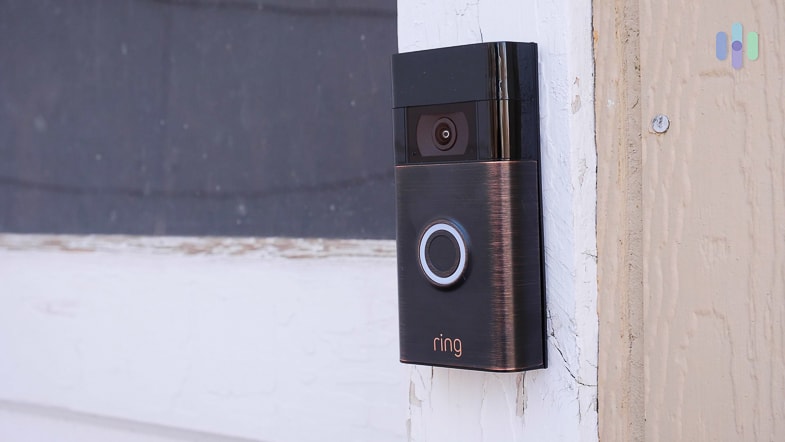
Video Doorbells
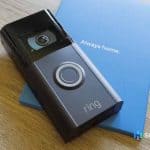
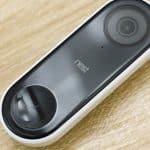
Video doorbells are essentially cameras designed specifically for your doors, allowing you to see your guests and speak to them through two-way audio. The most effective video doorbells have person detection, leading to super helpful notifications and preventing false notifications from cars, animals, and other moving objects. Some video doorbells require an existing doorbell and chime setup, while others are totally wireless with no installation requirements.
| Nest Doorbell | Ring Video Doorbell 2 | Ring Video Doorbell Pro 2 | |
|---|---|---|---|
| Video quality | 960x1280p HD | 1080p HD | 1536p HD |
| Field of View | 145 | 160 | 150° horizontal, 150° vertical |
| Field of Zoom | 6x | n/a | digital zoom |
| Two-Way Audio | Yes | Yes | Yes |
| Infrared Night Vision | Yes | Yes | Yes |
| Local Storage | No | Yes | No |
| Cloud Storage | Yes | Yes | Yes |
| Subscription Required for Storage? | Yes | Yes | Yes |
| Smart Platform Integrations | Google Assistant | Amazon Alexa, Google Assistant | Amazon Alexa, Google Assistant |
| Person Detection | Yes plus familiar face alerts with Nest Aware | No | Yes, with Ring Protect Plan |
- Popular video doorbell brands: eufy, Arlo, Ring, Nest, SimpliSafe, Vivint, SkyBell
- Average cost: $200
- Product spotlight: eufy Security Video Doorbell
The eufy Video Doorbell E340 delivers some of the sharpest footage of any video doorbell we’ve reviewed — 2K HDR with distortion correction. It can be wired into an existing doorbell setup or powered by its built-in battery, and it comes with person detection built in. That means you only get pinged when an actual person shows up, not every time a squirrel or passing car triggers the sensor. It even sends you a thumbnail of the detected person, so you can take a quick glance without having to pull up a live stream.
The eufy Video Doorbell works with both Alexa and Google Assistant. It also features infrared night vision, two-way audio, 8 GB of local storage, and a wide 160-degree field of view. Starting at $179.99, it’s competitively priced for the feature set you’re getting.
Smart Displays
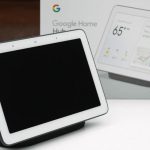
Finally, smart displays are tablets that connect all of your IoT devices and can also play TV shows, movies, and the like. Amazon’s version of the smart display is their Echo Show devices, while Google’s version is their Nest Hubs.
- Popular smart display brands: Lenovo, Amazon, Google
- Average cost: $150
- Product Spotlight: Amazon Echo Show 8
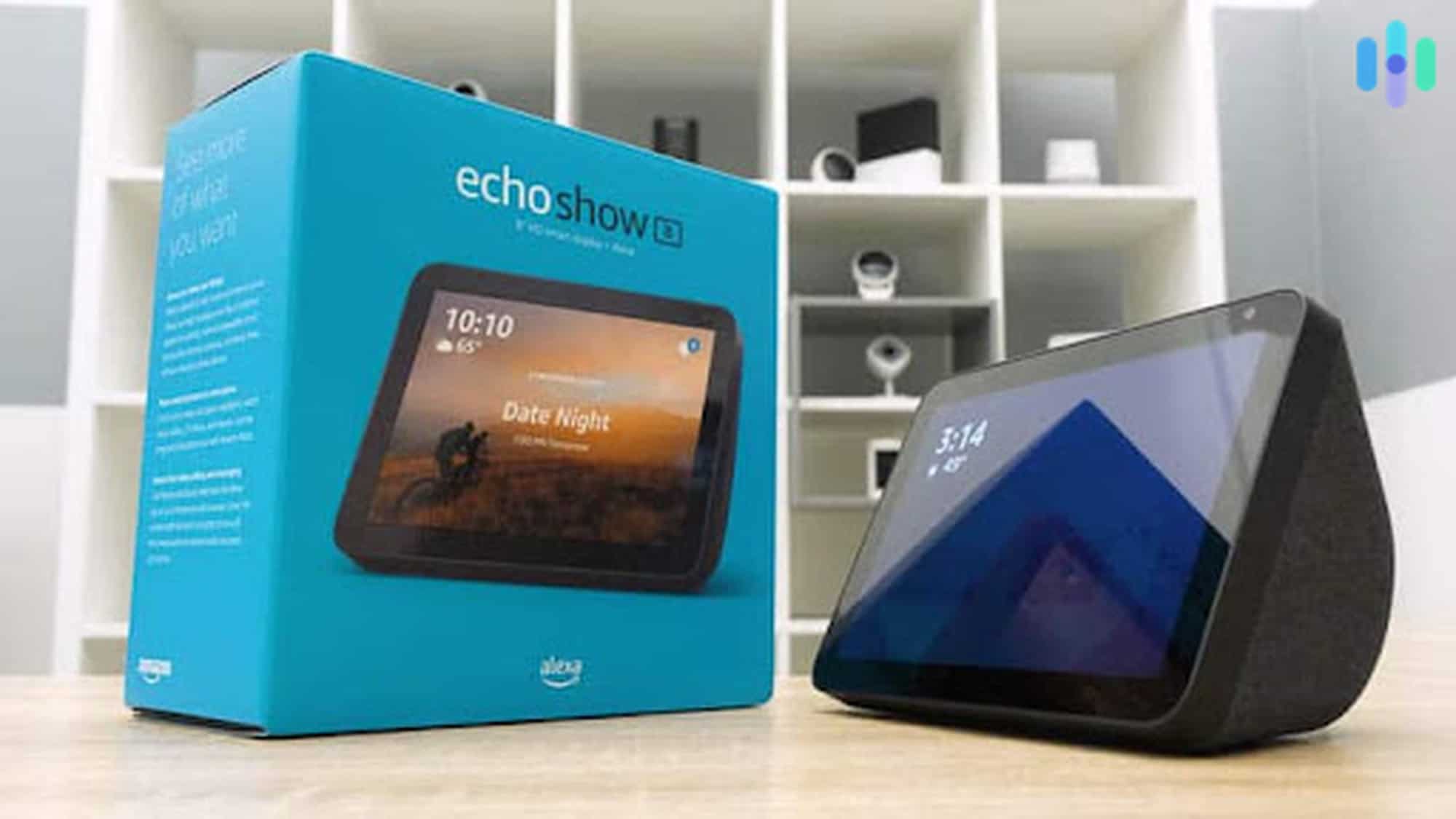
The Echo Show 8 (3rd Gen) features Alexa built-in on an eight-inch HD touchscreen display, complete with dual stereo speakers and far-field microphones. With the Echo Show 8, users can tap into tens of thousands of Alexa skills — streaming music from Amazon Music, watching Prime Video, video calling friends and family, and shopping on Amazon without lifting a finger. It’s especially handy in the kitchen, where you can set timers hands-free, pull up step-by-step recipes, and even order missing ingredients through Alexa.
To learn about more connected devices, check out our experts’ favorite smart home products.
What Can My Smart Home Do?
Now, we’re not buying smart home products just for the sake of it. Unlike regular products that aren’t connected to the Internet, smart devices have many capabilities and are all controllable through an app. Here are some of the things you can do with IoT devices:
- Remote control: The main feature of smart home technology is that you’ll be able to control your devices remotely through their respective mobile applications. This comes in handy, especially if you forgot to do something before you left home, be it to turn off your air conditioning unit, to arm your security system or to make sure your doors are locked.
- Notifications: You’ll also be notified on your mobile app of any events that happen with your smart device. This mainly applies to security cameras, systems and smart locks. You can be notified the second someone opens your front door, walks in front of your video doorbell or unlocks your basement. As you can see, notifications are especially useful when it comes to the security and safety of your home.
- Voice commands: Most smart devices work with one of the major voice assistants — Alexa and Google Assistant remain the most widely used platforms. That means you can control your devices by voice alone. For the smoothest experience, it’s worth making sure everything in your home works with the same voice assistant.
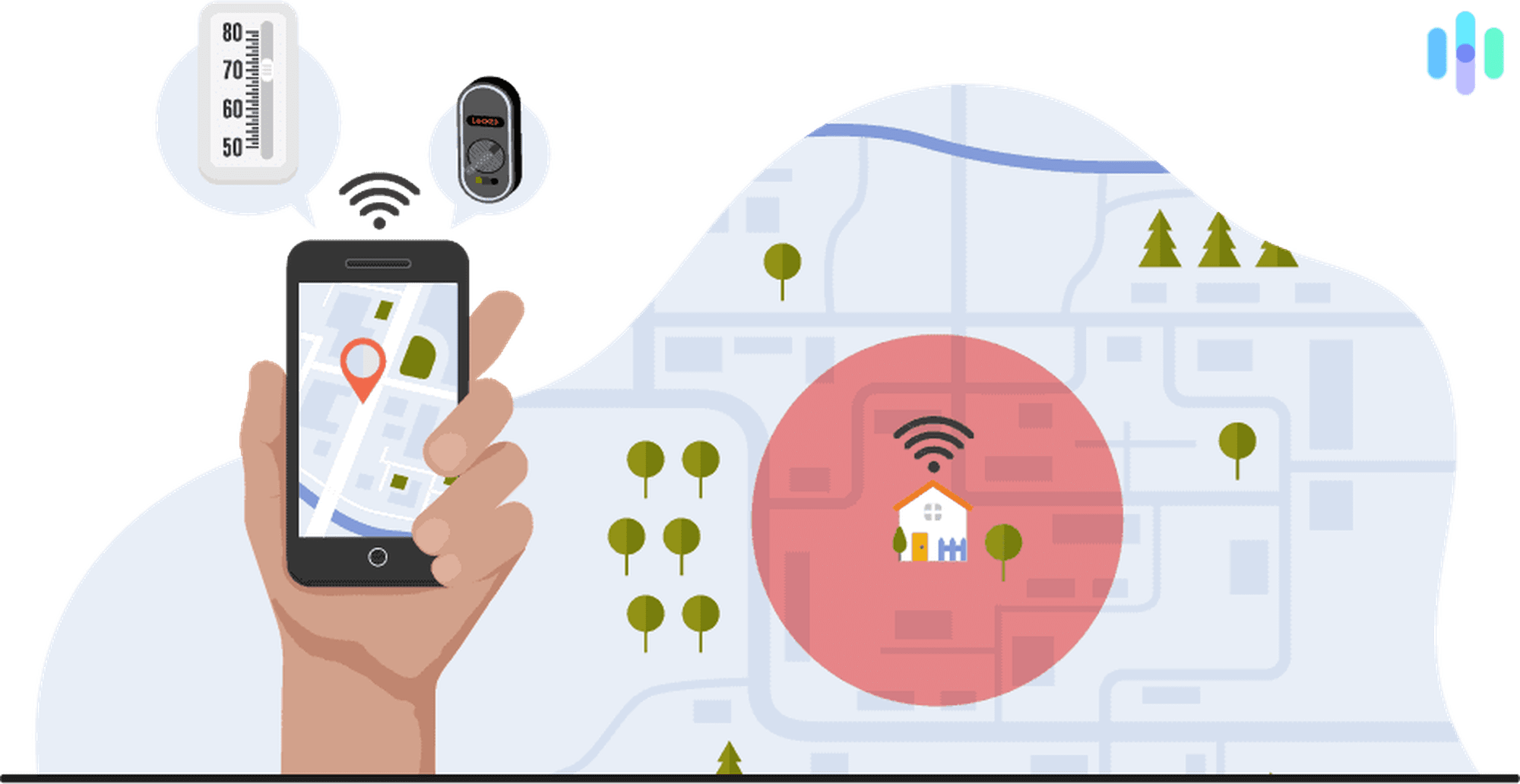
- Geofencing: Geofencing is a feature we’ve seen with smart locks, primarily. It means taking the GPS from your phone and connecting it to your device so that it turns off or on based on your location. For example, you could have your door automatically unlock when you’re within a certain distance, or have your thermostat heat up your home to a temperature when you’re near.
- Schedules: This one’s pretty obvious; many devices can be set onto schedules so that you don’t have to control them manually every day. For example, if you know that you always get up on weekdays at seven AM, you could have your bedroom lights turn on to wake you up automatically.
- Scenes: Scenes are groups of IoT devices that you’ve joined together to easily access them at once. We have different scenes for lighting, from reading to bedtime to dance parties, and since we’ve already customized the colors and brightness, we can get this setup with a touch of a button.
- Smart home integrations:Many smart home devices work with products from other brands. For example, Google Nest products work with smart bulbs from LIFX and Philips Hue, meaning you can have your lights turn on when your cameras detect a stranger. If a product works with open standards like Matter or IFTTT, it can connect and automate with a much broader range of devices. This makes cross-brand compatibility simpler than ever.
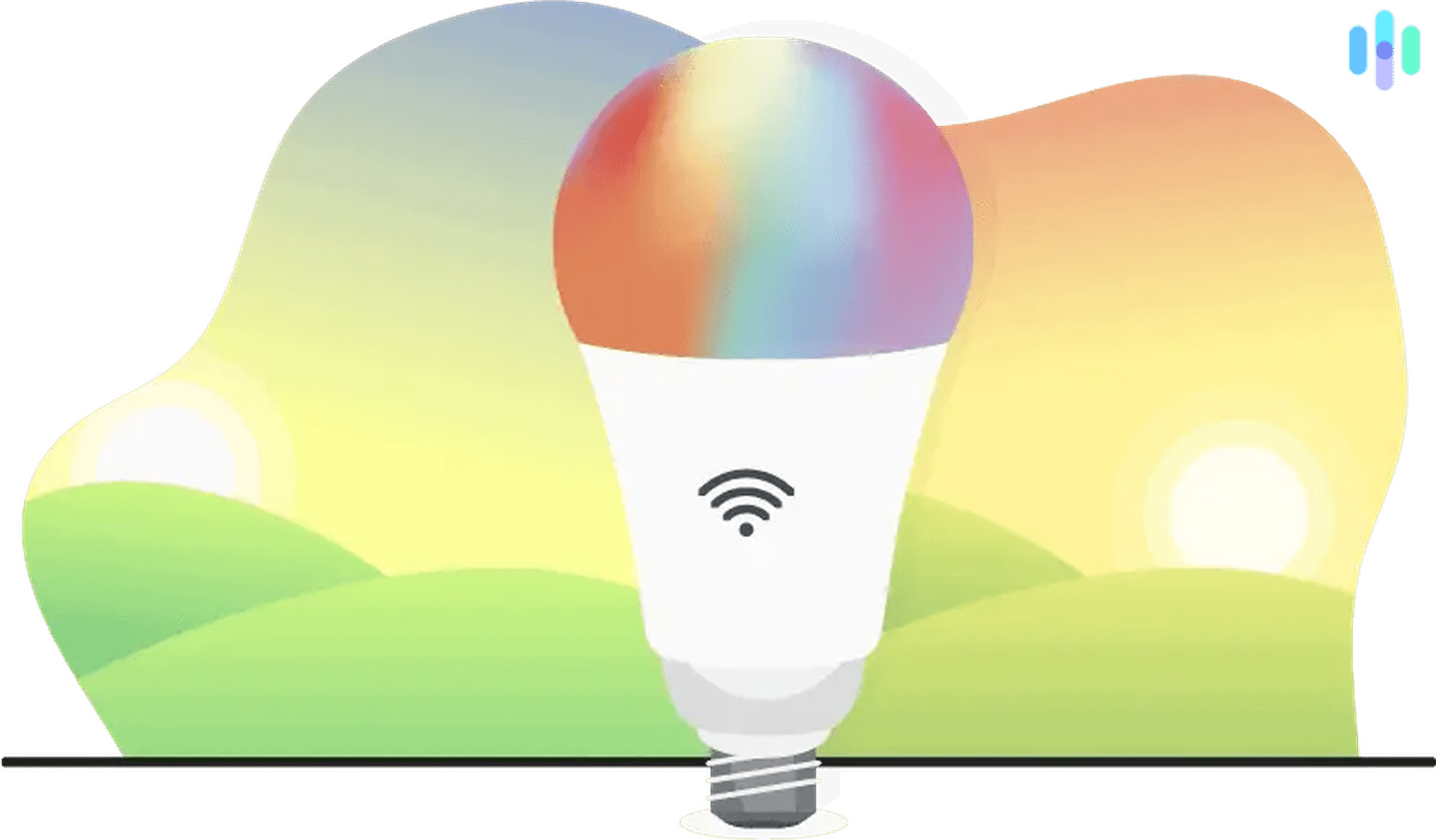
- Sunrise and sunset mode: Mainly applying to smart bulbs, sunrise and sunset mode has connected devices turn on and off at the beginning and end of the day, syncing with nature. If you want to get back to a Circadian rhythm, a smart bulb with sunrise and sunset mode is a beautiful thing!
- Event log: An event log is simply a list of the IoT devices’ activity, like what times the smart locks were opened, when the lights were on, and more. This is very useful for smart locks and security systems, in particular, but may not be as necessary for bulbs and other devices.
- Energy monitoring: Finally, energy monitoring tells you exactly how much energy your IoT devices are using up. This is really useful for smart thermostats and plugs connected to appliances using 1,800 watts or less, as well as smart bulbs.
Smart homes let you customize and automate your daily routines in ways that actually make life easier. Have your coffee ready in the morning, your thermostat set perfectly before you walk in the door, or get a notification the moment your kids get home from school. With thousands of devices on the market today, the possibilities are genuinely endless.
Can Smart Home Devices Save Me Money?
So sure, smart home technology can make your life more convenient by automating actions and having hands-free commands, but good news for your wallet, it can also save you money! The top money-saving IoT devices are smart bulbs, plugs and thermostats. You’ll never forget to turn off a light or appliance, or leave your thermostat on high over a ten-day vacation. Plus, having that much more control means using energy only when it’s needed.
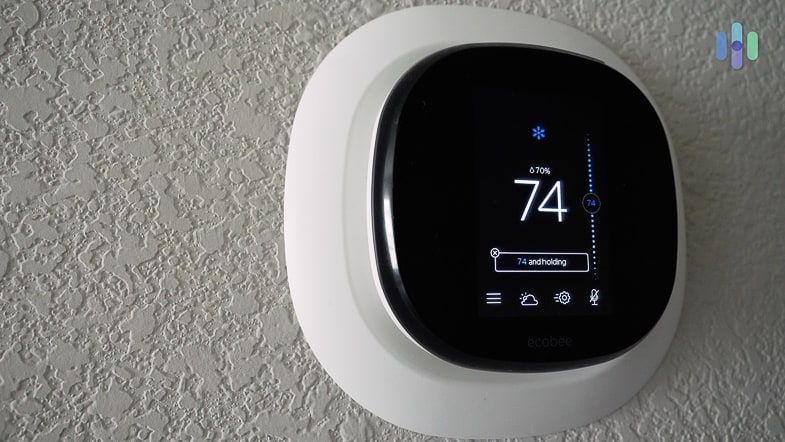
Nest thermostats, for example, save people an average of 10-12% on heating and 15% on cooling, an average savings of $131 to $145 per year3. Thermostats from ecobee are even more energy-efficient, saving you 23% and paying for themselves in a couple of years4. Even devices that aren’t directly connected to your home’s energy usage can bring in savings. Water leak sensors detect water as soon as it leaks, allowing homeowners to catch things early before they become a full-blown flood, potentially saving you thousands.
Not to mention smart smoke and CO detectors, which can alert you as soon as there are any huge increases in temperature before a fire even starts. After all, smoke detectors that aren’t connected to the Internet aren’t much use if you’re not home. Smart home security devices can also save you the cost of a theft, which was $2,316 according to the most recent data from the FBI5. So although you’ll have to shell out a bit of dough to get your first smart home devices, over time they could eventually pay for themselves.
Creating A Smart Home: Where Do I Start?
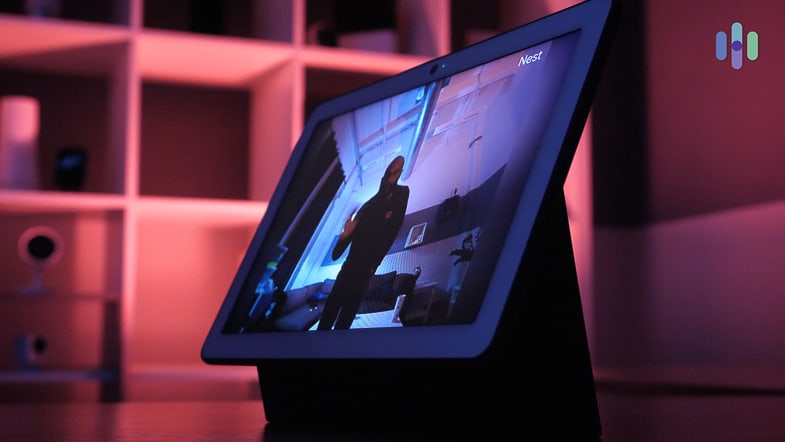
Last year, 24% of the United States population owned smart speakers6, and the numbers are expected to grow in 2020 as well, but how do you get in on the action? Starting a smart home can be overwhelming, which is why we recommend first getting a smart speaker or display. This is the central hub of your smart home that actually allows for voice commands, and there are many affordable options out there. Many services like Hulu and Spotify have run promotions giving their users free smart speakers, so be on the lookout for some great deals. With incredibly affordable options like the Echo Flex or Google Nest Mini, creating a smart home doesn’t need to be expensive. There are thousands of devices to choose from to satisfy your needs and the needs of your family.
Smart Home Statistics
Getting a smart home is more popular than ever, with more smart speaker owners growing by the second. Here are some statistics you should know about smart home technology in the United States:
- 76% of people are familiar with smart home technology
- 53% of people own a smart home device
- 33% of people said they will buy a smart home device in the next three years7
- 66% of consumers said that they were most likely to buy or already owned smart home products from Amazon, while 55% said Google and 32% said Apple8
- The smart home market will reach $123 billion by 2022, an increase of $67 billion from 20189
- 62.1% of smart security camera owners check their phones daily to view the camera’s footage.
- People paid an average of $276 for smart security cameras and an average of $390 for smart security systems
- The smart security brands that received the highest customer satisfaction were Arlo, Ring, SimpliSafe and Brink’s
- 63% of Americans track their health using an IoT device, with 13% using connected scales10
- A fourth of all broadband households in the United States plan to purchase a smart lock within the next year
- 35% of all U.S broadband households think smart locks are affordable
- 60% of security systems are self-installed11
- Amazon will continue to dominate the smart speaker market, expected to hold 70% of total smart speaker ownership in the United States in 2021
- In an IQ test, Google Assistant performed better than Alexa and Siri, answering questions correctly 93% of the time12
Recap
Smart home technology can make your life easier, more convenient, and even more cost-effective, with the right devices. The good thing about smart home technology is that you don’t have to spend thousands of dollars to get it; there are low-cost devices you can start off with, gradually adding to your collection in the future.
-
Statista. (2022). Total number of Amazon Alexa skills in selected countries as of January 2021.
statista.com/statistics/917900/selected-countries-amazon-alexa-skill-count/. -
Statista. (2019). Google Assistant: Number of Actions/Apps in the U.S. 2019.
statista.com/statistics/972935/united-states-google-assistant-actions-total/ -
Nest Labs. (2015). Energy Savings from the Nest Learning Thermostat: Energy Bill Analysis Results.
storage.googleapis.com/nest-public-downloads/press/documents/energy-savings-white-paper.pdf -
Ecobee. (2013). Savings from your ecobee.
ecobee.com/savings/ -
FBI. (2016). 2015 Crime in the United States.
ucr.fbi.gov/crime-in-the-u.s/2015/crime-in-the-u.s.-2015/offenses-known-to-law-enforcement/burglary -
Mobile Marketer. (2020). Smart speaker ownership hit 60M US adults in 2019.
mobilemarketer.com/news/smart-speaker-ownership-hit-60m-us-adults-in-2019/570186/ -
Clutch. (2019). IoT Technology and Smart Devices in the Home.
clutch.co/developers/internet-of-things/resources/iot-technology-smart-devices-home -
ExpressVPN. (2019). Nearly half of Americans have smart home devices on holiday shopping list.
expressvpn.com/blog/expressvpn-survey-smart-home-device-privacy/ -
ABI Research. (2018). ABI Research’s Strategic Smart Home Ecosystem Infographic Uncovers Hidden Partners and Competitors.
abiresearch.com/press/abi-researchs-strategic-smart-home-ecosystem-infographic-uncovers-hidden-partners-and-competitors/ -
NCipher. (2019). What businesses can learn from a classic movie.
ncipher.com/blog/what-businesses-can-learn-classic-movie -
PR Newswire. (2020). Parks Associates: 60% of Newly Acquired Security Systems Are Self-Installed.
prnewswire.com/news-releases/parks-associates-60-of-newly-acquired-security-systems-are-self-installed-301017272.html -
Loup Ventures. (2019). Annual Digital Assistant IQ Test.
loupventures.com/annual-digital-assistant-iq-test/