Browse the full range of Nest security cameras available at Walmart now.

How Much Do Nest Cameras Cost?
All the prices of Nest’s current and upcoming cameras
- Individual cameras range from $99.99 to $279.99
- Discounts on single and multi-camera packs
- Google Home Premium subscriptions cost either $10 or $20 per month, or $100 or $200 per year
View on Amazon
Links to Amazon.com
All of our content is written by humans, not robots.
Learn More
By

&

Last Updated Feb 19, 2026
the security.brief
Nest cameras range from $99.99 to $279.99. Subscriptions cost $8-$15/month. Discounts available. Nest Aware adds facial recognition and person detection.
View on Amazon
Links to Amazon.com
Editor’s Note: Did you know ADT has a partnership with Google Nest, and the systems are compatible with Nest products? Plus, if you sign up for the Complete monitoring plan, you’ll get a free Google Nest Doorbell and Google Nest Cam. Learn more in our article on ADT pricing. ADT is cheaper (and better) than most people think.
If you’ve been paying attention to the home security industry, you already know that Google Nest offers some of the best security cameras on the market. They’re well designed, they’re durable, and they’re feature packed — AI facial recognition anyone?
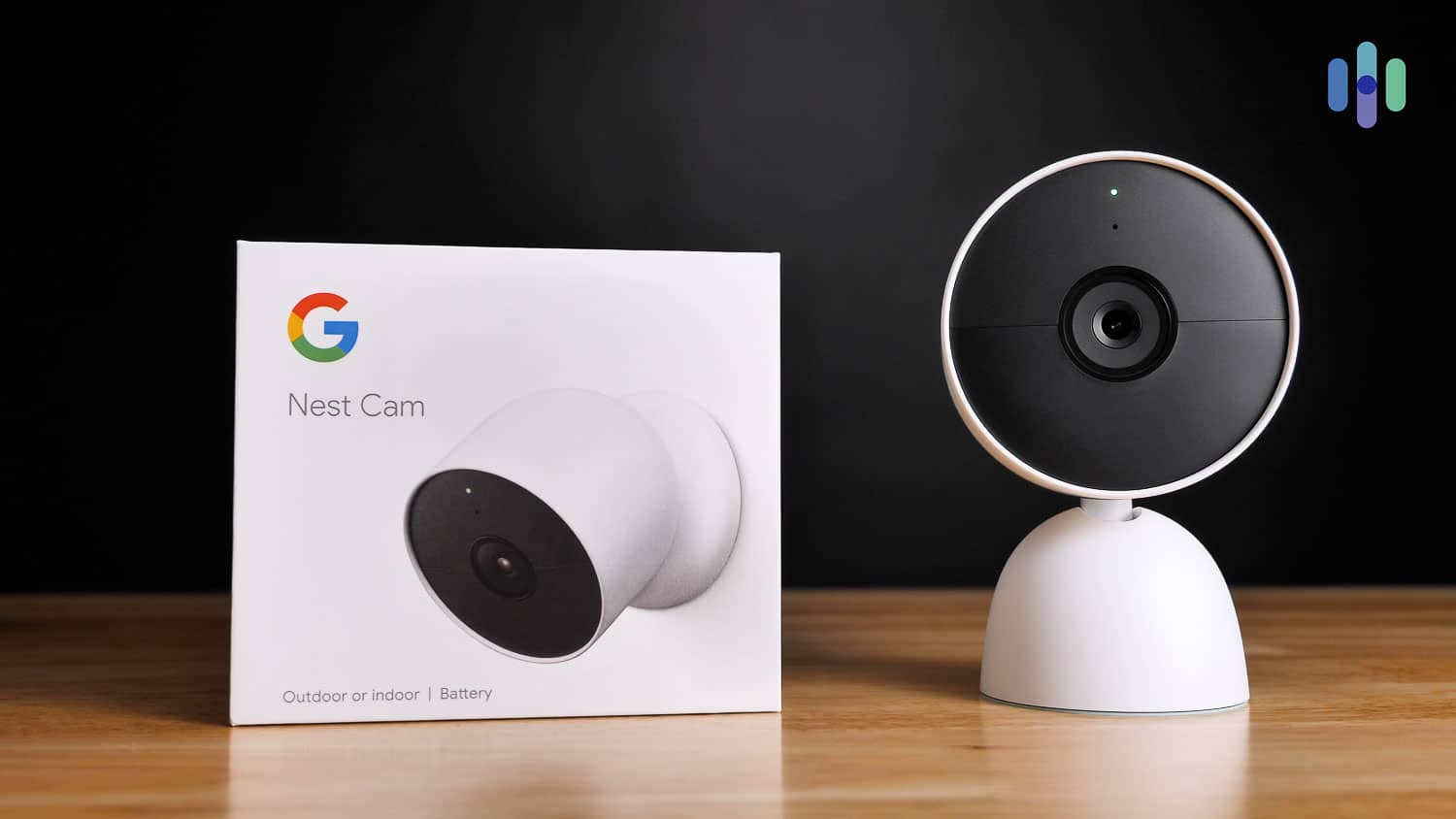
You’ll also know that these aren’t the most affordable cameras on the market today. Below we’re going to break down the pricing, and then we’re going to talk about whether or not these cameras are worth the cost.
Models and pricing
| Camera | Regular Price |
|---|---|
| Nest Cam (Battery) | $179.99 |
| Nest Cam (Wired) | $99.99 |
| Nest Cam (Outdoor, Wired) | $149.99 |
| Nest Cam (Floodlight) | $279.99 |
Shop Nest Cameras at Walmart Today

See Pricing
Links to Walmart
Equipment Costs: How Does Nest Compare To Other Cameras?
Nest used to have some of the most expensive security cameras. They were pretty sophisticated, but the Nest Cam IQ Indoor cost $300 a piece, while the Nest Cam IQ Outdoor cost $329 each. Nest has since discontinued those cameras, though, and are now offering mid-range options that are still a cut above the rest in terms of technology.
Cameras and Packages
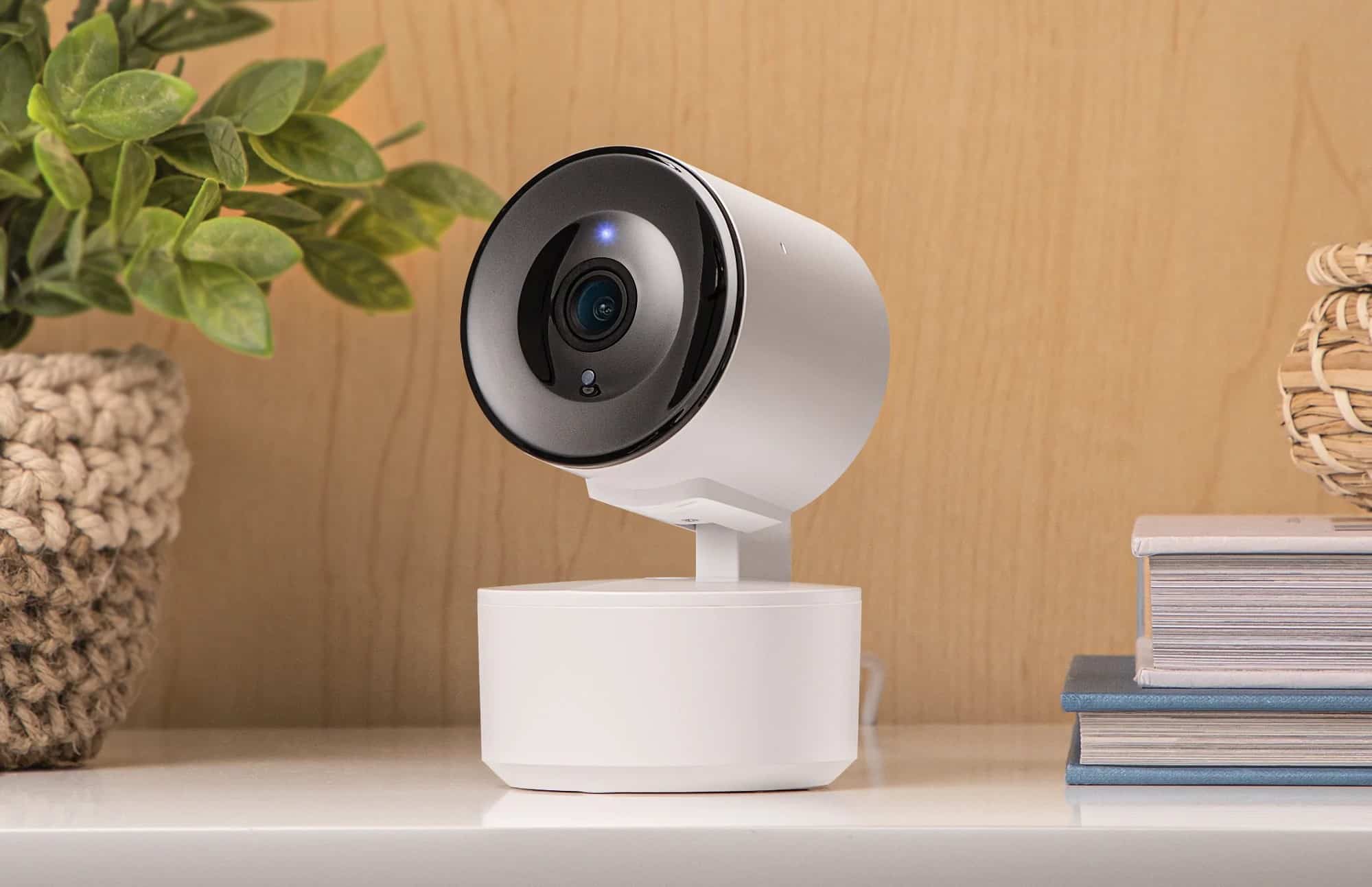
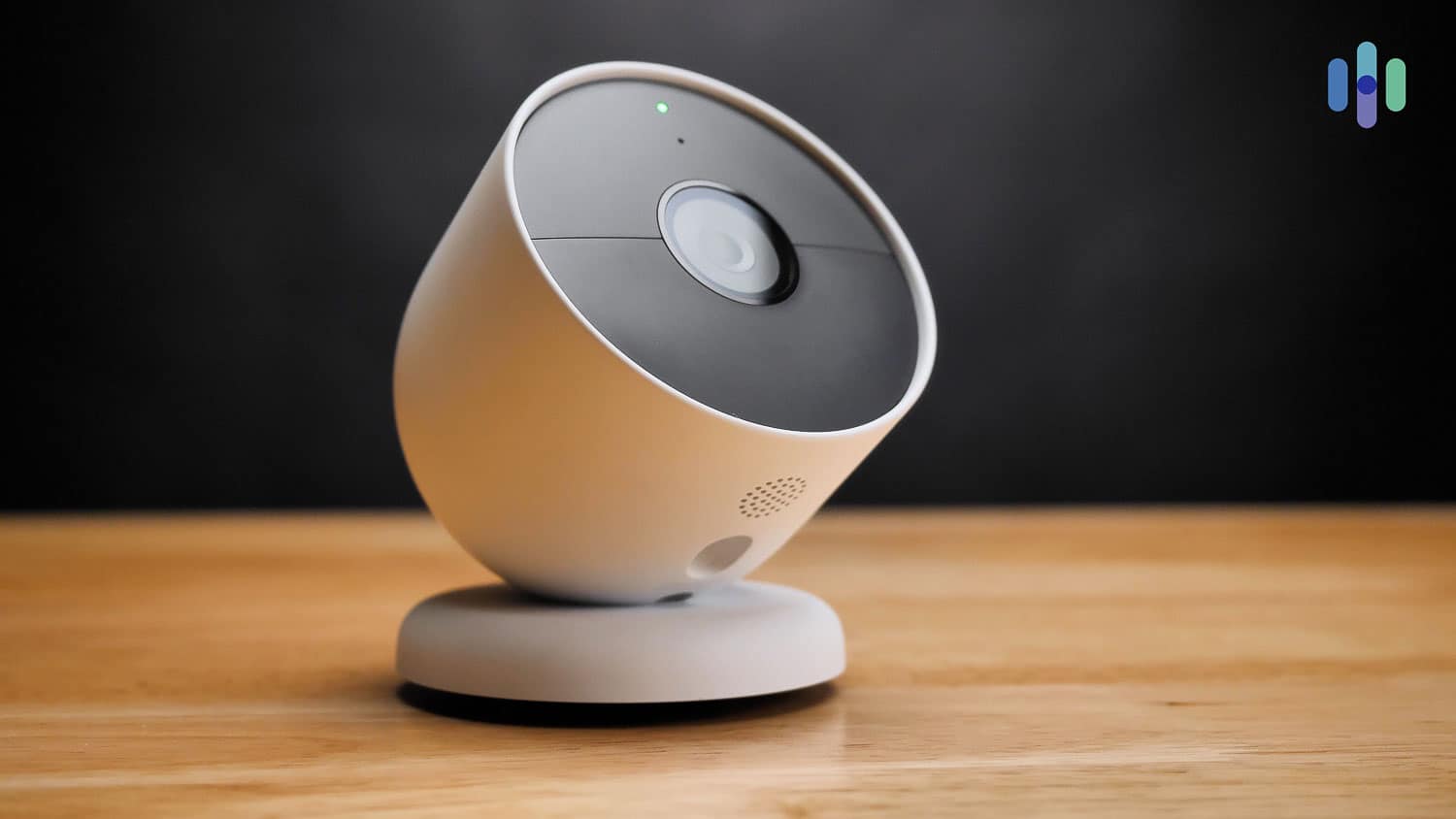
Nest’s camera prices start at $99.99 for the Nest Cam Indoor (wired), making it the most affordable option in the lineup. The latest version of this camera features 2K HDR video quality and 152-degree field of view with enhanced AI capabilities powered by Gemini. These features also come with the new Nest Cam Outdoor (wired, 2nd gen), which costs $149.99.
As another option for a top-quality outdoor camera, the Nest Cam with Floodlight costs $279.99. It comes with a set of floodlights built-in and AI features similar to that of the Nest Cam Battery. The Nest Cam Floodlight reminds us of the $249.99 Ring Floodlight Cam Pro.
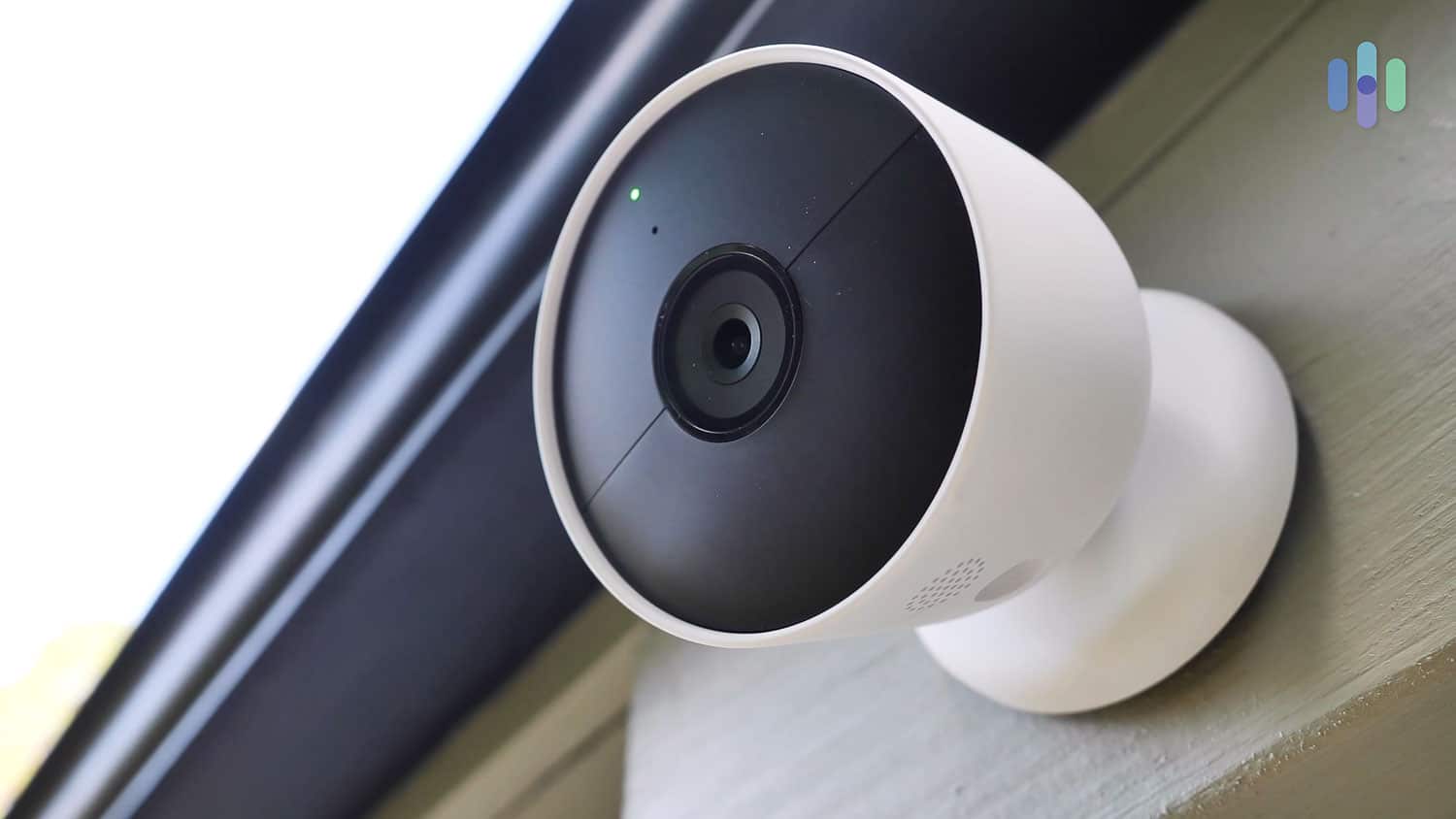
The Nest Cam Battery is a battery-powered indoor and outdoor camera that costs $179.99. It’s been a staple in Nest’s lineup for the past year featuring 1080p HD video with HDR, 130 degrees field of view, and AI features. It reminds us of the Arlo Essentials, which Arlo priced at $129.99.
However, the Nest Cam Battery has smarter features, like person detection and the ability to record while offline for a short time. It can also recognize familiar faces if you subscribe to Google Home Premium. More on that later.
We think $179.99 is a fair price for the Nest Cam Battery, considering that the discontinued Nest Cam IQ Indoor and Outdoor had almost the same features but for almost twice the cost.
In any case, read our Nest cameras review, Nest Cam Indoor review, or Nest Cam Outdoor review to familiarize yourself with how Nest cameras perform.
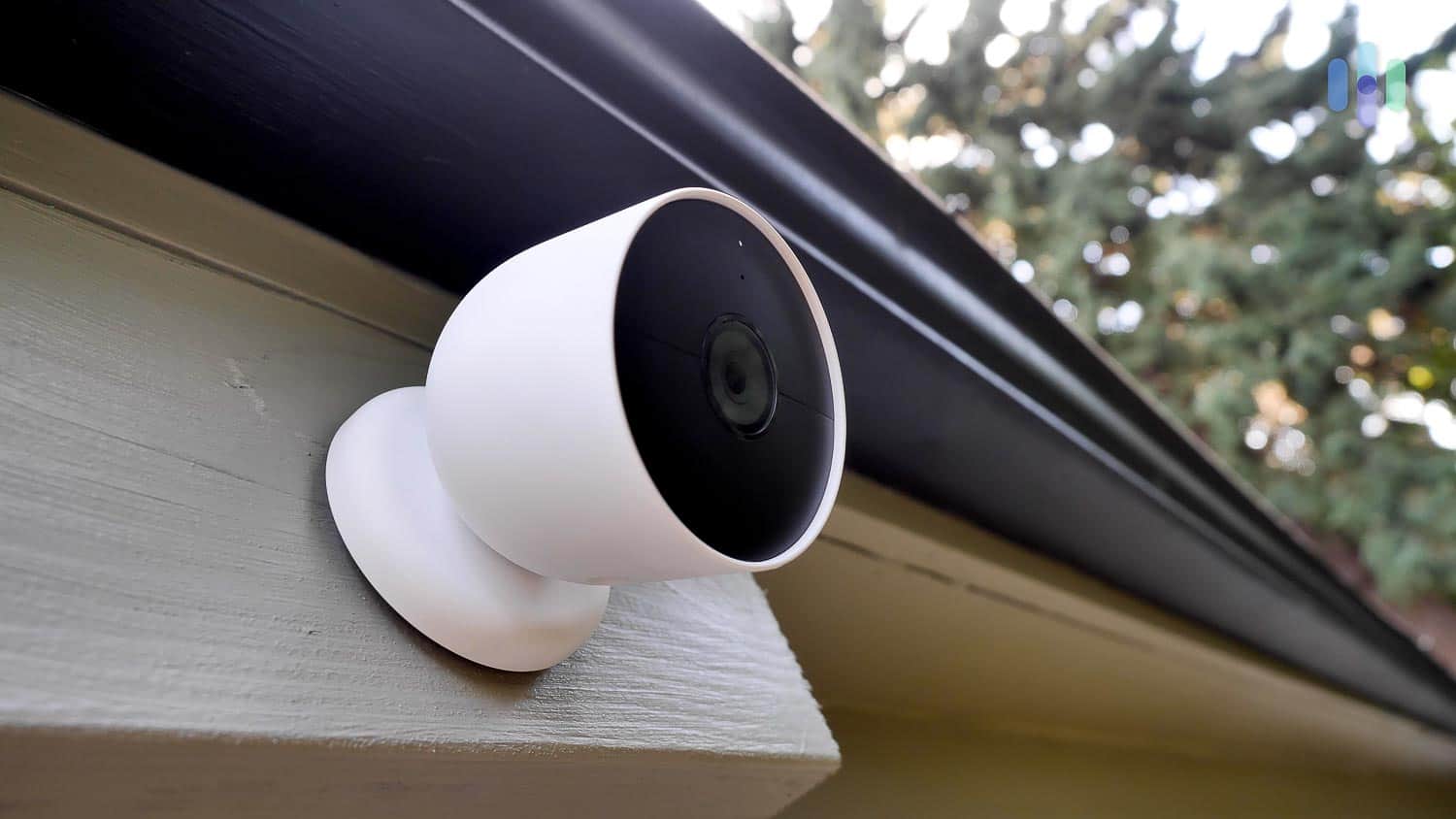
If you need more than one Google Nest Cam Battery or Google Nest Cam Outdoor, you can buy a multi-pack at a discounted per camera rate. Here’s an overview of the multi-pack options:
| Number of Cameras | Nest Cam Battery | Nest Cam Outdoor (wired) |
|---|---|---|
| 1 | $179.99 | $149.99 |
| 2 | $329.99 ($164.99 per camera) | $249.99 ($124.99 per camera) |
| 3 | $449.99 ($149.99 per camera) | N/A |
As you can see from the above chart, Nest gives discounts sometimes if you buy multi-camera packs. Sure, these cameras are nowhere near as cheap as the $20 Wyze Cam or even the Ring Stick Up Cam Battery, an outdoor camera that retails for $79.99. However, we think Nest makes it worthwhile given its advanced features.
It’ll really come down to the customer at hand, and whether you value budget or quality. Also, look out for Nest camera Prime Day deals and Nest camera Black Friday deals.
FYI: If you want a versatile camera that can work indoors and outdoors and has smart features, buy the $179.99 battery-powered Nest Cam. It has better video quality and better features than the original Nest Cam Indoor and Nest Cam Outdoor.
Camera Accessories
Nest also offers a few accessories to go along with its cameras, namely power adapters, charging and USB cables, and a yard sign.
| Name of Product | Compatibility | Price |
|---|---|---|
| Nest Cam stand | Nest Cam | $29.99 |
| Nest Cam weatherproof cable | Nest Cam | $34.99 |
| Nest Cam charge cable | Nest Cam | $14.99 |
| Anti-Theft Mount | Nest Cam | $14.99 |

It’s been proven that security cameras can deter, or at least displace, crime1 from happening in the first place. Given that the average loss from a burglary is $2,661 according to the latest data from the FBI,2 that cost should be factored into the equation when deciding how much you want to spend on home security, including the cost of your security cameras.
Storage Costs
With a subscription to Google Home Premium, 30 days of cloud storage costs only $10 a month or $100 a year, while 60 days cost $20 a month or $200 a year. That goes for all of your Nest Cams installed in one location. Without these subscriptions, all we got were three hours of event video storage for the Google Nest Cam Battery and Floodlight or six hours of event video storage for the Google Nest Cam Indoor and Outdoor.
| Free Plan | Google Home Premium Standard | Google Home Premium Advanced | |
|---|---|---|---|
| 24/7 video history in days | No | 0 | 10 |
| Video history in days | 0 | 30 | 60 |
| Person detection and facial recognition | No | Yes | Yes |
| Gemini AI features | No | Yes | Yes |
| Create and share clips | No | Yes | Yes |
| Activity zones | No | Yes | Yes |
| Monthly Price | $0 | $10 | $20 |
| Yearly Cost | $0 | $100 | $200 |
| Annual Savings | none | $20 | $40 |
Are those the lowest cloud storage prices on the market? No, of course not; for example, Ring charges only $4.99 a month or $49.99 a year for 180 days of cloud storage, half the cost of Nest. However, that plan only covers one camera. For unlimited cameras, you’re looking at $9.99 a month.
Still, we think Nest cameras are worth their cloud storage costs. A few more dollars a month probably won’t break the bank, especially since Google Home Premium includes more than just storage. Here’s what else the subscription included:
- Facial recognition and person detection: Person detection meant that instead of getting alerts every time our cameras detected motion, we got notifications only when they detected people, resulting in fewer notifications. As for the battery-powered Nest Cam, which already has person detection, Google Home Premium adds familiar face alerts, a.k.a. facial recognition.
Nest Camera Person Detection Facial Recognition Nest Cam (Battery) Included With Google Home Premium Nest Cam (Outdoor, Wired) Included With Google Home Premium Nest Cam (Indoor, Wired) Included With Google Home Premium Nest Cam with Floodlight Included With Google Home Premium

- Create and share clips: One of Nest’s biggest drawbacks is its lack of local storage on any of its cameras; not a slot for a micro-SD card in sight! Instead, we had to download clips from the Google Home app, which is replacing the old Nest app, onto our phones, and from there, transfer the clips to our hard drive for safekeeping.
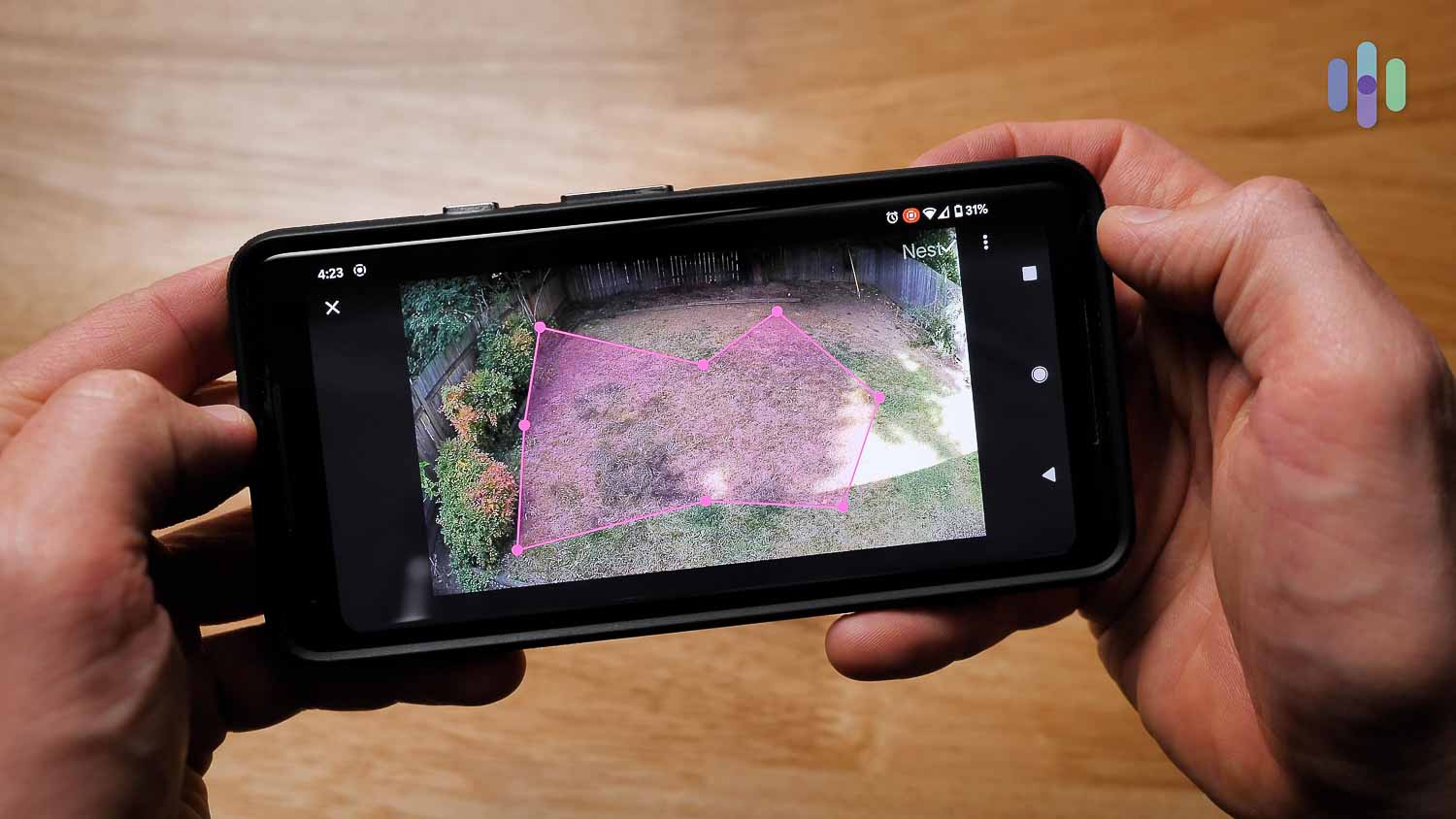
- Activity zones: Activity zones are another great way to make for more specific (and necessary) notifications. Basically, we drew a line around the areas we wanted our Nest cameras to pay attention to and the areas we wanted them to ignore. For our outdoor cameras, this meant cutting out the sidewalk and street, ignoring the cars and passersby, not to mention the squirrels. With fewer notifications, we got alerted only when it mattered.
- 24/7 continuous recording: Only the top-tier Google Home Premium Advanced plan allows for up to 10 days of continuous recording. While we definitely didn’t need this feature, we could see it being super useful for business owners in particular. Although Nest didn’t make our list of the best business security systems, we consider continuous recording a crucial feature for any small business owner.
As a side note, if you’re planning to record continuously using the battery-powered Nest Cam, you’ll need to keep it plugged into a power outlet. It only records event videos, like motion clips and familiar face clips, when running on batteries.
Tip: Try Google Home Premium free for one month if you sign on for a monthly or annual plan.
Nest and the Smart Home
Nearly half of people who use voice assistant technology say that they don’t know where to start when trying to accomplish a task, which is why we put together this section to show you exactly how to control your Nest cameras using your voice alone.
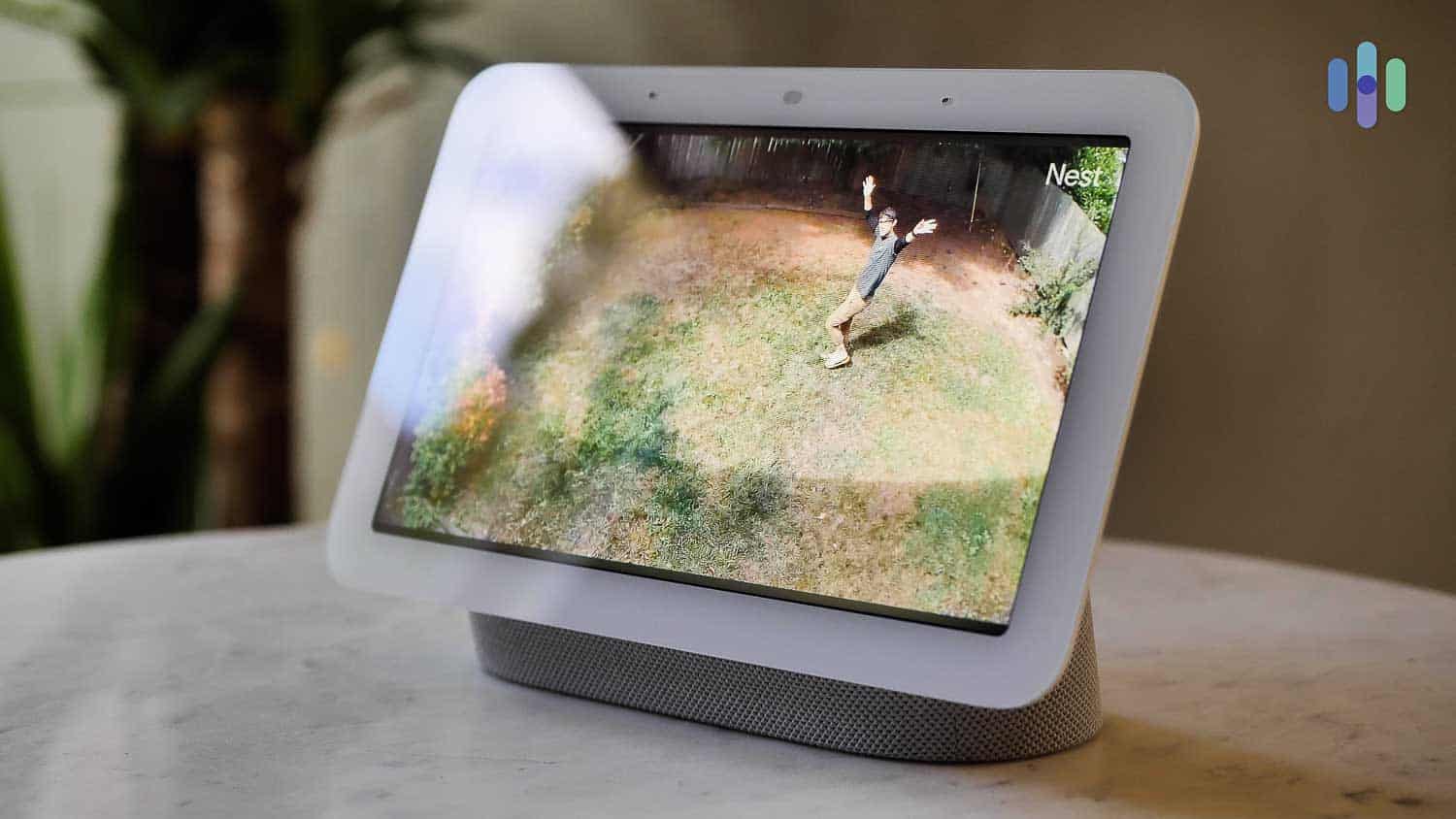
Google owns Nest, so naturally, all of the Nest cameras work with Gemini. But they also work with Alexa, other Nest products like the now-discontinued Nest Secure security system, Nest smart speakers and smart displays like the Nest Hub Max, the Nest Doorbell, smart thermostats, third-party IoT devices; the list goes on. When we had all our devices set up, it was nice to have to use only one app for everything, as our lives are more than hectic enough!
But let’s talk more about what voice commands we used with the Nest cameras specifically.
Alexa
We used Alexa to show footage from our Nest cameras on our Echo Shows, Echo Spots, Fire Tablets Generation seven and up, and Fire TV simply by saying “Alexa, show the front yard camera”. When we were done, we said “Alexa, hide the front yard camera”. However, that was where the integrations ended. We couldn’t turn the cameras off or on using Alexa; rather, we had to do that in the app.
Gemini
With Gemini, the replacement for Google Assistant, we had a lot more commands to try out, from showing our footage on Nest Hubs, turning our cameras on and off, and asking if they were on or off. The newest Gemini-powered Nest Cams offer enhanced AI capabilities for even smarter home control. It makes it easy to automate functions such as turning the lights on when our cameras see us arrive home.
Works with Google Nest
In addition to the two most well-known voice assistants, our Nest cameras also worked with a bunch of other IoT devices from third-party companies. Here are some of the third-party devices we paired with our Nest Cams:
- Smart lighting: LIFX, Philips Hue
- Smart locks: Yale
- Smart plugs: Kasa, iHome
- Dimmers and switches: Wemo, TP-Link, Lutron, Bond
- Smart speakers: Echo Flex
- Smart home hub: INSTEON
With so many connected devices available, we had fun syncing our Nest cameras up to our lights, having them turn off when our system was armed so it looked like we were home. We also had our Echo Flex smart speaker announce when our cameras detected people, which was helpful when we were waiting for deliveries upstairs. All in all, Nest’s smart platform integrations are one of its greatest strengths.
FYI: While Google is still offering security cameras, the Nest Secure service discontinued in April of 2024.
Why Nest Is Worth It
Do you remain unconvinced of Nest’s worth? Here’s why we think its cameras are worth it:
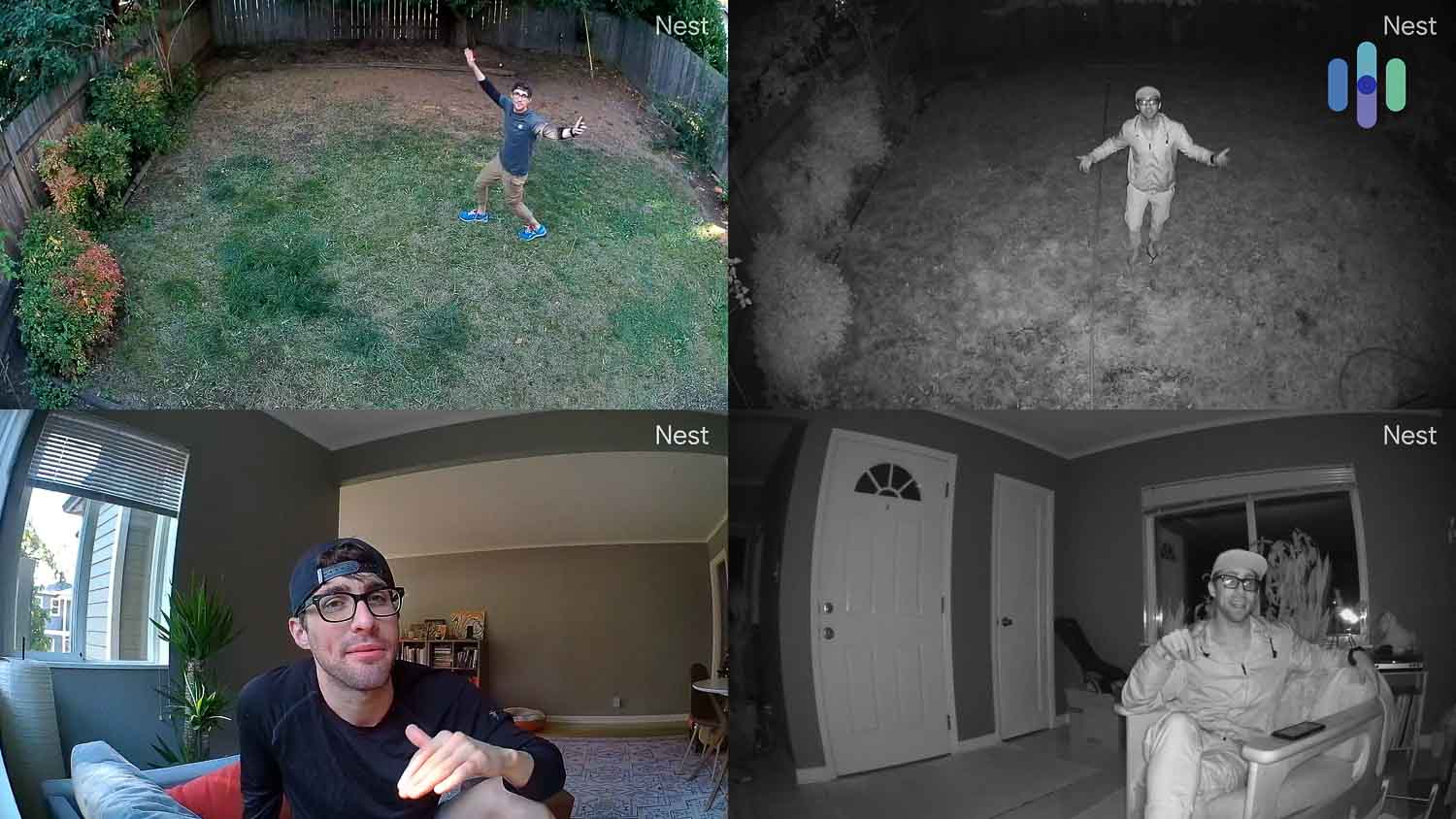
- Excellent video: The newest Nest Cam models (Indoor 3rd gen and Outdoor 2nd gen) offer 2K HDR resolution with 152-degree fields of view for superior coverage and clarity. While not quite as impressive, the battery-powered Nest Cam and Nest Cam with Floodlight both feature 1080p HD plus HDR. That still provides crisp footage with the HDR capabilities limiting glare.
- Infrared night vision: With up to 12 infrared LED sensors, the Nest cameras made things super clear, even in the middle of the night when a friend was arriving from a red-eye flight.
- Two-way audio: Powerful speakers and microphones made speaking to people remotely a real treat, whether we were doing it through the Google Home app or from a Nest Hub.
- Smart platform integrations: As we detailed above, Nest cameras work with not only Alexa and Gemini, but also with connected devices from top companies like LIFX, Philips Hue, and WeMo, to name a few, resulting in some convenient home automation.
- Artificial intelligence: Person detection and facial recognition, along with the enhanced AI capabilities in Gemini-powered models, meant that we didn’t get false alerts all day, unlike some cameras we’ve tested before (looking at you, Blink!).
- Google Home app: Even if we didn’t pay for cloud storage or anything after the cost of our equipment, we could still live stream footage and receive motion notifications from the Google Home app, easy to use and available for iOS and Android devices.
Despite Nest making a more affordable smart camera in the Nest Cam, we totally get it if Nest cameras and subscriptions are too hard on your wallet. For more options, check out our pages for Ring camera pricing and Blink camera pricing, two more affordable smart security camera brands.
See how Nest stacks up against the competition
For a closer look at how Nest performs, we compared it with other popular security systems.
Recap
That’s all there is to know about paying for Nest cameras! While they certainly aren’t the cheapest options around, people that value high-quality video, person detection, and facial recognition won’t mind shelling out some extra bucks for these options.
View on Amazon
Links to Amazon.com
Citations
-
The Surveillance Studies Centre. (2020). FAQs. sscqueens.org/projects/scan/faqs
-
FBI Criminal Justice Information Services Division. (2017). Burglary.
ucr.fbi.gov/crime-in-the-u.s/2017/crime-in-the-u.s.-2017/topic-pages/burglary