
The Best Wireless Security Cameras of 2026
Our top pick, ADT, integrates the smartest Google Nest Cams into an already impressive security system for whole home security.
 &
&
 Last Updated on May 28, 2026

- Records high resolution video day and night
- Smart features like Activity Zones and facial recognition minimize false alarms and unnecessary notifications
- Backed by ADT’s industry-leading professional monitoring service

- Facial recognition powers intelligent alerts
- Optional professional monitoring and installation
- Encrypted videos by default help prevent hackers

- With local video storage means no monthly subscription costs
- Multiple wireless models available
- With no wires to worry about, place cameras anywhere
Wired security cameras are perfectly capable of monitoring your home, but the need for a physical connection is an obvious limitation, and wireless cameras are just as reliable. That’s why wireless options have become the go-to choice for many homeowners that want flexibility and convenience in their security setup. You’ll find that all of the best security systems use wireless cameras as well.
Our team has evaluated the latest wireless security cameras on the market to save you the legwork. Our latest tests showed that the Google Nest Cams available through ADT are the best in the game right now. We also saw great cameras being sold by Ring, Lorex, Google, and Arlo. Let’s have a little look at each top pick to see how they compare.
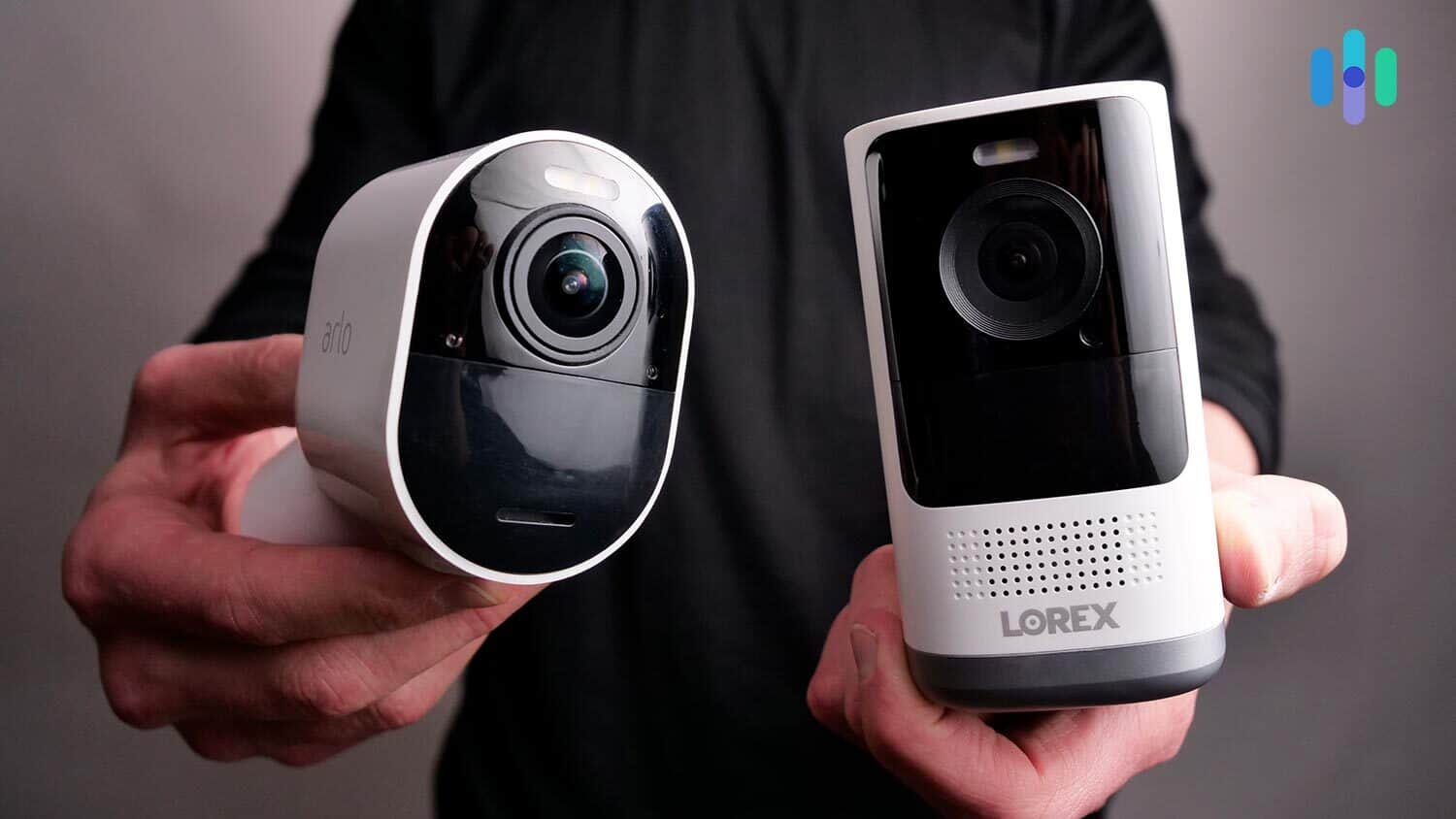
>> Check Out: Best Battery-powered Security Cameras
Best Wireless Security Cameras
- ADT - Best for Whole Home Security
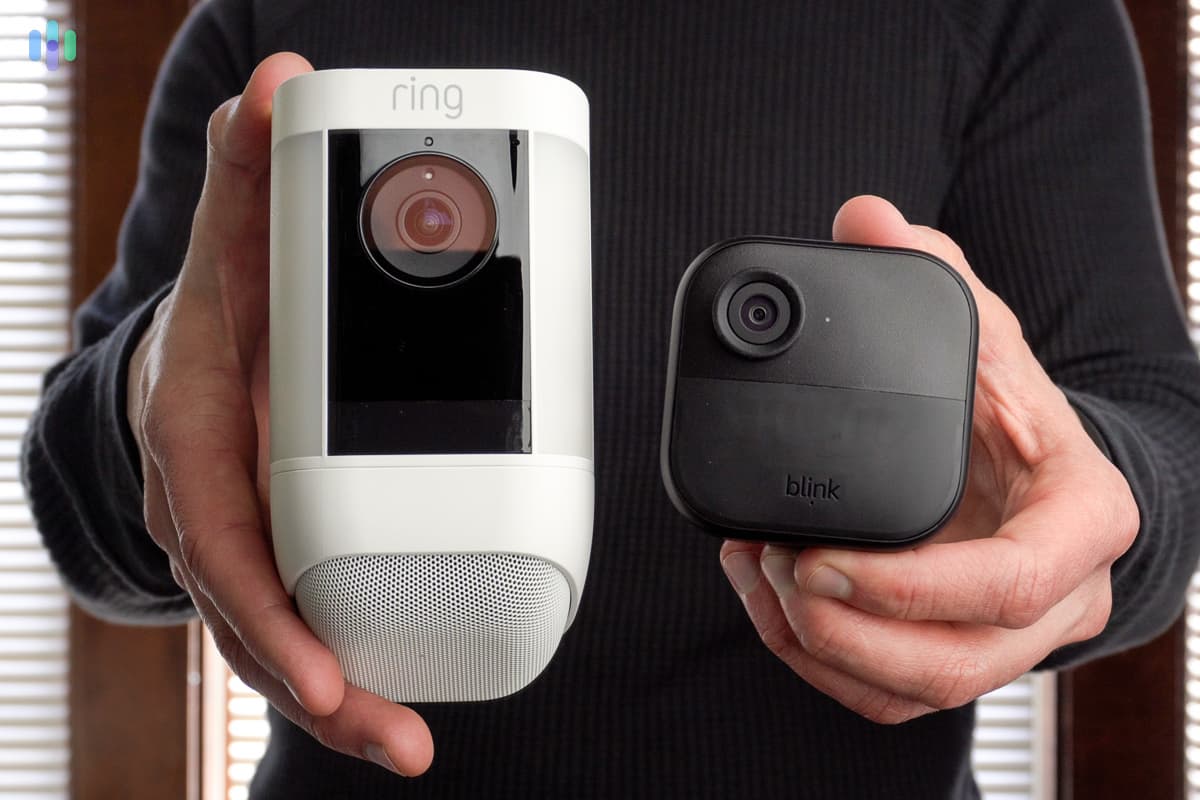
- Ring Spotlight Cam Plus - Best Outdoor Wireless Camera
- Lorex - Best for Night Vision
- Nest Cam (battery) - Best for Versatility, Ease of Use
- Arlo Pro 5S 2K - Best for Video
- Ring Stick Up Cam Battery - Best Wireless Camera with Alexa
The Best Wireless Home Security Cameras of 2026
| System |
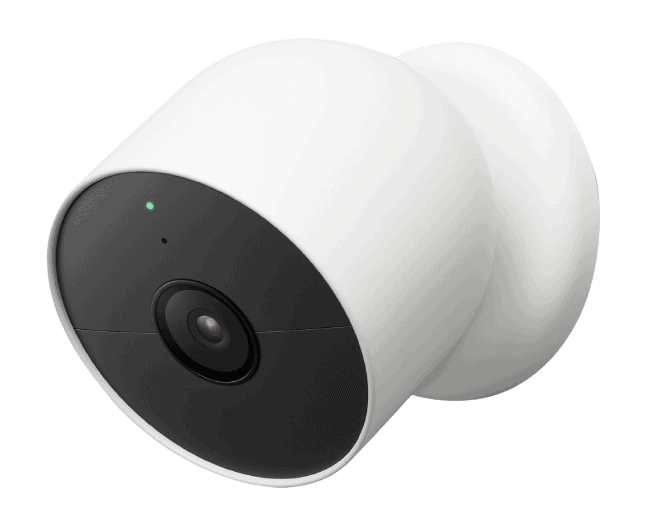
ADT
|
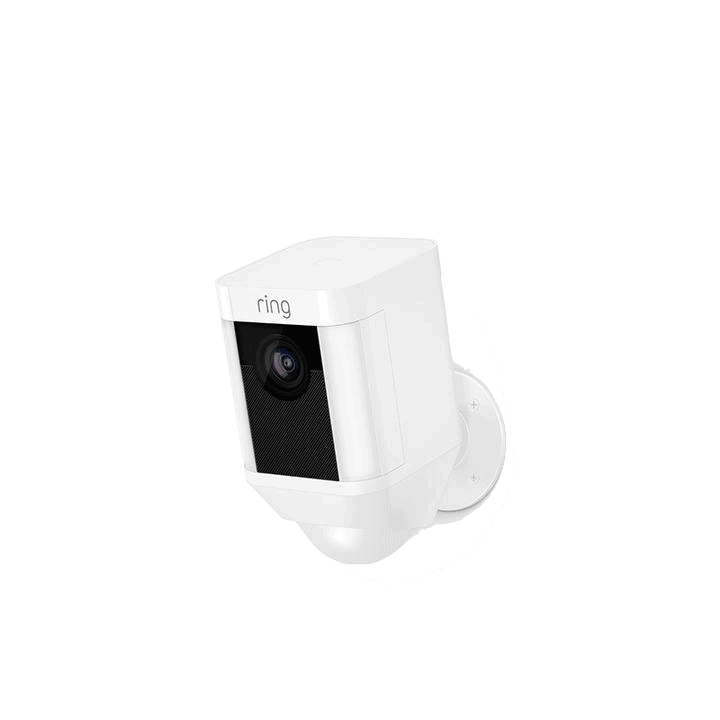
Ring Spotlight Cam Plus
|
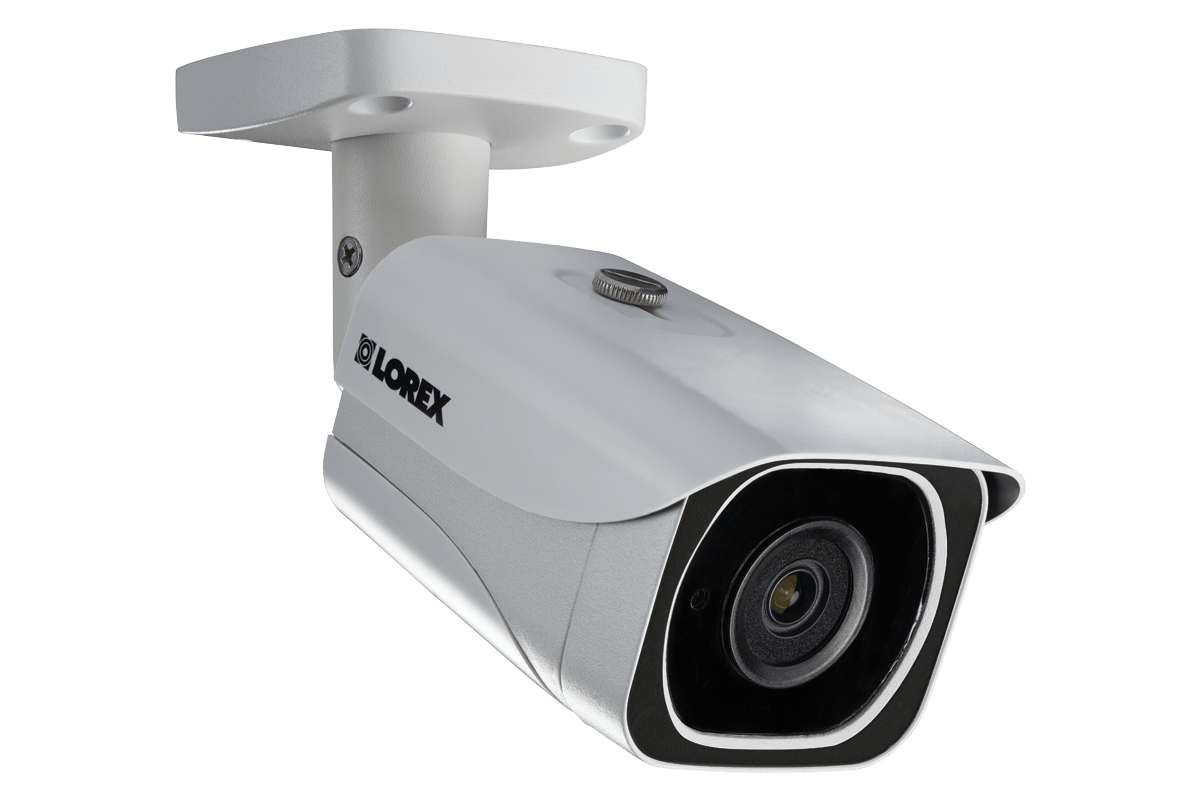
Lorex
|
Nest Cam (battery)

|
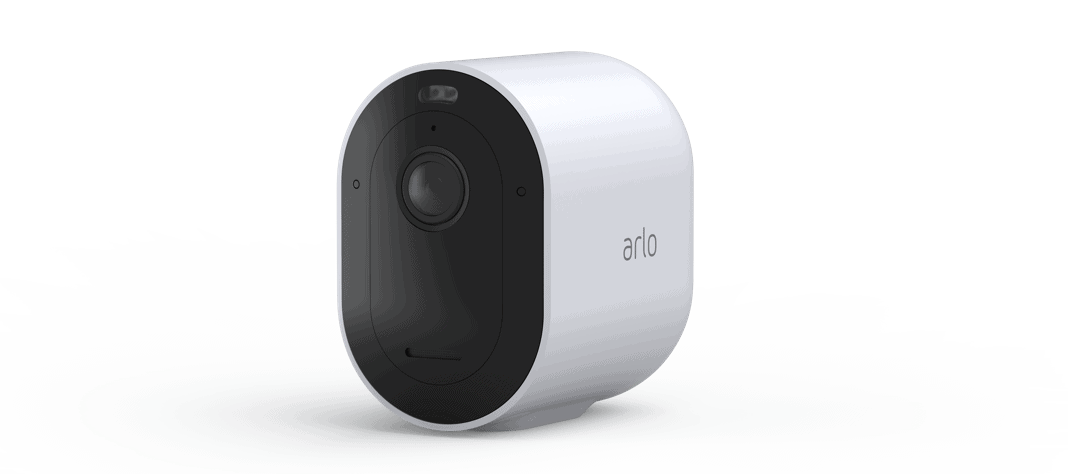
Arlo Pro 5S 2K

|
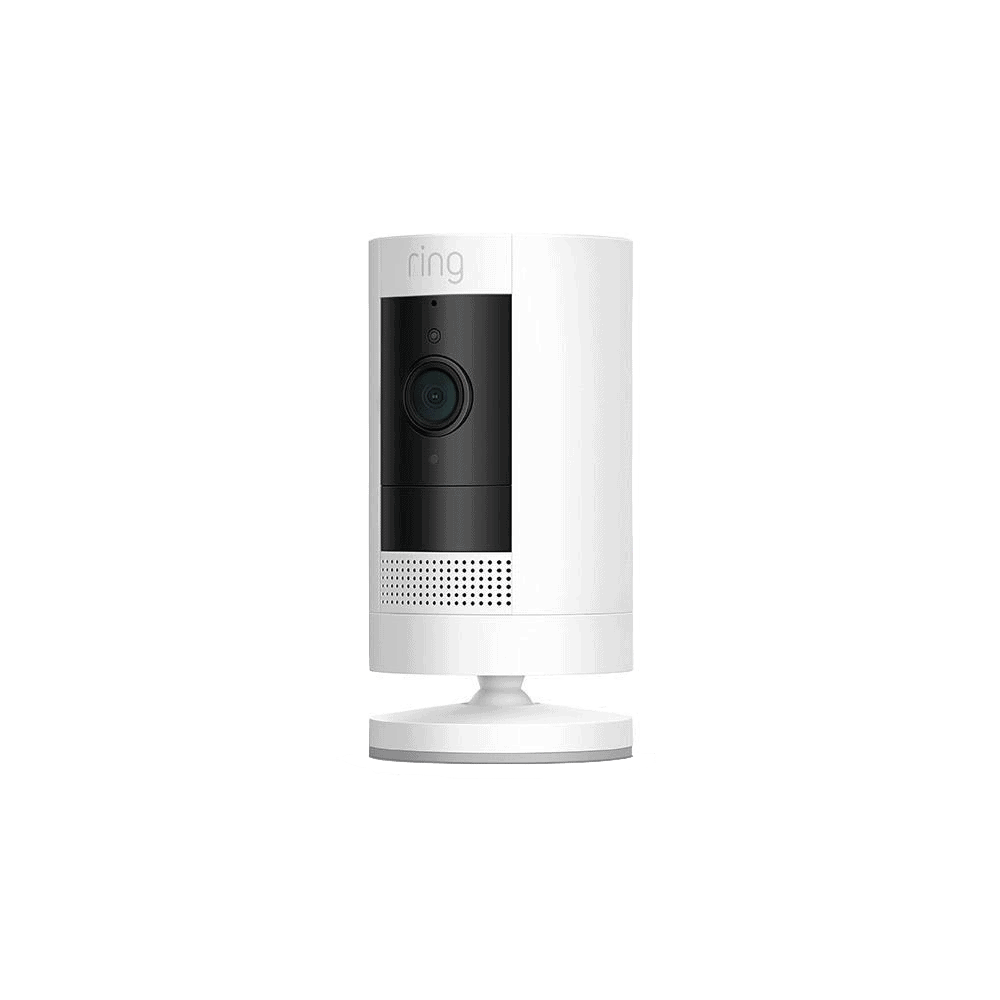
Ring Outdoor (former Stick Up) Cam Battery
|
|---|---|---|---|---|---|---|
| Ranking | 1st | 2nd | 3rd | 4th | 5th | 6th |
| Ratings | 9.8/10 | 9.5/10 | 9.0/10 | 8/10 | 9.0/10 | 9.5/10 |
| Prices | $179.99 | $149.99 | Starting at $59.99 | $179.99 | $179.99 | $79.99 |
| Indoor/ Outdoor | Both | Both | Both | Both | Both | Both |
| Video quality | 1080p HD | 1080p HD | 1080p HD - 4K HDR | 1080p HDR | 2K | 1080p HD |
| Field of view in degrees | 130 | 140 | 114 - 180 depending on model | 130 | 160 | 130 |
| Night Vision | Infrared | Color and infrared | Color and Infrared depending on model | Infrared | Color and infrared | Color and infrared |
| Two-way Audio? | Yes | Yes | Yes | Yes | Yes | Yes |
| Local Storage | No | No | 16 - 32 GB micro-SD card depending on model | No | Flash drive inserted into the Arlo SmartHub | No |
| Cloud Storage | Paid options for up to 60 days | Paid options for 180 days | 2 days free | 3 hours (event history) | Paid options for 30 days | Paid options for 180 days |
| Smart Platform Integration | Alexa, Google Assistant | Alexa, Google Assistant | Alexa, Google Assistant | Alexa, Google Assistant | Alexa, Google Assistant, HomeKit | Alexa, Google Assistant |
| Artificial Intelligence | Facial recognition and package detection | Person detection | Person detection | Person detection | Optional package and person detection | No |
| Extras | Monitoring zones, professional monitoring | Spotlight, siren, activity zones | Monitoring zones, Smart deterrence | Monitoring zones | Siren, spotlight | Privacy zones, can disable motion recording, alerts and audio. |
| Read Review | ADT Review | Ring Spotlight Cam Plus Review | Lorex Review | Nest Cam (battery) Review | Arlo Pro 5S 2K Review | Ring Outdoor (former Stick Up) Cam Battery Review |
A Detailed List of the Best Wireless Cameras
-
1. ADT - Best for Whole Home Security

Product Specs
Resolution Up to 2K Field of View Up to 152 degrees Power Wired, battery Connectivity Wi-Fi, ethernet Video Storage Cloud Smart Platform Compatibility Alexa What We Like
- Most reliable professional monitoring service in the industry
- In-house techs handle professional installation
- ADT doesn’t mark up Google Nest Cams
- Nest Cams integrate into the ADT+ app
What We Don’t Like
- Cameras can’t be bought on their own
- Google Nest Cams only available with Pro Install systems
- Monitoring for Pro Install systems starts at $49.99 per month
- Limited camera options
Industry-Leading Home Security System

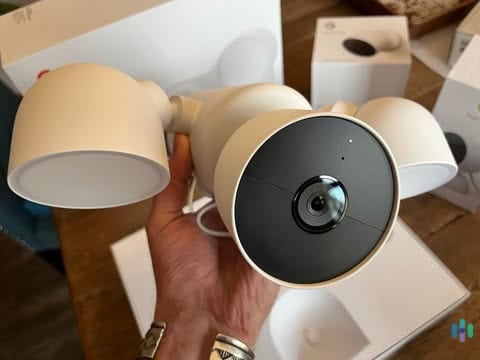
Here we are unboxing the Nest Cam Floodlight that we bought with our ADT system. While ADT sells its own branded cameras with ADT Blu systems, ADT Pro Install systems use Google Nest Cams. We prefer the latter as they offer more advanced features like facial recognition. Best of all, ADT charges the exact same price for Google Nest Cams as the Google Store.
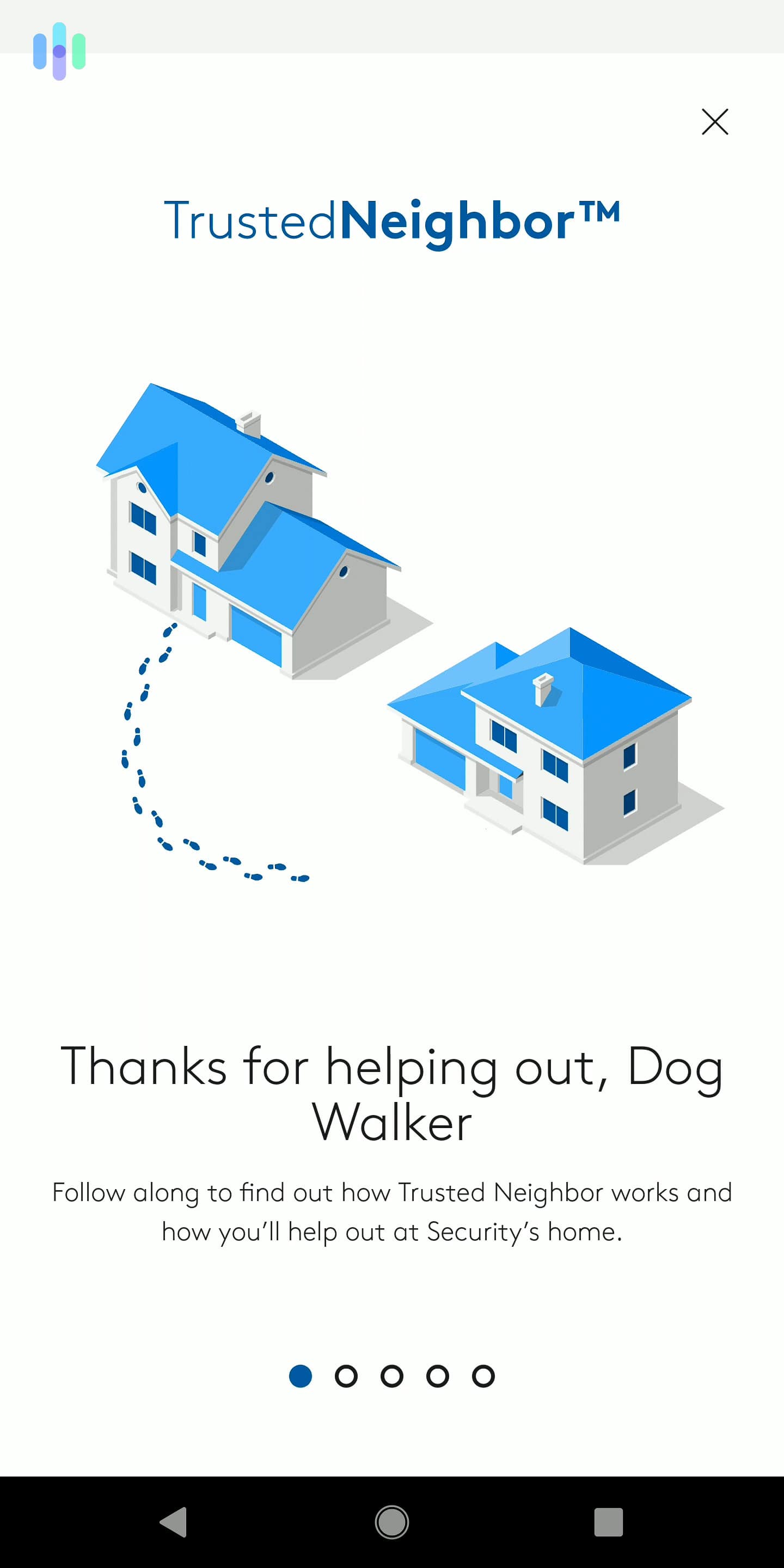
On their own merits, Google Nest Cams are solid security cameras that outclass most other wireless cameras. Pairing them with ADT supercharges them. For example, ADT uses Google Nest’s facial recognition capabilities to power its Trusted Neighbor feature. This feature lets you allow certain people into your home, such as a trusted neighbor or a dog walker, during specific times or events. We like the combination of Google and ADT so much that ADT made our list of the best smart home security systems of 2026.

We used Trusted Neighbor to let our dog walker take our dogs out daily. Top-Tier Professional Monitoring
ADT bolsters its tried-and-true monitoring service with the integration of Nest Cams. During an alarm, ADT’s SMART monitoring feature sends texts to you and emergency contacts so someone can confirm the alarm is warranted. If the system has Nest Cams, text alerts include a video of what the cameras captured during the alarm. These visual verifications helped us avoid three false alarms in one month. We found out this feature works with ADT-brand cameras as well when we tested ADT Blu.
FYI: Professionally installed ADT systems come with a customized monitoring plan to match your equipment. For instance, if your system has Google Nest Cams, your custom plan will include a Google Home Premium subscription for cloud recording and other premium Nest Cam features.
In-House Professional Installation
Wireless security cameras give almost endless options for where you can install them. That much choice makes it hard to pick the perfect spot that optimizes their coverage. ADT’s installation service puts that choice in the hands of their in-house professionals. They’ll also set up your entire system, pair everything, and show you how to use it all.
>> Read More: Best Professionally Installed Security Systems of 2026
-
2. Ring Spotlight Cam Plus - Best Outdoor Wireless Camera
See Pricing Links to Ring.com
Pros and Cons
What We Like
- Siren and spotlight
- Works with Alexa and Google Assistant
- Color and infrared night vision
- Works in temperatures from -5 to 120 degrees Fahrenheit
What We Don’t Like
- No local storage
- Limited AI features without subscription
- No free cloud storage
- Basic person detection requires Ring Home subscription

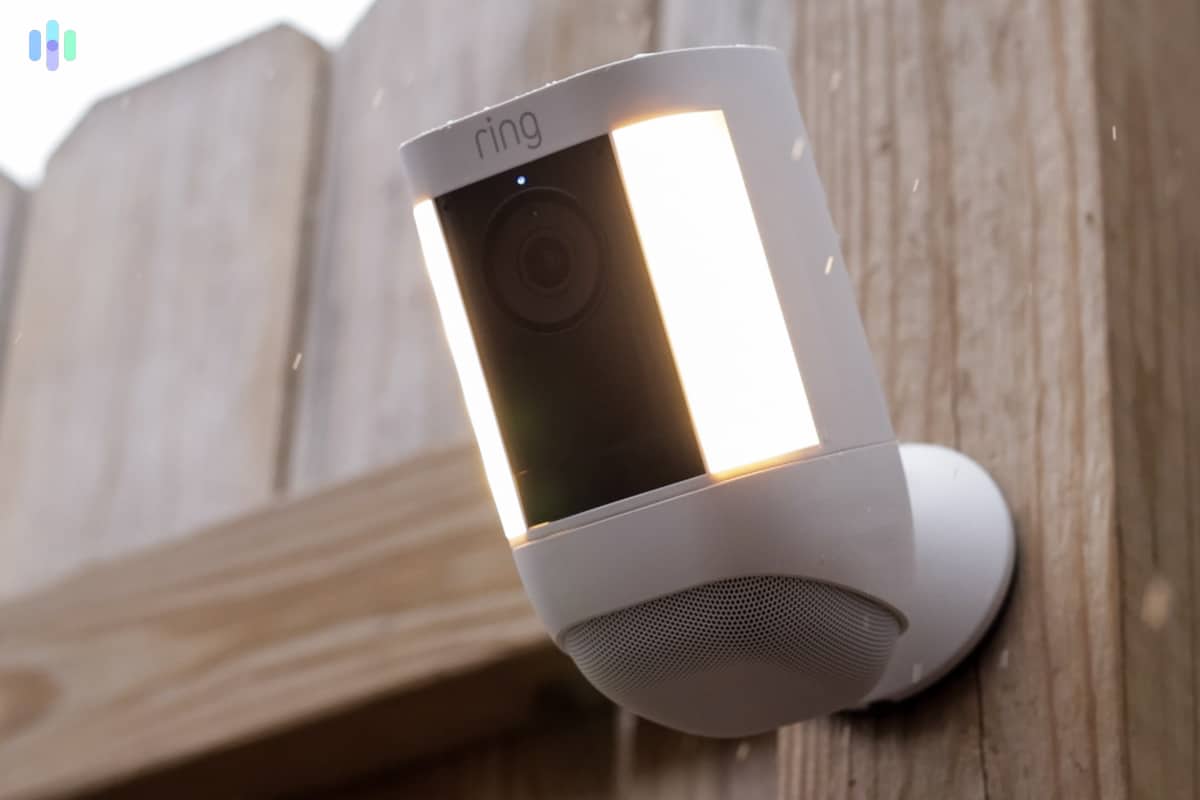
The Ring Spotlight Cam Pro met our expectations for audio and video quality Security by Lights, Camera, and (Motion-Detected) Action
The Ring Spotlight Cam Plus can go a long way to protecting your home all by itself. In addition to deterring would-be burglars with its presence alone, this camera also has a motion-activated spotlight, and a PIR motion sensor that can detect humans. If an interloper dares to enter your property, they’ll trigger this comprehensive security device. Here’s how the Spotlight Cam Plus works:
- The PIR motion sensor detects movement.
- It turns on the spotlight, which is bright enough to potentially scare away intruders.
- The camera also wakes up and starts recording a short clip, provided that you’re on a Ring Protect cloud subscription plan.
- Simultaneously, the Spotlight Cam Plus sends an alert to your smartphone.
- With the camera and lights turned on, you can stream footage and see what’s going on.
The spotlight not only deters intruders, but it also enables color night vision. Given that black-and-white video leaves out a lot of critical details, like the color of a burglar’s shirt, color night vision can be a critical tool in preventing crime or apprehending perpetrators.
>> Also check out: Best Security Cameras for Businesses
Solar Option
We like that the battery-powered Ring Spotlight Cam Plus is easy to install. However, during our testing, we found the battery needs recharging every three to six months. That meant we had to charge the battery more often than we’d like because we mounted the camera high up on the side of our house.
Enter the Ring solar panels. They come in two sizes and can be connected to the Ring Spotlight Cam Plus. At night, the camera can draw power from its battery. During the day, the solar panel recharges the battery, extending its charge life. You can get the standard solar panel for $64.99, while the small solar panel costs $44.99. Check out our Ring pricing guide to learn more.
Swappable Battery Packs
Ring caters to people like us who forget to charge the battery for video doorbells and cameras. You can buy swappable battery packs to keep one on standby at all times. While the solar panel is the better option in our opinion, a spare battery comes in handy during those cold, dark winters.
Ring Spotlight Cam Battery Accessories Price Charging Station $44.99 Quick Release Battery Pack $39.99 Small Solar Panel $44.99 Solar Panel $64.99 Charging Station + 2 Battery Packs $99.99 Pro Tip: We recommend getting the solar panel to keep your battery charged year-round. It’s a win-win for you and a much-needed win for the environment.
Ring cameras are a hot commodity, and you’ve probably wondered: Don’t thieves steal them as well? The company has thought of that and Ring’s Lifetime Theft Protection means the company will replace your stolen camera if it’s active on your account. Arlo offers a similar program, but you’ll need an active subscription to qualify for replacements.
-
3. Lorex - Best for Night Vision
 Shop Lorex Cameras Links to Lorex
Product Specs
Resolution Up to 4K HD Field of View Up to 180° Power Wired, battery, PoE Connectivity Wi-Fi, ethernet Video Storage Cloud, Local Smart Platform Compatibility Alexa and Google Home
Pros and Cons
What We Like
- Plenty of options
- Up to 4K HD resolution
- No monthly fees required
- Rugged hardware
What We Don’t Like
- Security camera options can be confusing
- Not the most “stylish” in terms of design
- Not all models support cloud backup
- Not all models support smart home integrations with Alexa or Google Assistant
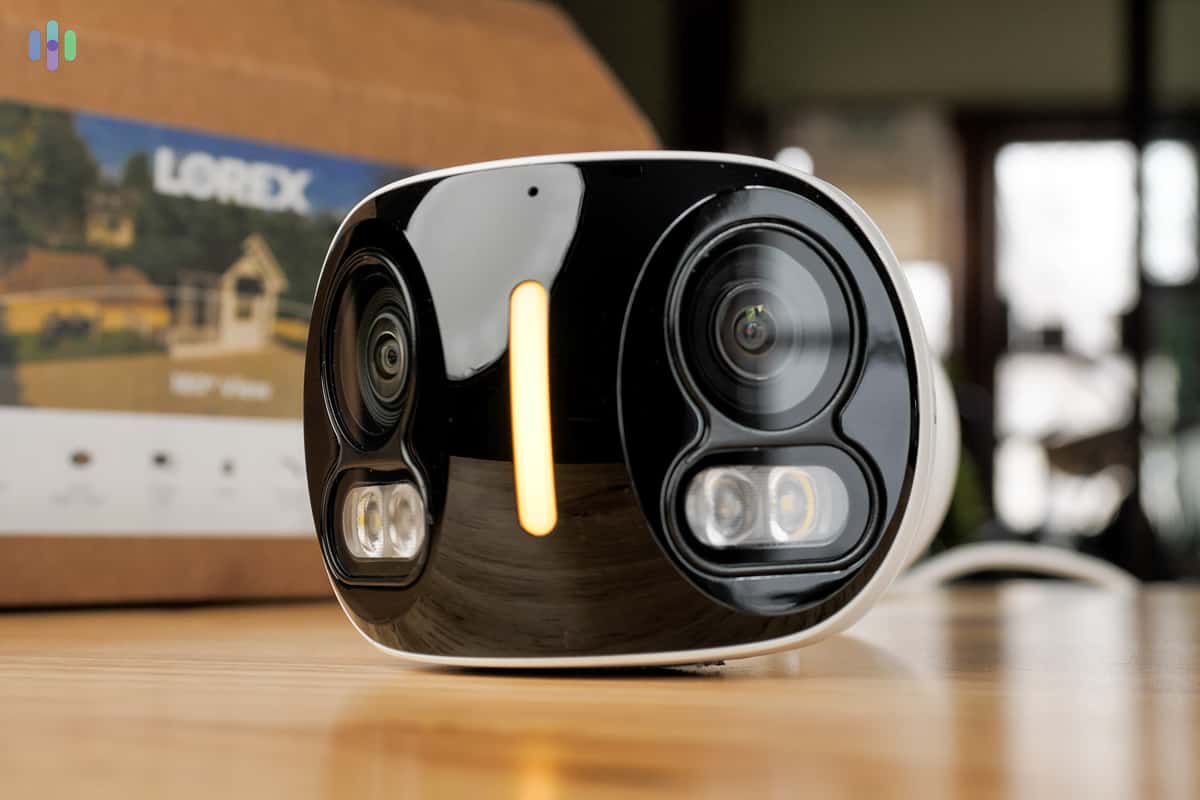
We were blown away by the Lorex 4k Dual Lens Camera High-Quality Equipment
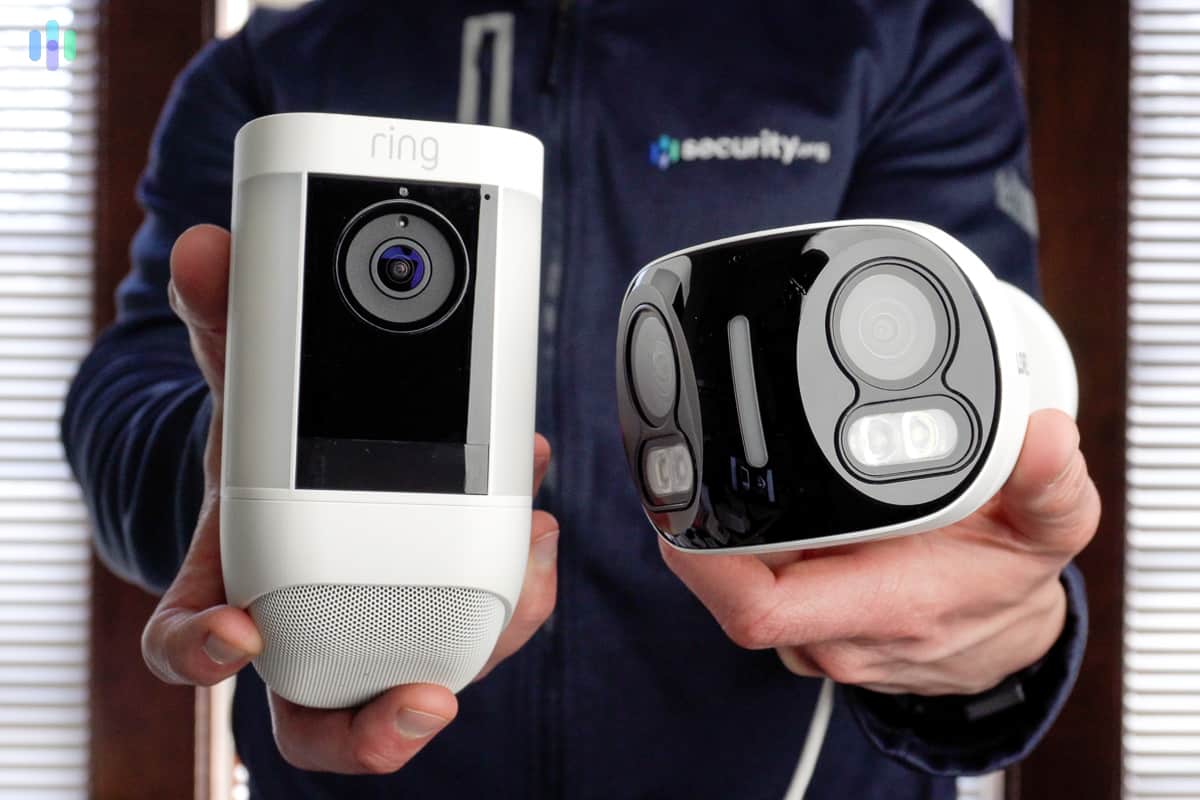
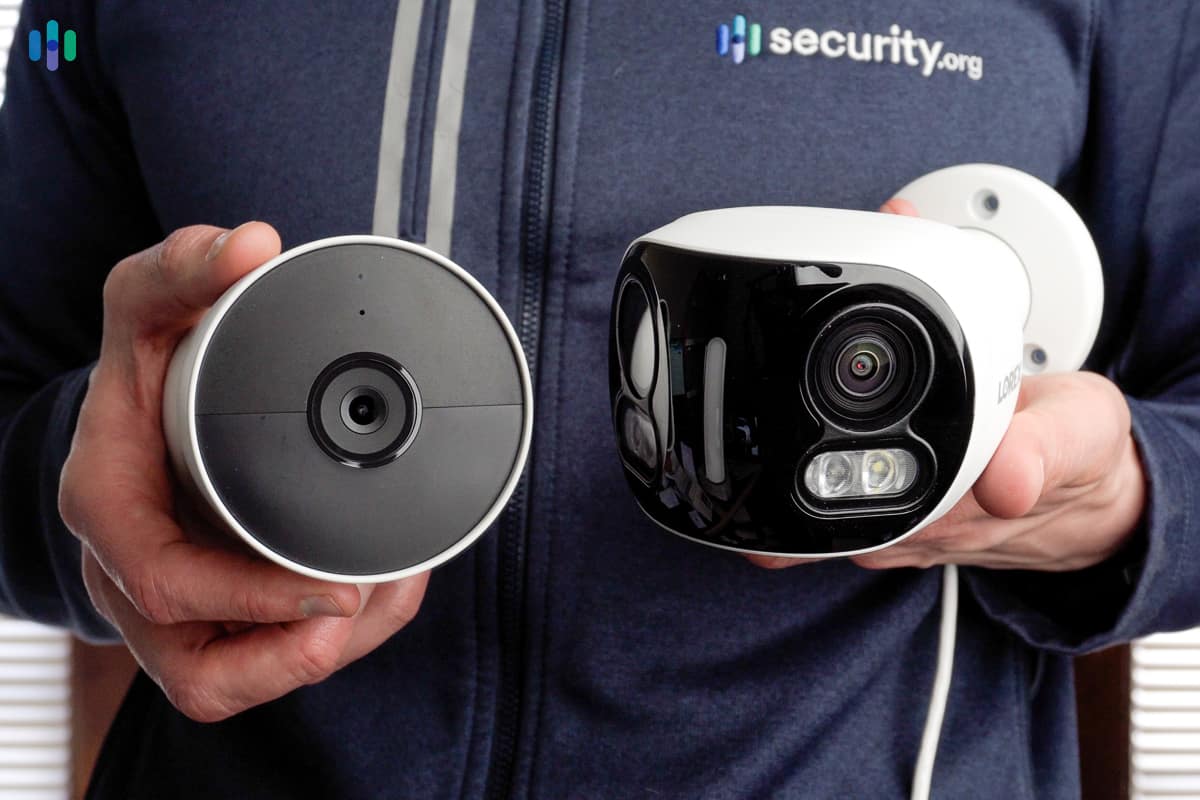
Looking a bit like retro-futuristic droids from Star Wars, Lorex’s wireless cameras stand out more for their functionality than their aesthetics. The wireless cameras from Lorex flex capabilities normally available only to wired cameras, such as 4K resolution and a 100-foot night vision. The Lorex 4K Dual Lens Camera also has a Wi-Fi range up to 150 feet – if your router is Wi-Fi 6 compatible.
FYI: Lorex also offers some of the best business-grade security cameras that have an even better night vision range of up to 250 feet.
Although this post is about wireless cameras, we’d be remiss if we didn’t talk about the power of combining wired and wireless cameras in a Lorex Fusion system. Fusion DVRs and NVRs let you mix and match camera types and record everything locally with zero subscription fees.
>>Related: The Best Outdoor Security Cameras
No Monthly Fees
The biggest reason Lorex made this list is the ability to have a fully functional home security system without monthly fees. Instead of paying for compulsory monitoring or cloud storage space, you can monitor a Lorex system yourself and store video on digital recorders.
In our testing, our 2 TB Lorex NVR stored about three weeks of 1080p video from four cameras. When we upgraded to 4K cameras, we could store about 10 days of video. If you need more storage, we recommend choosing the 10 TB Lorex NVR. That was enough to store about a month of 4K video.
Pro Tip: Some of Lorex’s cameras support 60 days of cloud backup for video events as well. They charge $5.99 per month for one camera and $16.99 for up to ten cameras. Lorex also offers a $19.99 plan with 180 days of storage for up to ten cameras that also includes AI features.
Wired and Wireless Combined
In the past, wired and wireless cameras mostly existed in separate silos. If you wanted to use both camera types in the same system, you needed to find workarounds. Now, hybrid systems are increasingly common and Lorex truly excels in this area. The Lorex Fusion system we tested had a DVR that accepted both wired and wireless inputs. It was capable of handling video from up to 16 cameras, eight wireless and eight wired cameras.
One of the major downsides of a Fusion system is the cost. Currently, the cheapest system is $449. That’s a lot of money to put down if you’re just looking for a wireless camera or two. However, if you pay it upfront, you can avoid monthly fees and end up getting compared to monthly payments after a couple of years.
FYI: Lorex recently split off its residential security offerings from its business offerings. If you want access to commercial-grade security cameras, you must register your business with Lorex.
-
4. Nest Cam (battery) - Best for Versatility
 View on Amazon Links to Amazon.com
Product Specs
Resolution 1080p HDR Field of View 130 degrees Power Battery, wired Connectivity Wi-Fi Video Storage Cloud Smart Platform Compatibility Google Assistant, Alexa
Pros and Cons
What We Like
- Simple setup
- Advanced AI detection with person detection
- Nest Aware Plus subscription offers continuous recording
- Extensive Google Assistant integration
What We Don’t Like
- Camera costs $179.99; Google Home Premium starts at $10 per month
- No local storage
- Lack of optical zoom

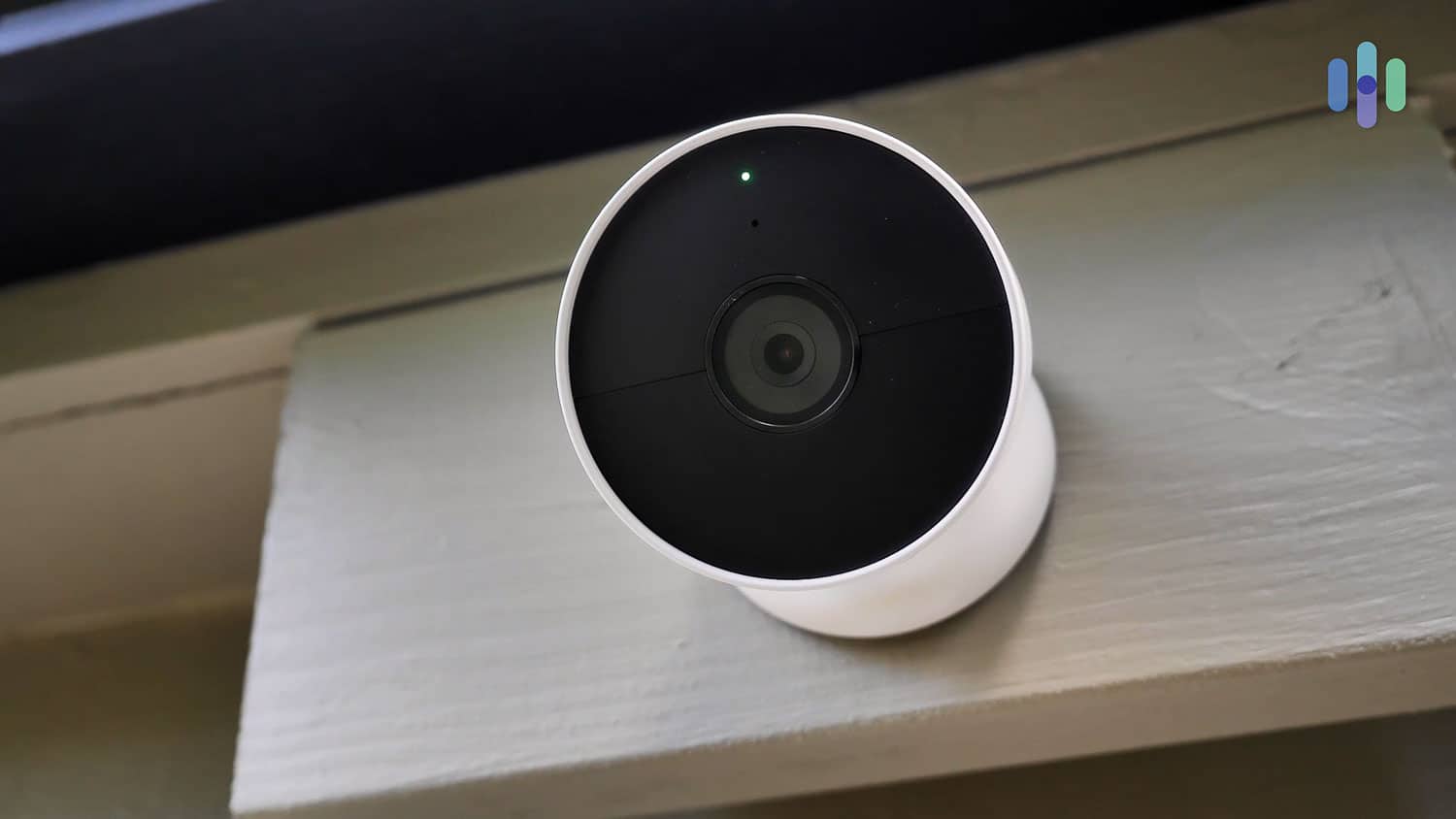
Our wireless Nest Cam (battery) installed outdoors Great Video and Audio Quality
Although the Arlo camera listed below offers higher quality video, the Nest Cam (battery) is no slouch. It combines 1080p HDR video quality with a 130-degree field of vision, as do all Nest home security cameras.
What impressed us was the crystal-clear two-way audio with noise cancellation. We live on a busy street, so it was refreshing to have clear conversations with delivery drivers even with construction noise nearby. You don’t want a plane flying overhead or a passing train to inadvertently help bad guys coming on to your property.
FYI: The video quality of live streams depends on your internet connection. If the video is pixelated, it’s because the Nest Cam is adjusting for slower speeds. The good news is that recordings are always 1080p HD.
Free Cloud Storage
The Nest Cam offers free storage for the past three hours of recorded events. For example, if an event happened at 3 pm, you’ll have until 6 pm to review it in your cloud recordings. While you’re there, you can view individual videos and download clips.
Pro Tip: You can get 30 or 60 days of video history by signing up for Google Home Premium Standard ($10 per month) or Advanced ($20 per month) plans respectively. The Advanced subscription also includes a 10-day continuous recording, but only if the Nest Cam (battery) is plugged in. If you bought your Nest Cam through ADT, Google Home Premium is included in your ADT monitoring subscription.
Leveraging Google AI Technology
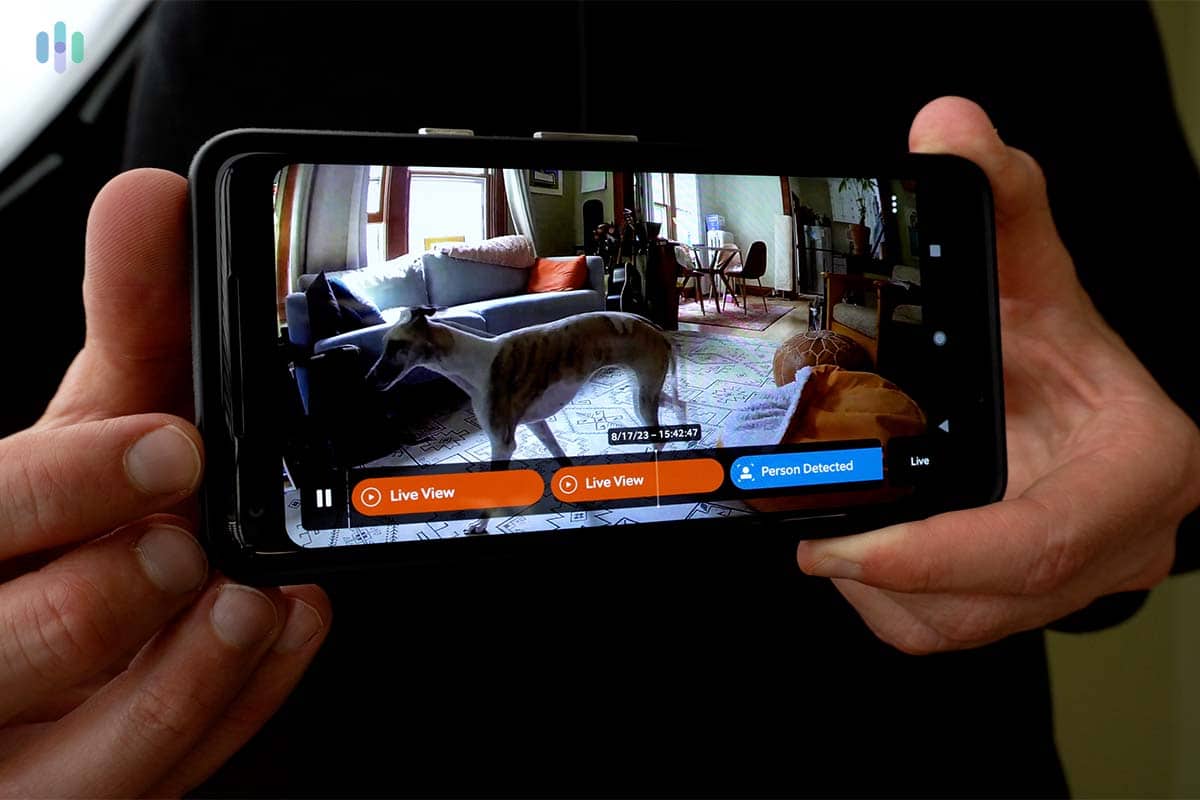
Getting a notification every time a car passes your front door is like The Boy Who Cried Wolf. After a while, you start to ignore the notifications, which partly defeats the purpose of having a security camera. The Nest Cam reduces false alerts by using AI to accurately identify people, packages, animals, and vehicles. In our testing, we found the AI detection to be 94 percent accurate in distinguishing between people, packages, and other motion.
With our Google Home Premium subscription, we also got access to Familiar Faces. The Nest Cam scanned our footage to identify regular visitors like friends and family. When they popped by, we got a personalized notification letting us know they were at the door.
-
5. Arlo Pro 5S 2K - Best for Video
 View on Amazon Links to Amazon.com
Product Specs
Resolution 2K (2560 x 1440) Field of View 160 degrees Power Battery, wired Connectivity Wi-Fi Video Storage Cloud Smart Platform Compatibility Alexa, Google Assistant, Apple Watch
Pros and Cons
What We Like
- High-quality video
- Color and infrared night vision
- Smart platform integrations
- Works indoors and outdoors
What We Don’t Like
- No free person detection
- Relatively short battery life
- Direct Wi-Fi connection (no hub needed)
- No free cloud storage

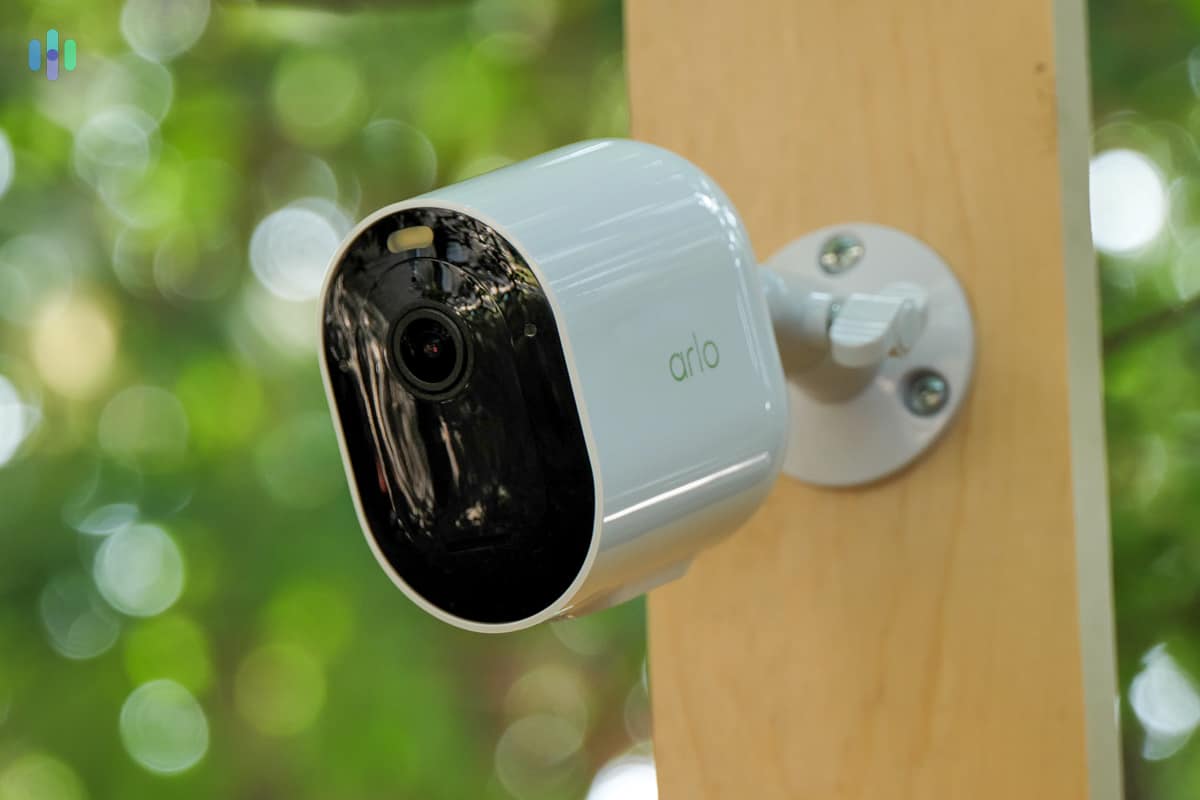
We really like the automation capabilities on our Arlo Pro camera 2K HDR Video
Arlo offers a wide range of wireless cameras, from the simple and affordable Arlo Essential line to the pricey but high-tech Arlo Ultras. Between those two product lines is the Arlo Pro lineup, headlined by the Arlo Pro 5S. We like the Arlo Pro in particular because it records in high-definition 2560p resolution. That’s twice the resolution of the Arlo Essential cameras, but not as bandwidth-hungry as the 4K Arlo Ultra cameras. It’s the perfect middle ground.
We also learned during testing that it uses HDR (high-dynamic range) to capture more detailed footage. If you’ve upgraded to a smartphone with HDR capability, you’ll know what we mean. The feature makes a dramatic difference in challenging lighting conditions. Simply put, it balanced light and dark areas within a frame. We also noticed that HDR captured clearer facial features even when they were backlit by the setting sun. This is something standard cameras struggle with.
Night Vision Options
As with most cameras, the Pro 5S has two night vision options. The default option involves the camera capturing infrared light to create black-and-white video. The camera is capable of color night vision, but only when the spotlight is activated. This can make color night vision a feature that annoys your neighbors.
Pro Tip: While we appreciate a spotlight, they can also make cameras very conspicuous, which may not be the best for home’s security. We recommend only using the spotlight when you’re speaking to visiting friends and family rather than having it on all the time.
Works with Alexa, Google Assistant and Apple Watch
There are several different ways to monitor and control Arlo cameras. The proprietary Arlo app, Alexa integration, and Google Assistant integration are all pretty common. However, Arlo goes a step further with the Apple Watch integration. Whenever our Arlo Pro camera detected motion, we got an alert on our Apple Watch and could speak through the camera right from our watch. The Arlo Secure subscription ($17.99 per month for unlimited cameras or $7.99 per month for a single camera) adds AI detection for people, packages, vehicles, and animals, which cut down false alerts by up to 80 percent in our testing.
-
6. Ring Stick Up Cam Battery - Best Wireless Camera with Alexa
Learn More Links to Ring.com
Product Specs
Resolution 1080p HD Field of View 130 degrees Power Battery, wired Connectivity Wi-Fi Video Storage Cloud Smart Platform Compatibility Alexa, Google Assistant
Pros and Cons
What We Like
- Affordable price
- Privacy features
- Video quality
- Two-way audio with noise cancellation
What We Don’t Like
- 130-degree field of view
- Storage
- No person detection
- Ring’s history of security breaches

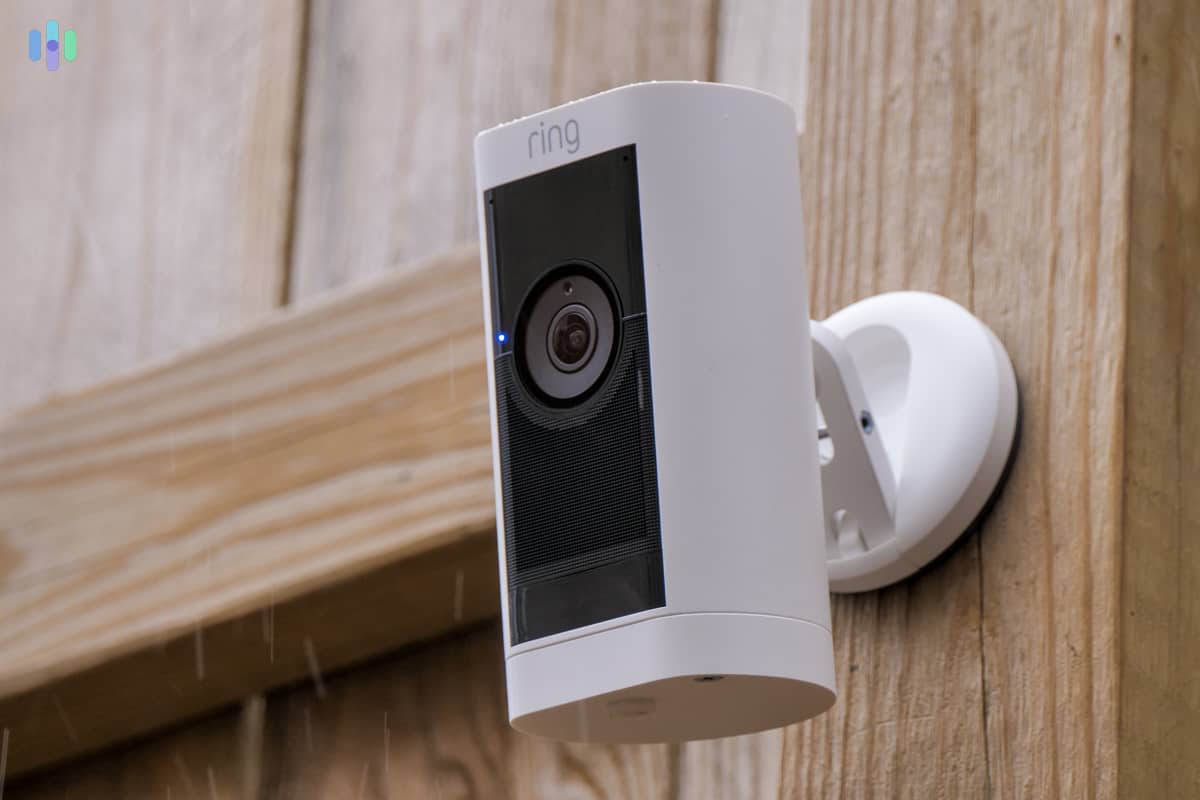
Our Ring Stick Up (Outdoor) Cam Pro delivered a lot of value for the price Smart Platform Integrations
Formerly known as the Stick Up Cam, the Ring Outdoor Cam is a budget-friendly indoor/outdoor option with fewer features compared to the Ring Spotlight Cam. It’s worth noting that the Outdoor Cam isn’t as weatherproof as the Spotlight Cam. We suggest mounting the former in a location where it isn’t subject to intense weather, such as a covered porch or back deck.
Since Amazon owns Ring, all Ring cameras work great with Alexa and Amazon devices. We combined our Ring cameras with our Echo Show and asked Alexa to pull up live or recorded video. This also works with a Fire TV or Fire TV Stick. If your smart display, TV, or device has a microphone, you can also use two-way talk through the Outdoor Cam.
Privacy
Ring requires two-factor authentication for all accounts and offers end-to-end video encryption as a standard feature. These changes address the security concerns from previous years.
The Outdoor Cam has a privacy zone feature that lets you block out certain sections of the camera’s view. We used it to block out our house windows so hackers couldn’t see where we kept our valuables. This also prevented us from triggering the camera’s motion sensors from inside the house.
Two-Way Audio with Noise Cancellation
Ring gets high points from us for how its devices are intuitively designed. The Outdoor Cam’s on-board noise cancellation is a great example of an intuitive feature we really came to appreciate while testing the camera in an urban setting.
Trying to use a camera’s two-way audio to talk to folks outside our New York City apartment can be hard with all the sounds of the city. When we used the Outdoor Cam to talk to visitors at the front door, city sounds were barely audible, making it easier to distinguish voices, even those with a thick Brooklyn accent.
Our Testing Process: How We Picked The Top Wireless Home Security Cameras
Our Review Guidelines
Every pick on this page passed a comprehensive practical testing process guided by our Editorial Guidelines. Our reviewers set up and test each camera from scratch. We clocked the whole setup process. We also evaluated video resolution, low-light, and IR performance in multiple lighting conditions. We assessed alert accuracy and false trigger rates. We tried both local and cloud storage options whenever available. We also tested rain and temperature extremes and accidental trigger rates. Then, we scrutinized total equipment cost, cloud storage costs, and cancellation policies side by side with performance. The top-performing cameras we list are those that protect your home without breaking the bank.
Our Main Testing Criteria
When it comes to reviewing wireless cameras, we like to combine technical specifications along with our experience installing and testing the cameras. To make this list, we paid particular attention to the following criteria:
- Video Feed: At a minimum, we look for wireless cameras with 1080p HD video, the ability to zoom in optically, fields of view of 120 degrees or wider, two-way audio, and night vision. Then, we personally test the quality of the video to see what specs don’t always convey.
- Smart Home Capabilities: One of the benefits of wireless cameras is that most can integrate with Amazon Alexa and Google Assistant. However, the quality of those integrations vary wildly, so we test all of the commands and features with every smart home platform the camera works with.
- Battery Life: For wireless cameras, battery life is vital. The industry standard typically ranges from three to six months per charge, though this varies based on usage and environmental factors. That said, some last up to two years. We also consider alternative power options like solar panels.
- Cloud Storage: Most wireless cameras lack local storage as that typically requires a cable. That’s why we always consider the cloud storage plans available for the wireless cameras we test.
Using these criteria, we’re able to differentiate the quality of wireless security cameras based on what users care about most.
Who We Are and Why Trust Us
We are an independent editorial team of security experts dedicated to helping you make smarter buying decisions. We have more than 20 security camera experts and product testers with more than 25,000 hours of hands-on testing experience. In total, we’ve made 740+ security reviews and guides since 2018.
Our security camera testing is led by Paul Frew, a seasoned expert with over a decade of experience testing cameras and security systems. He leads with a methodical, hands-on approach, and working behind him is our home security team that includes:
- Corey Birnstengel: Editor and videographer with 200+ in-depth video reviews spanning eight product categories
- Gene Petrino: Retired law enforcement sergeant and S.W.A.T. commander, contributing 30+ years of law enforcement and security expertise as a lead advisor
- Cort Honey: Engineering graduate with 1,000+ hours of product testing and a knack for making technical concepts easy to understand
- Matthew Adkins: Ph.D. researcher with a track record of testing and ranking 100+ security cameras
Our recommendations are our own and are influenced by our hands-on testing. No company can pay to influence our lists.
FAQs about Wireless Security Cameras
-
What is the best wireless outdoor security camera?
Currently, we think the Google Nest cameras provided by ADT are the best. These cameras combine top-tier specs with features like Trusted Neighbor and ADT’s best-in-class monitoring service.
-
Do you need WiFi for wireless security cameras?
For all intents and purposes, you need Wi-FI to properly use wireless security cameras. You can’t live stream without it, and some wireless cameras require Wi-Fi to store video in the cloud.
-
Is there a wireless security camera system?
There are many wireless security camera systems to choose from. For example, ADT integrates Google Nest Cams into their industry-leading security system.
-
How do wireless security cameras get power?
Wireless security cameras are battery powered and send images over Wi-Fi. Some companies sell extra battery packs and solar panels to keep these cameras up and running.
-
How long do wireless security camera batteries last?
Wireless security camera batteries typically last three to six months on a single charge, but we’ve tested models that can run longer. While the make and model of a camera play a role, the biggest factor is how often the camera switches on and starts streaming/recording video.