Best Outdoor Security Cameras of 2026
Our number one pick, SimpliSafe, combines their technology to offer unique security features designed to protect the perimeter of your home.
 &
&
 Last Updated on May 06, 2026

- Battery-powered setup allows the camera to go wherever you needs it to be
- Backed by the SimpliSafe security system for full indoor and outdoor coverage
- Optional Active Guard Outdoor Protection with live video monitoring

- ADT uses Nest’s facial recognition technology to disarm you system and unlock smart locks for trusted regular guests
- Create automations to switch on lights when motion is detected
- Award-winning professional monitoring with 12 centers to ensure it’s always online

- All Ring cameras pair well with Alexa smart speakers and displays
- Outdoor cameras can come with a built-in spotlight or floodlight, depending on the model
- Each Ring outdoor camera have multiple power options, including solar, battery, and a standard power cable
the security.brief
SimpliSafe tops our outdoor security camera list with unique features and ADT follows for professional monitoring. Ring excels with Alexa integration.
Outdoor security cameras don’t just deter thieves. Some of the best security cameras use AI to distinguish between someone lurking in your front yard and the neighbor’s dog passing through. Others let you set automation rules like turning on the porch lights when you approach the house or unlocking the smart lock on the front door for approved guests.
With so many outdoor cameras offering various features, how do you know which one you need for your home? We recommend SimpliSafe if you’re only interested in crime prevention, although it’s not the only option. ADT offers excellent professional monitoring, Ring seamlessly integrates with Alexa, and Nest is one of the easiest to install. Let’s take a look at our top picks to help you make the right choice.
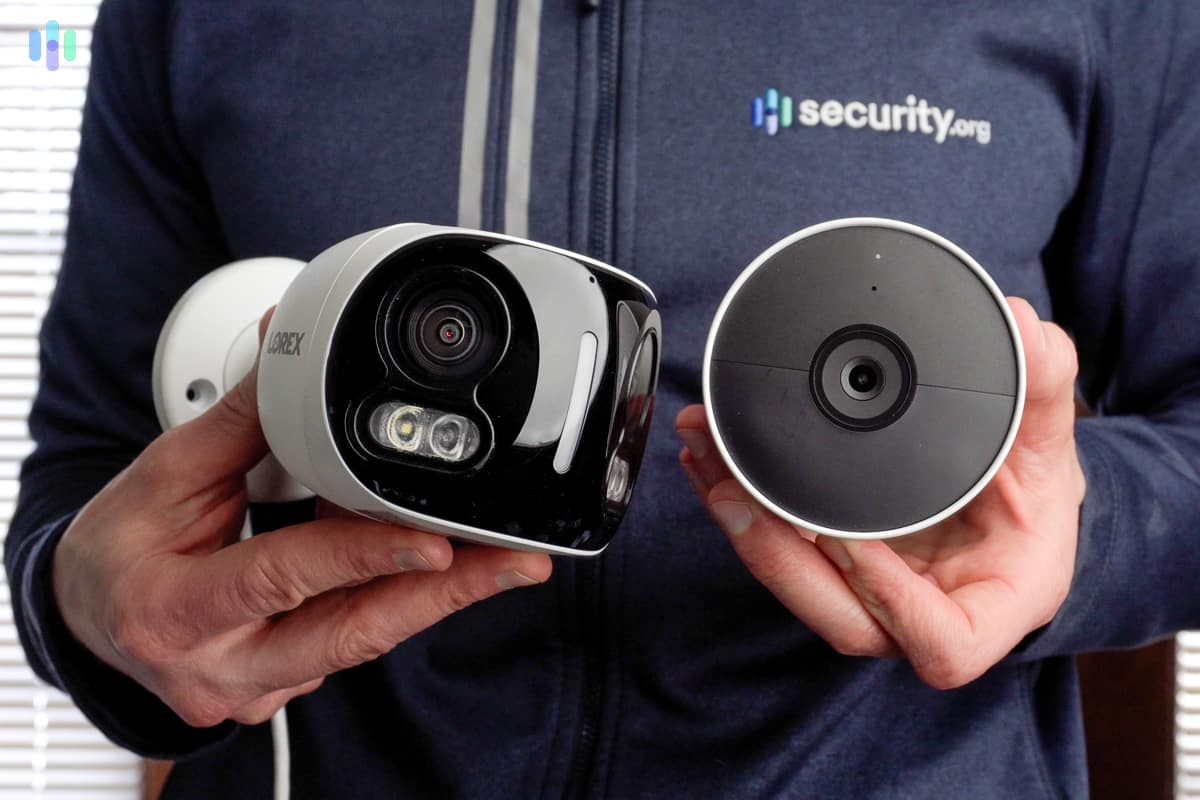
What are Outdoor Security Cameras? Indoor and outdoor cameras are pretty similar, except outdoor cameras are built to withstand the elements. Both types can stream and record videos, detect motion, and offer two-way talk. Some outdoor cameras have a high-powered spotlight or floodlight and offer more advanced features like motion-activated lighting.
>> Read More: Best PoE Security Cameras
A Quick Overview of Outdoor Cameras:
- Outdoor cameras are built with weatherproof housing to protect them from the elements.
- Video quality, night vision, and smart motion detection are the most important features in outdoor cameras.
- Lorex sells the widest selection of outdoor cameras; we found them surprisingly smart and high-tech in our Lorex review. See for yourself.
Outdoor Security Cameras Overview
| System |
SimpliSafe
|
ADT
|
Ring
|
Nest

|
Arlo

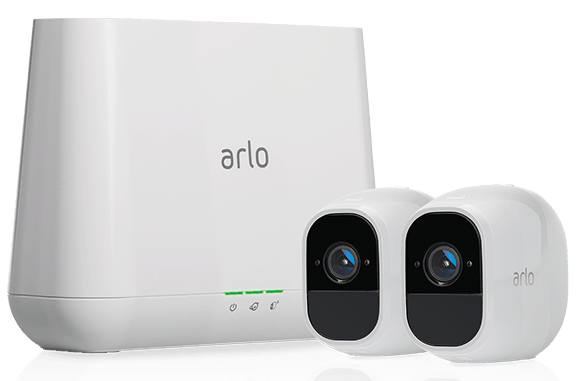
|
Wyze Cam Outdoor v2

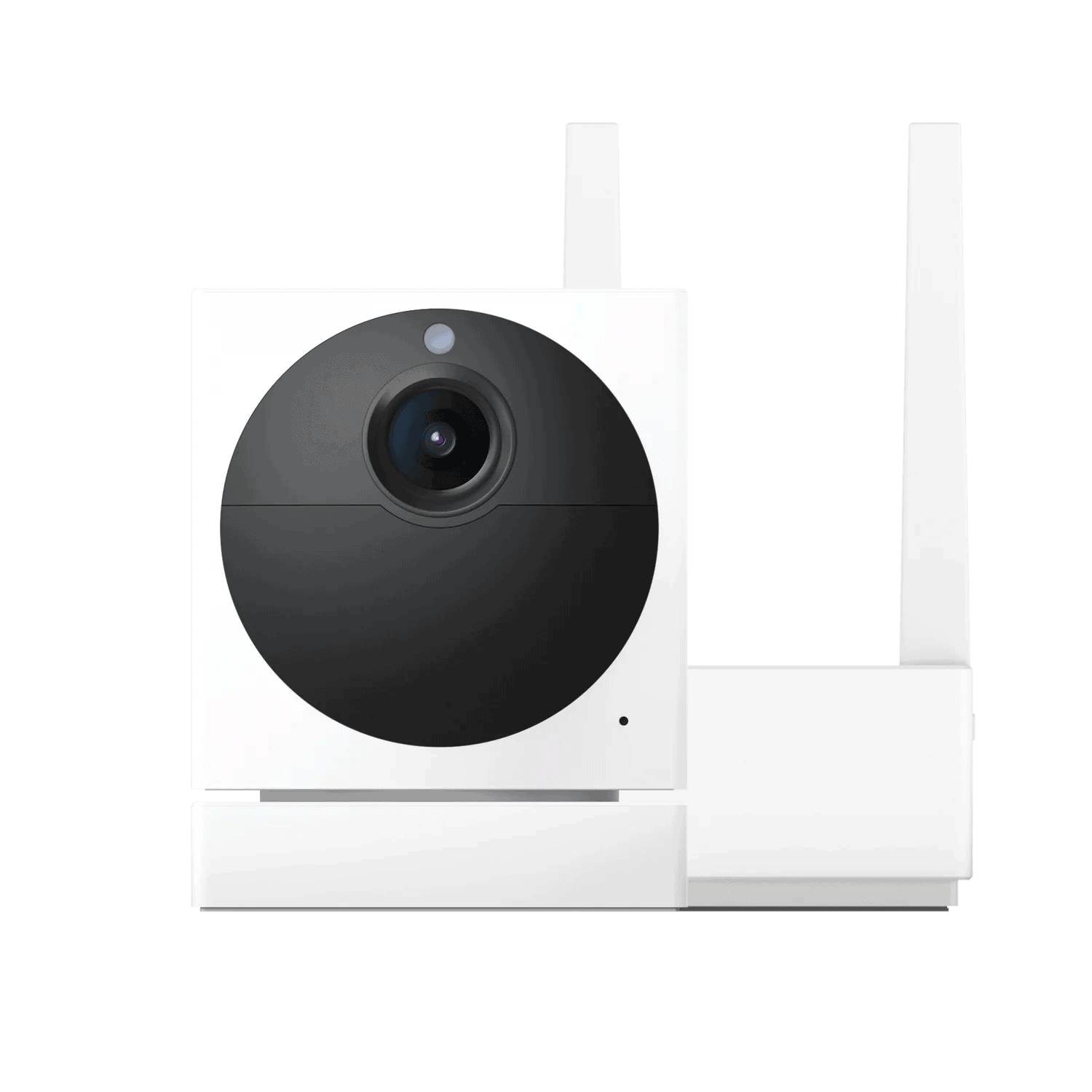
|
Blink Outdoor

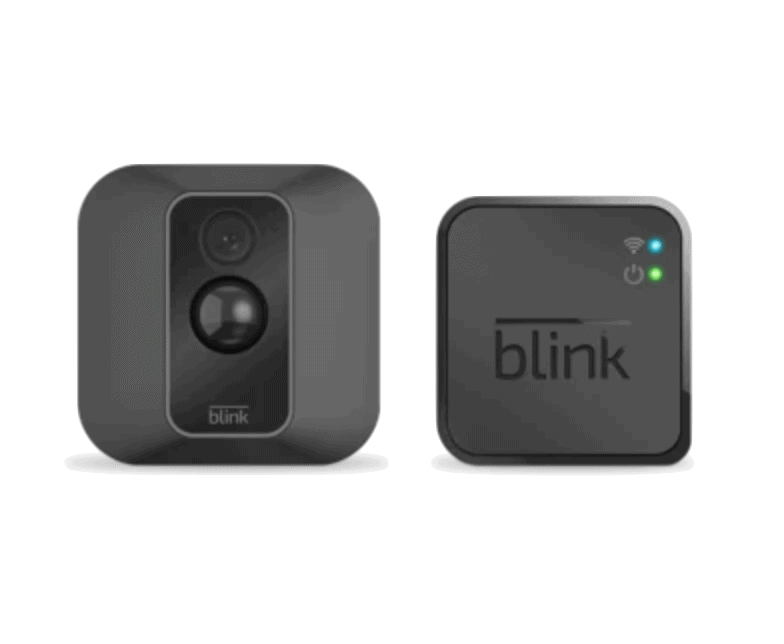
|
Lorex

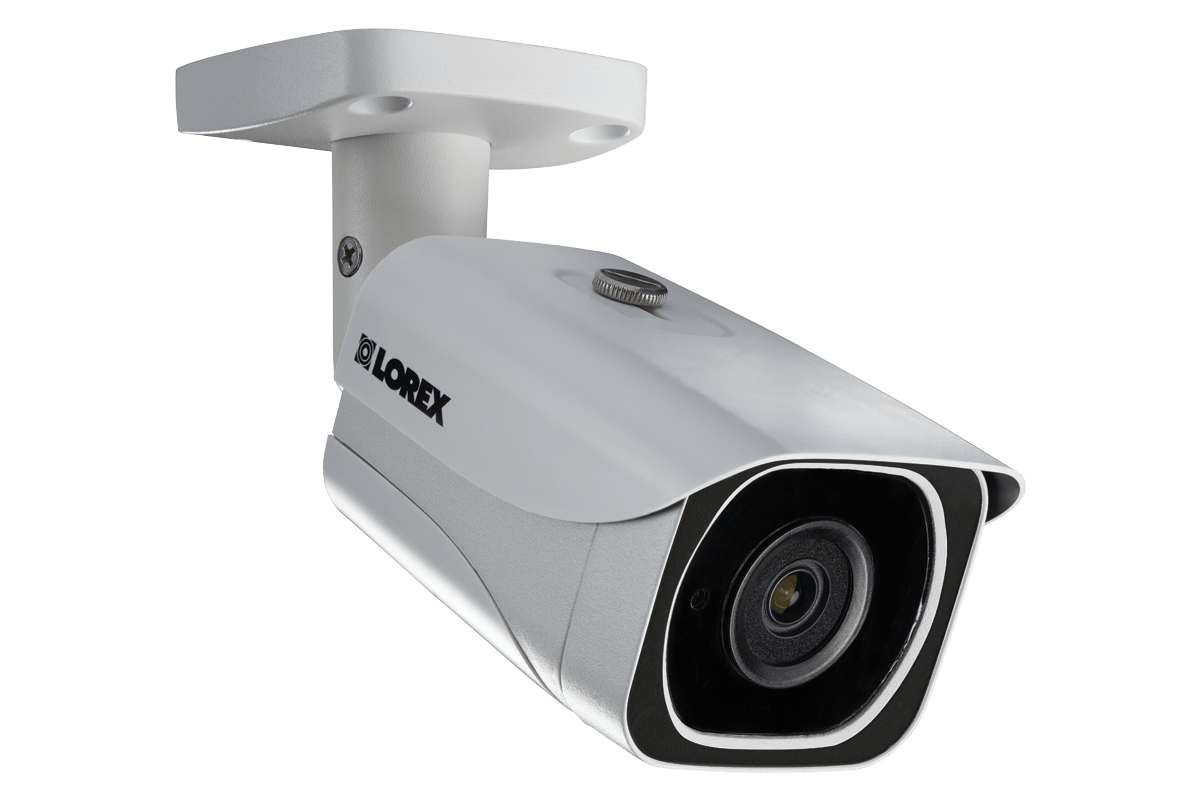
|
|---|---|---|---|---|---|---|---|---|
| Ranking | 1st | 2nd | 3rd | 4th | 5th | 6th | 7th | 8th |
| Ratings | 9.9/10 | 9.8/10 | 9.5/10 | 9.2/10 | 8.8/10 | 8.3/10 | 8.4/10 | 9.0/10 |
| Price | $199.99 | $149.99+ | $79.99+ | $149.99+ | $49.99+ | $73.99+ | $99.99+ | $99.99+ |
| Resolution | 1080p HD | Up to 2K | Up to 4K | Up to 2K | Up to 4K | Up to 4K | Up to 2K | Up to 4K |
| Field of View | 140° | Max of 152° | Max of 140° | Max of 152° | Max of 180° | Max of 180° | Max of 143° | Max of 180° |
| Monthly Plan | $9.99+ | $39.99+ | $3.00+ | $10.00+ | $2.99+ | $2.99+ | $3.99+ | N/A |
| Read Review | SimpliSafe Review | ADT Review | Ring Review | Nest Review | Arlo Review | Wyze Cam Outdoor v2 Review | Blink Outdoor Review | Lorex Review |
The Best Outdoor Cameras of 2026
- SimpliSafe - Best for Crime Prevention
- ADT - Best Outdoor Security Camera with Professional Monitoring
- Ring - Best Outdoor Security Cameras for Alexa
- Nest - Best DIY Outdoor Cam
- Arlo - Best Wireless Outdoor Security Cameras
- Wyze Cam Outdoor v2 - Best Outdoor Security Camera with Local Video Storage
- Blink Outdoor - Best Value
- Lorex - Best Hardware and Technology
A Closer Look at our Top Picks
-
1. SimpliSafe - Best for Crime Prevention

Product Specs
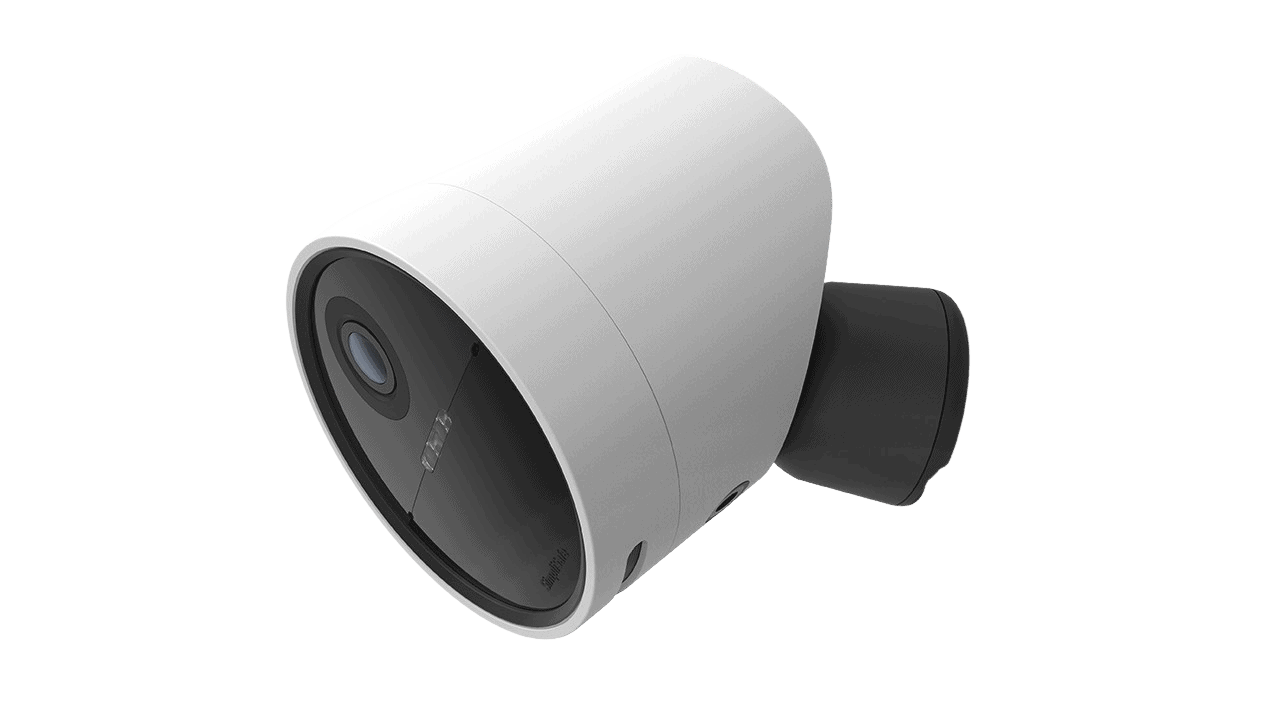
Connectivity Wi-Fi Power Battery Field of View Up to 140º Resolution 1080p Storage Cloud Smart Platform Compatibility Alexa and Google Home SimpliSafe is one of the top home security systems, and it’s known for being simple yet effective. Staying true to their straightforward approach, SimpliSafe offers just one outdoor camera model. But here’s the thing — after months of testing, we’re convinced it’s genuinely the most effective option available for crime prevention.Let’s start with what’s under the hood. It runs on rechargeable batteries with an optional power cable.When we reviewed the SimpliSafe outdoor camera, it lived for about 4 months before running out of charge. It also had good video quality (1080p with HDR), two-way audio, solid night vision aided by a spotlight, and a 140-degree viewing angle. While these specs might seem standard on paper, it’s SimpliSafe’s innovative approach to using these features for active crime deterrence that sets this camera apart.

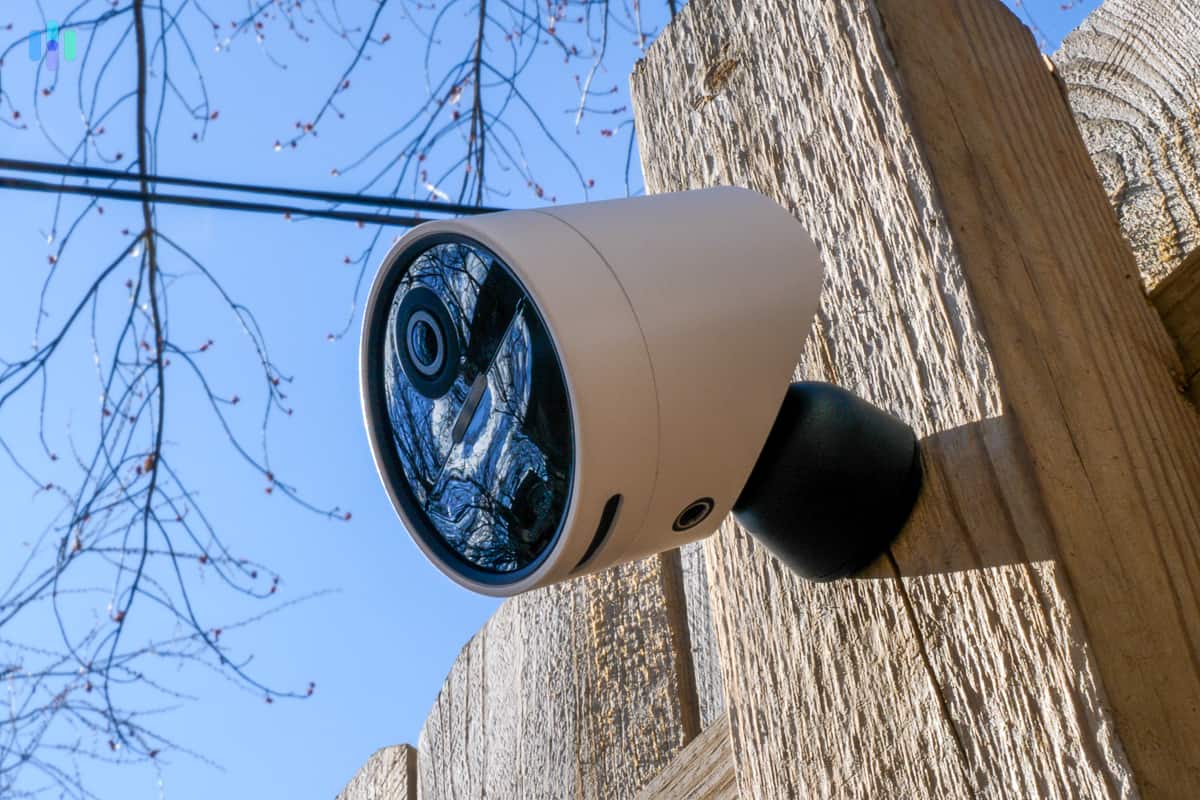
The SimpliSafe Outdoor Camera Pro installed along our property’s fence. Active Guard Outdoor Protection
One major drawback with this camera is that you can’t use it as a standalone device. It must connect to a SimpliSafe base station that acts as the brain of your security system. Because we highly recommend a SimpliSafe security system anyway, this isn’t a big drawback for us.
What really impressed us was how the Outdoor Camera transforms with the Pro and Pro Plus SimpliSafe subscriptions, which cost $49.99 and $79.99 per month, respectively. This pairing activates the camera’s Active Guard Outdoor Protection feature. Here’s how it works: when the camera’s AI spots a potential threat, a live SimpliSafe agent immediately reviews the footage and actively intervenes using the camera’s speaker, built-in siren and spotlight to scare them away. These top-tier subscription plans also give you cellular backup and provide cloud storage for up to 10 SimpliSafe cameras.
FYI: When we tested this feature, we learned that the outdoor camera uses AI person detection to fine-tune its alerts. It didn’t trigger Active Guard when a cat wandered into our yard, but it did when the pizza delivery guy came to deliver our dinner.
All-Around Protection
The Outdoor Camera Pro is just one of the four available SimpliSafe cameras. If you also want front door protection, we’ve reviewed the SimpliSafe Video Doorbell Pro and it was pretty good. While it requires hardwiring, the installation was surprisingly straightforward and took us less than 30 minutes.
SimpliSafe’s monitoring agents extend their protection indoors too with the Wireless Indoor Camera. Their Intruder Intervention service comes included with Pro and Pro Plus plans at no extra charge. Although, the agents’ proactive deterrence through the Outdoor Camera’s siren and spotlight should stop most intruders before they even think about entering.
-
2. ADT

Product Specs
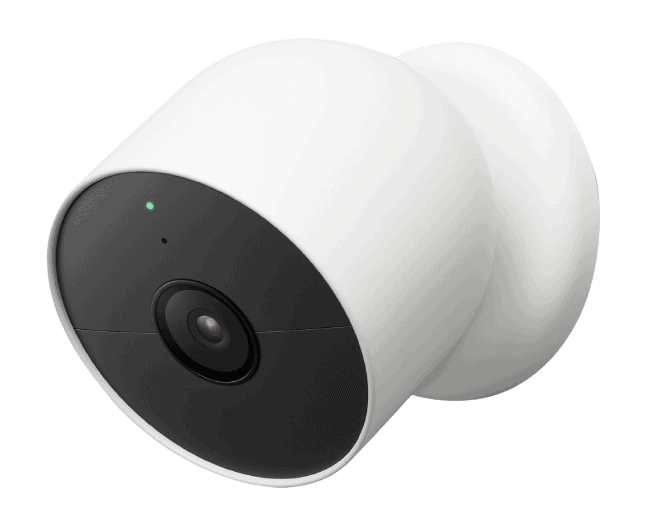
Resolution Up to 2K Field of View Up to 152 degrees Power Wired, battery Connectivity Wi-Fi, ethernet Video Storage Cloud Smart Platform Compatibility Alexa ADT offers three Google Nest Cam options to protect your perimeter. Our pick is the Nest Cam with floodlight. Not only is the picture crisp, but the device also offers two-way audio and color night vision. It also unlocks one of ADT’s best features: Trusted Neighbor.

Scrolling through some of the familiar faces our Nest Cam recognizes Facial Recognition and Trusted Neighbor
Trusted Neighbor stood out to us when testing ADT. Using the Nest Cam’s facial recognition feature, we could choose which frequent guests to approve access to our house. We chose our neighbor, who waters our plants while we’re on vacation. When the Nest Cam identifies them, the system disarms and the smart lock unlocks.
The emergency rules impressed us too. Picture this scenario: your smoke detector triggers while your pets are home alone. With Trusted Neighbor configured, the system can automatically unlock doors so your neighbor can let them out safely.
FYI: Nest Cams identify more than human faces. During testing, we got distinct alerts for package drops versus cars pulling up. The cameras even recognized when our cat strolled by for her daily front-porch sunbathing session.
Monitor What’s Important
We also like that the Nest Cams let you customize everything from how long the floodlight stays on to the sensitivity of the motion sensors. Activity zones is another one of our favorite features. We set up a virtual perimeter to ignore pedestrians and vehicles passing by. This helped battery performance not just for the camera, but also by reducing unnecessary notifications on our phone.
Professional Monitoring and Installation
To access these camera features, you’ll need an ADT subscription. Unlike SimpliSafe, ADT only supports cameras with their Complete plan, starting at $39.99 per month. This unlocks cloud video storage and all the Nest Cam’s smart features. While pricier than competitors, you’re getting ADT’s legendary 24/7 professional monitoring backed by their redundant monitoring centers.
-
3. Ring - Best Outdoor Security Cameras for Alexa
 Learn More Links to Ring.com
Product Specs
Resolution Up to 4K UHD Field of View Up to 164 degrees Power Wired, battery, PoE, solar Connectivity Wi-Fi, ethernet Video Storage Cloud Smart Platform Compatibility Alexa and Google Home
Ring is more than a video doorbell company. This Amazon-owned brand has built an impressive ecosystem of security cameras covering every corner of your property. While you can use Ring cameras completely free with self-monitoring, the subscription plans unlock features like extended cloud storage (up to 180 days) and cellular backup that justify the monthly cost.
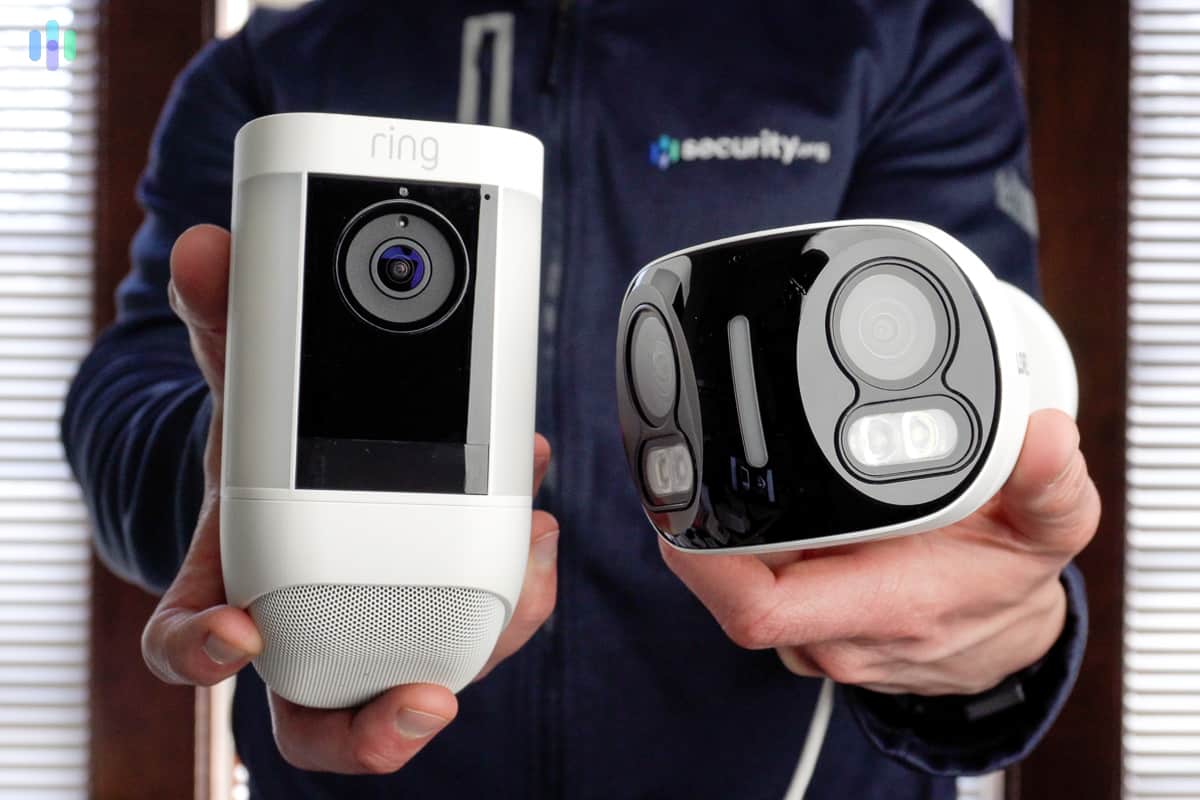
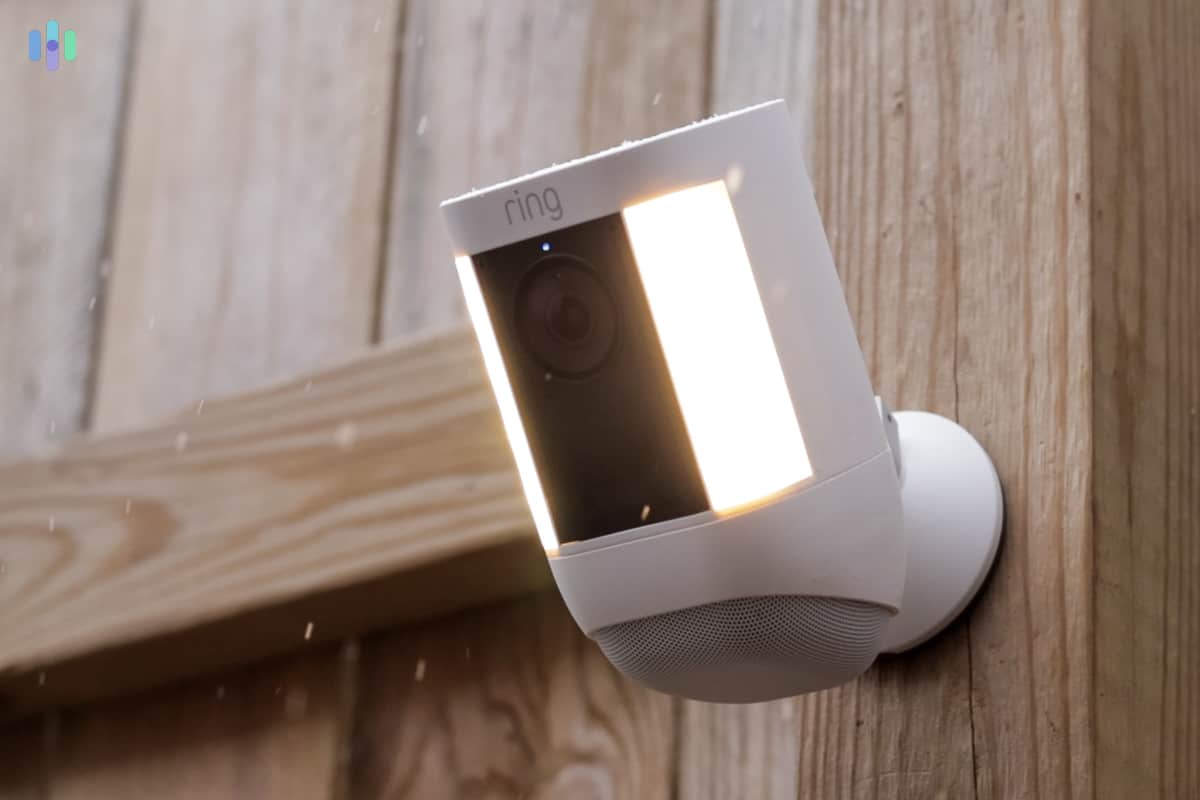
Ring Spotlight Cam Pro with its light on Great Selection of Outdoor Cams
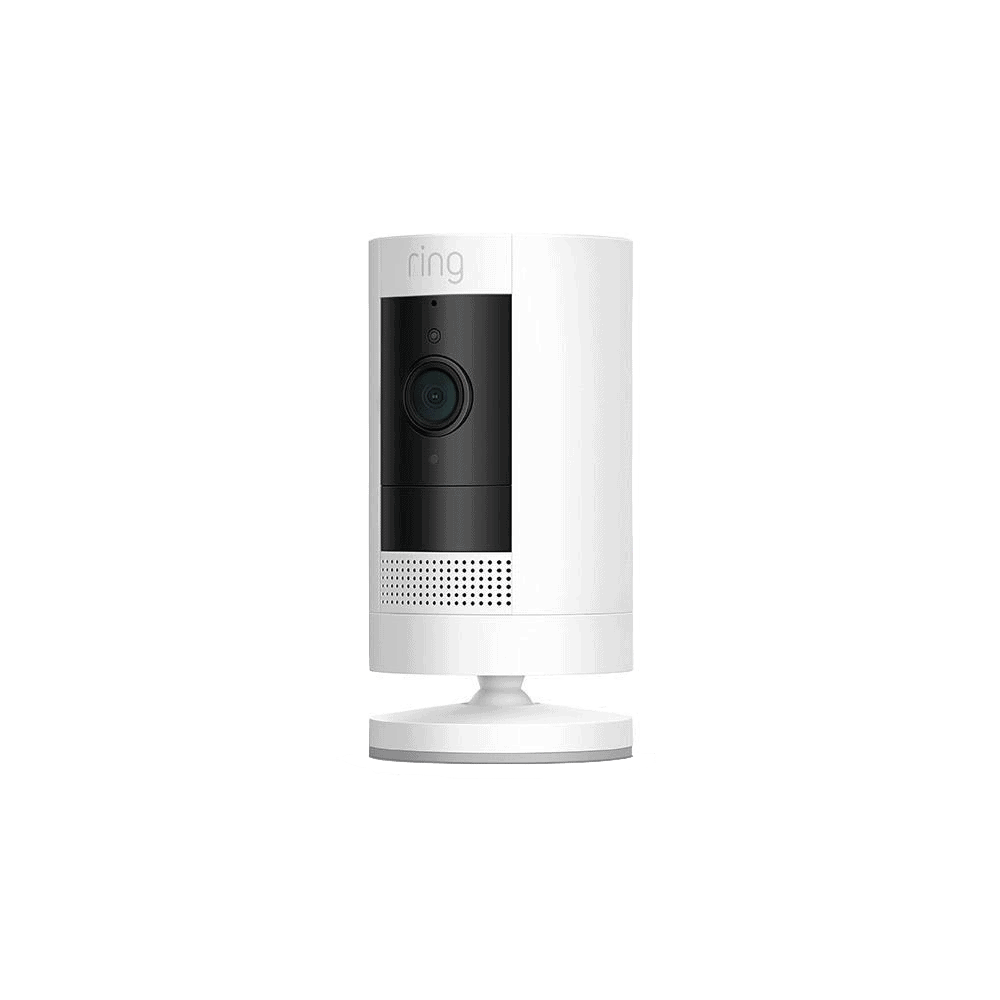
Ring’s outdoor camera catalog puts ADT and SimpliSafe to shame in terms of variety. Pricing for Ring’s outdoor cameras starts at $59.99, but goes up to over $250. You’ll find every power option imaginable—battery, solar, plug-in, hardwired, and Power over Ethernet. Ring recently entered the 4K camera market too, offering ultra-high definition that ADT and SimpliSafe haven’t matched yet.
Take time to compare each model’s capabilities. The Outdoor Cam Plus, for example, doesn’t support 24/7 recording, while both the Floodlight Cam Pro and Spotlight Cam Pro do. All options include a remote-activated siren, color night vision, and real-time notifications.
>> Learn More: Best Solar-Powered Security Cameras
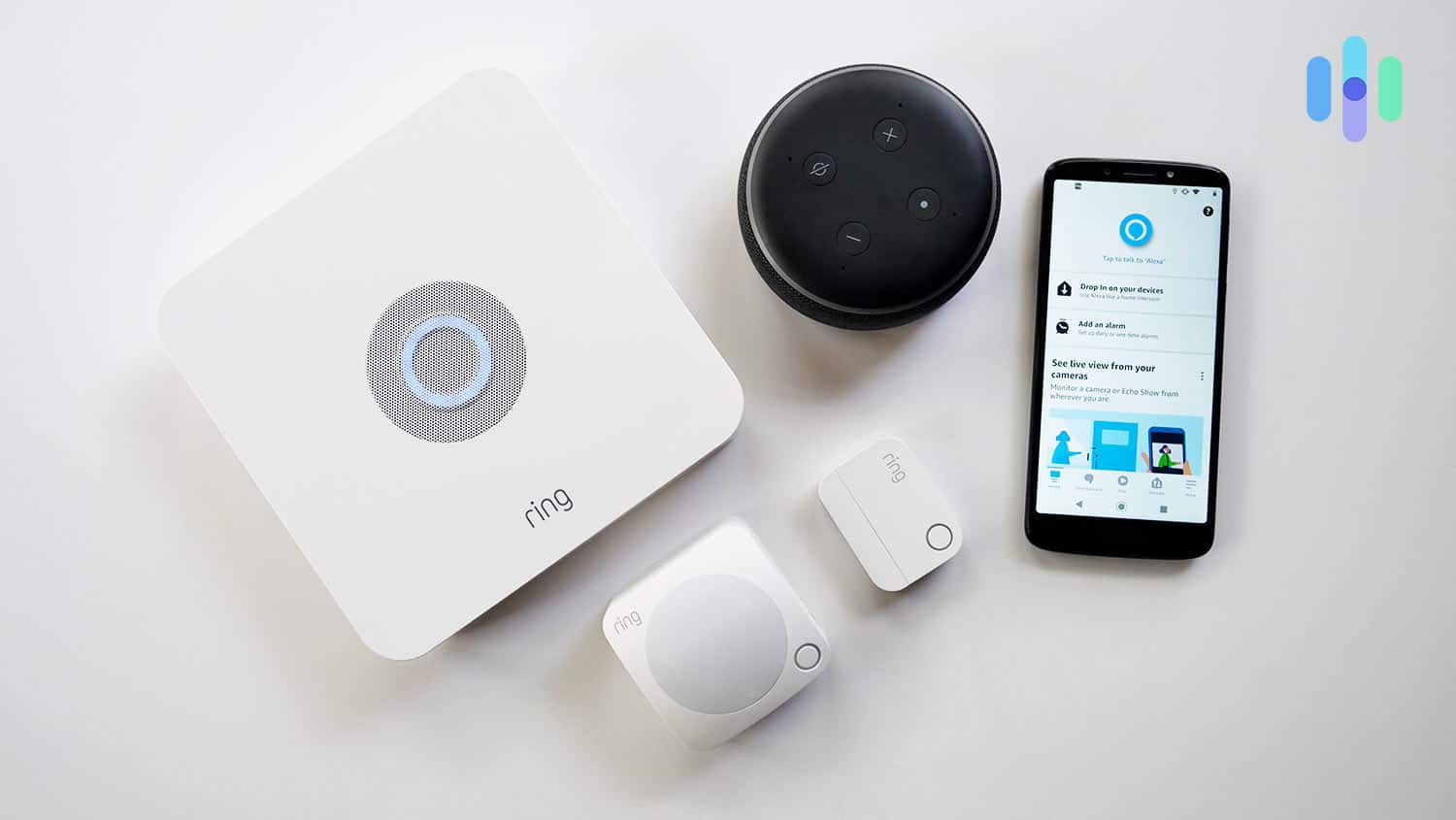
Looking for comprehensive protection beyond cameras? Consider adding a Ring Alarm security system to the mix. This DIY-friendly solution uses wireless sensors to monitor doors, windows, and motion throughout your home. Combined with Ring’s outdoor cameras watching your property’s perimeter, you’ll have a ring of protection around your home.

Ring Alarm Equipment with Alexa As expected from an Amazon product, Ring plays beautifully with Alexa. We especially enjoyed pairing Ring cameras with Alexa smart displays like the Echo Show 8 we reviewed. We could say commands like, “Alexa, show me my front lawn,” and the Ring cameras would start streaming live footage.
Ring works with Google smart displays too, like the Google Nest Hub we reviewed, but since Ring is owned by Amazon, we much preferred using Alexa.
Every weatherproof Ring camera model includes these essential features:
- 1080p HD resolution (select models offer 2K or 4K)
- Custom motion zones
- Infrared night vision
- Two-way talk
- Spotlight
- Siren
Installation times varied from five minutes for basic setups to about 20 minutes when we mounted cameras to walls. While we skipped the hardwired models, the mounting process was manageable with basic tools and patience.
Affordable DIY and Pro Monitoring
Ring offers four subscription plans. The Solo plan protects one camera or doorbell for $4.99 monthly, including an industry-leading 180 days of video history. Competitors like ADT (via Nest Cams) and SimpliSafe cap out at 30 days.
We recommend Ring Multi for households with lots of Ring equipment. It’s only $9.99 a month. The AI Pro plan (19.99 monthly) adds professional monitoring and AI-powered features.
None of those plans match SimpliSafe’s live intervention, but Ring also offers a Virtual Security Guard plan for $99.99 a month if that’s what you’re looking for. It’s more expensive, but it also includes proactive verified dispatch requests, which means police will respond faster.
-
4. Nest - Best DIY Outdoor Cam
 View on Amazon Links to Amazon.com
Product Specs
Resolution Up to 2K with HDR Field of View Up to 152° Power Wired, battery Connectivity Wi-Fi Video Storage Cloud Smart Platform Compatibility Alexa and Google Home
The Nest Cam is available as a standalone product without an ADT subscription. You’ll lose features like 24/7 professional monitoring and Trusted Neighbor, but the cameras still send personalized alerts for people, animals, and vehicles. If you’re trying to cut down false alarms, they can even ignore movement caused by animals and vehicles. We also like that it has facial recognition when added to a Nest Aware plan. We think that’s a great feature to have in an outdoor camera.
FYI: Facial recognition technology continues to improve, now achieving 99.5-percent accuracy.2 The rate will likely increase as companies better implement AI and machine learning.
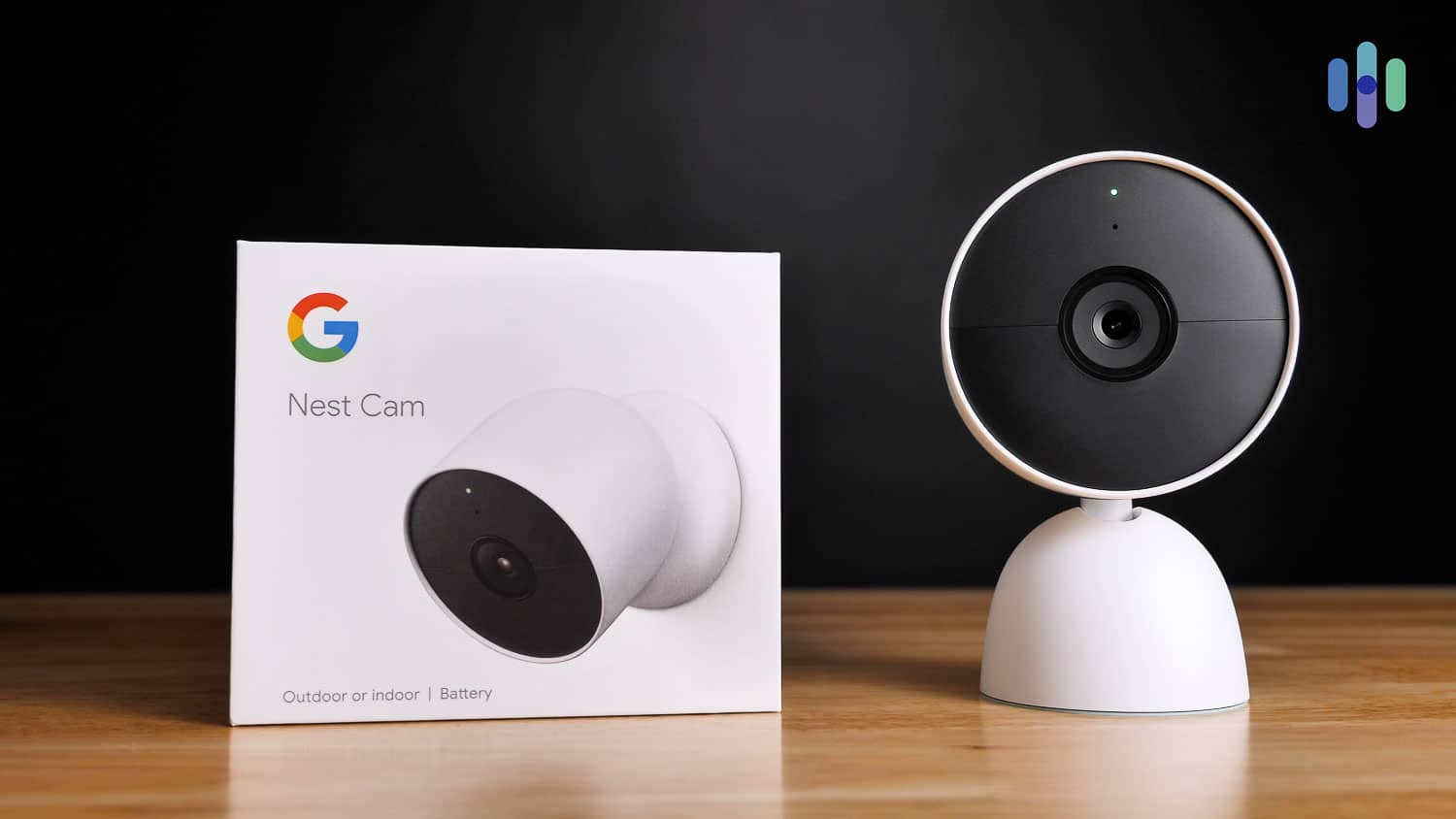
Nest Camera and box The Nest Cam’s (outdoor or indoor, battery) installation was simple compared to some of the hardwired options we tested like some Lorex models. All we had to do was charge it up, connect it to the Wi-Fi, and mount it.
Google also offers the Nest Cam with Floodlight for those needing built-in illumination. While less flexible than the battery model due to hardwiring requirements, it combines security camera and motion-activated lighting in one device. Just budget for professional installation unless you’re comfortable working with junction boxes and electrical wiring.
Pro Tip: Connect outdoor cameras to your 2.4 GHz Wi-Fi network instead of the 5 GHz band when possible. The 2.4 GHz band offers superior range and wall penetration, making it better for cameras positioned far from your router or separated by multiple walls.
About CVR, Do-It-Yourself Monitoring, & Pro Monitoring
You might not need an ADT subscription to use Nest Cams, but you’ll still pay a monthly fee. Google Home Premium subscriptions start at $10 a month for 30 days of event-based history and $20 per month for 60 days. You also get some other features including:
Standard Advanced Cost $10/month or $100/year $20/month or $200/year Video event history 30 days 60 Continuous video recording No 10 days Intelligent alerts Yes Yes Familiar Faces alerts Yes Yes e911 Yes Yes FYI: While most cloud-dependent cameras can’t store recordings offline, we discovered the Nest Cams cache event clips locally for up to three hours. This clever backup feature ensures footage is still recorded during brief Wi-Fi outages.
Just be aware that Nest’s CVR uses cloud storage – meaning it’s bandwidth-heavy. If you have more than two cameras constantly uploading video clips to the cloud, your Netflix stream might end up looking a little pixelated.
You should also note that CVR won’t work if your Nest Cams are running on batteries. If you have the Nest Cam (battery), you’d need to plug it into a weatherproof outdoor plug. That kind of defeats the purpose of buying a battery-powered outdoor camera, but sadly, that’s the only outdoor Nest Cam that doesn’t have hulking floodlights built in.
The advantage over Lorex’s local DVR recording is Nest’s extended 10-day cloud history. That’s longer than the seven days our four-camera Lorex system provides. Cloud storage is also safer because it eliminates the risk of losing recordings to damaged hardware, though it does require a reliable internet connection.
FYI: Well, maybe not so safe. Security systems and cameras can be hacked, especially if they’re connected to the internet 24/7. So when using a cloud-recording security camera, make sure your network is secure.
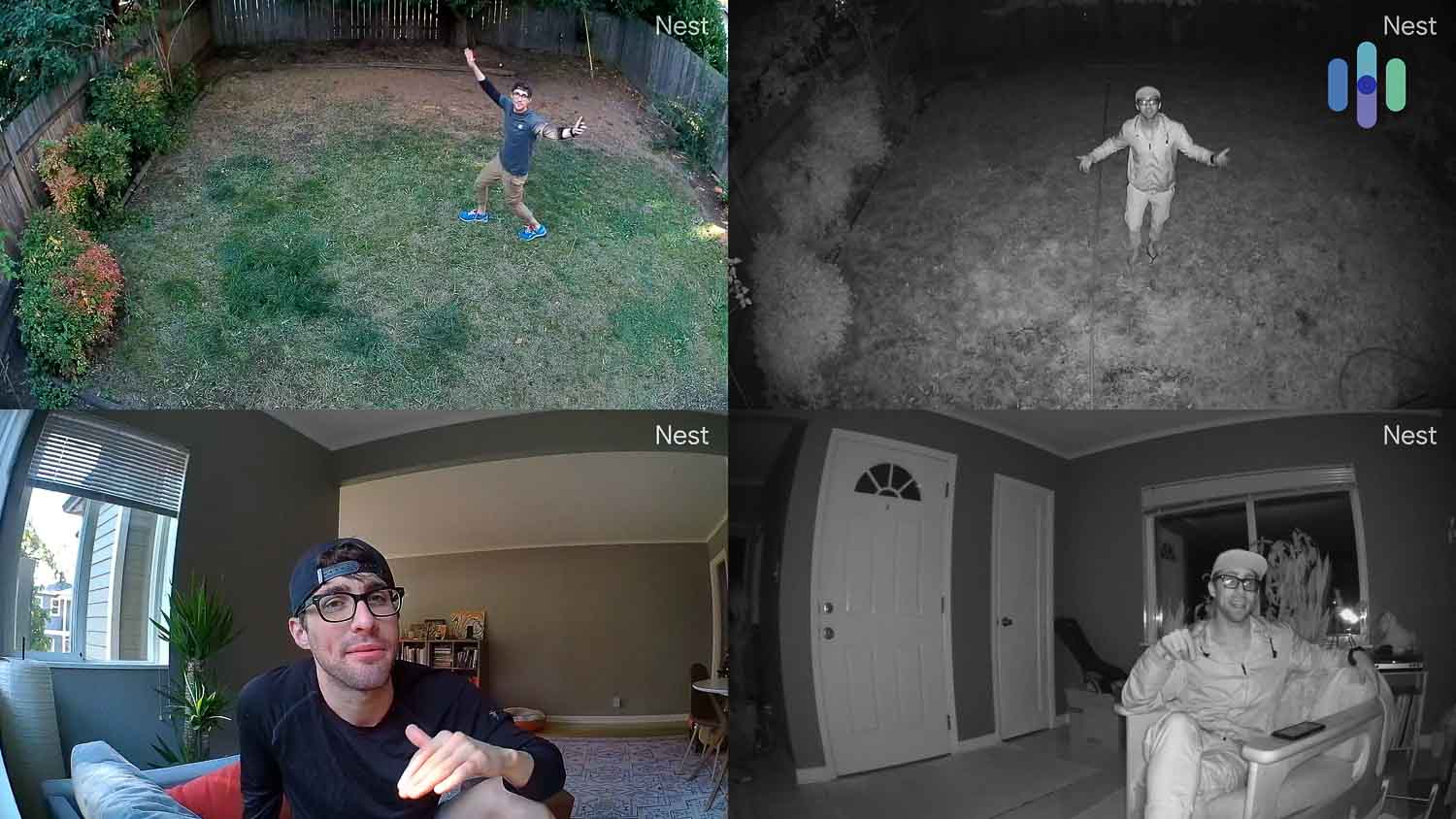
Four samples of Nest Cam video quality Compatibilities
Naturally, Nest Cams integrate seamlessly with Google Assistant. We linked ours to a Google Home speaker for hands-free control. Voice commands let us stream the garage camera to our TV or save important clips directly to our Android phone.
The Google ecosystem integration goes beyond cameras. We created bedtime routines using simple voice commands like “Okay, Google. Dim the lights in the baby’s room” to control multiple smart devices simultaneously.
Bottom line: Nest delivers the most user-friendly DIY security cameras with reliable continuous recording. Can’t handle the installation yourself? Google offers professional installation starting at $115.
-
5. Arlo - Best Wireless Outdoor Security Cameras
 View on Walmart Links to Walmart.com
Product Specs
Resolution Up to 4K HD Field of View Up to 180° Power Wired, battery, solar, PoE Connectivity Wi-Fi, ethernet Video Storage Cloud Smart Platform Compatibility Alexa and Google Home
For DIYers seeking premium features, Arlo offers the best selection of outdoor wireless security cameras that don’t need a subscription. Starting at just $50, every Arlo model packs color night vision and built-in lighting. Their flagship cameras step up to 4K video and cellular connectivity for locations without Wi-Fi.
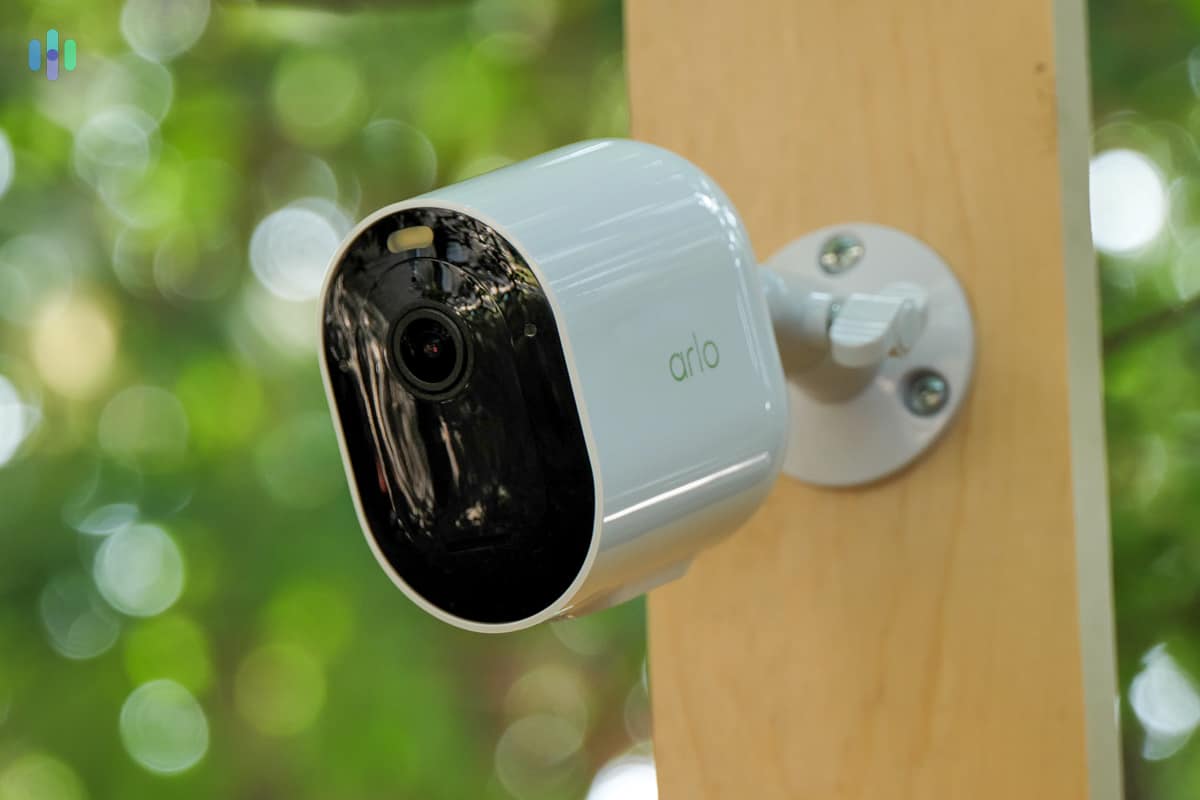
Arlo Pro 5S 2k mounted outside The Pro 5 2K caught our attention with its 2K HDR video, color night vision, and remarkable 12x digital zoom for checking distant details. Add in a 160-degree field of view and battery life stretching up to eight months (double the Nest Cam’s typical three months), and you’ve got serious value at $179.99.
Step up to the Ultra 2 for Arlo’s most advanced outdoor protection. This powerhouse delivers 180-degree coverage, 4K HDR clarity, and lightning-fast motion alerts. The Ultra 2’s auto-triggering siren actively deters intruders similar to SimpliSafe’s Active Guard system. During testing, we also triggered it manually through the app to chase raccoons away from our trash cans — surprisingly effective!
We’re also impressed by Arlo’s collection of indoor video security cameras. The Essential Indoor 2K costs just $39.99 and features 2K video, night vision, and two-way audio. We particularly like its automatic privacy shield that closes when the camera is unarmed. It also includes a siren – a feature absent from SimpliSafe’s Wireless Indoor Camera.
>> Related: Defender Security Camera Review
Monitoring Arlo Cameras
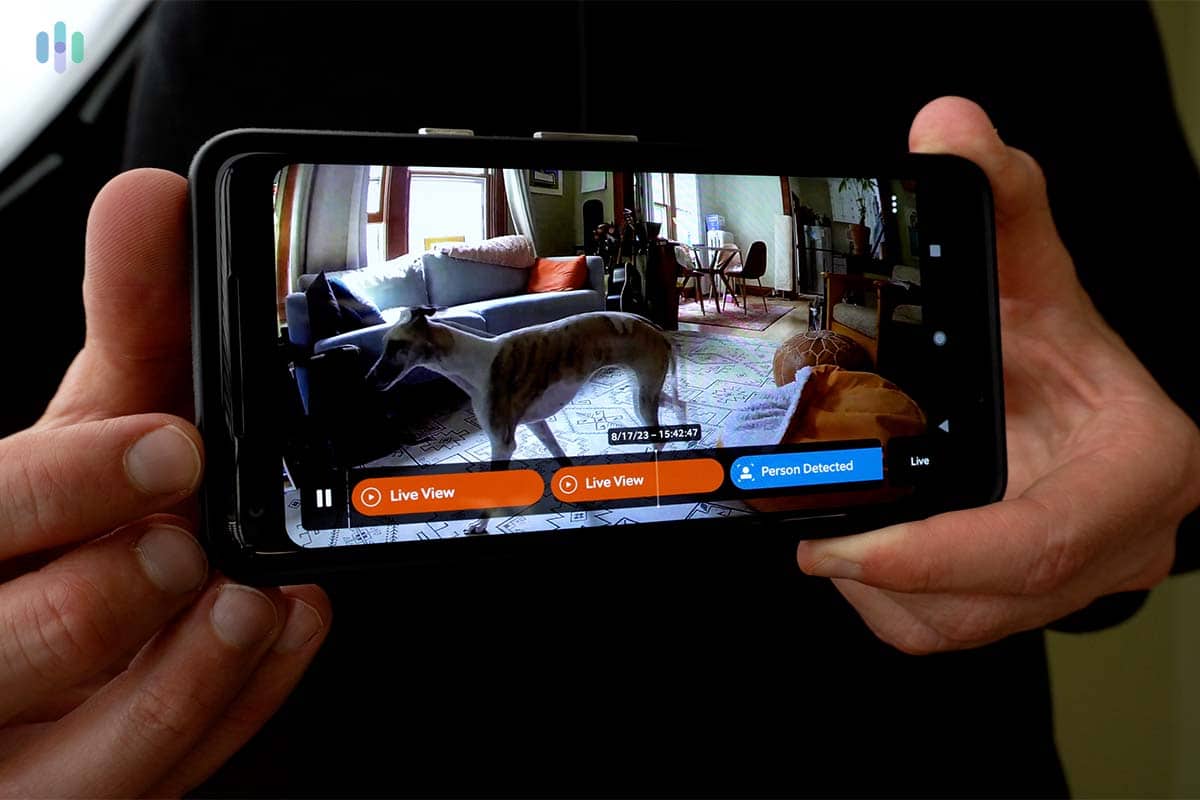
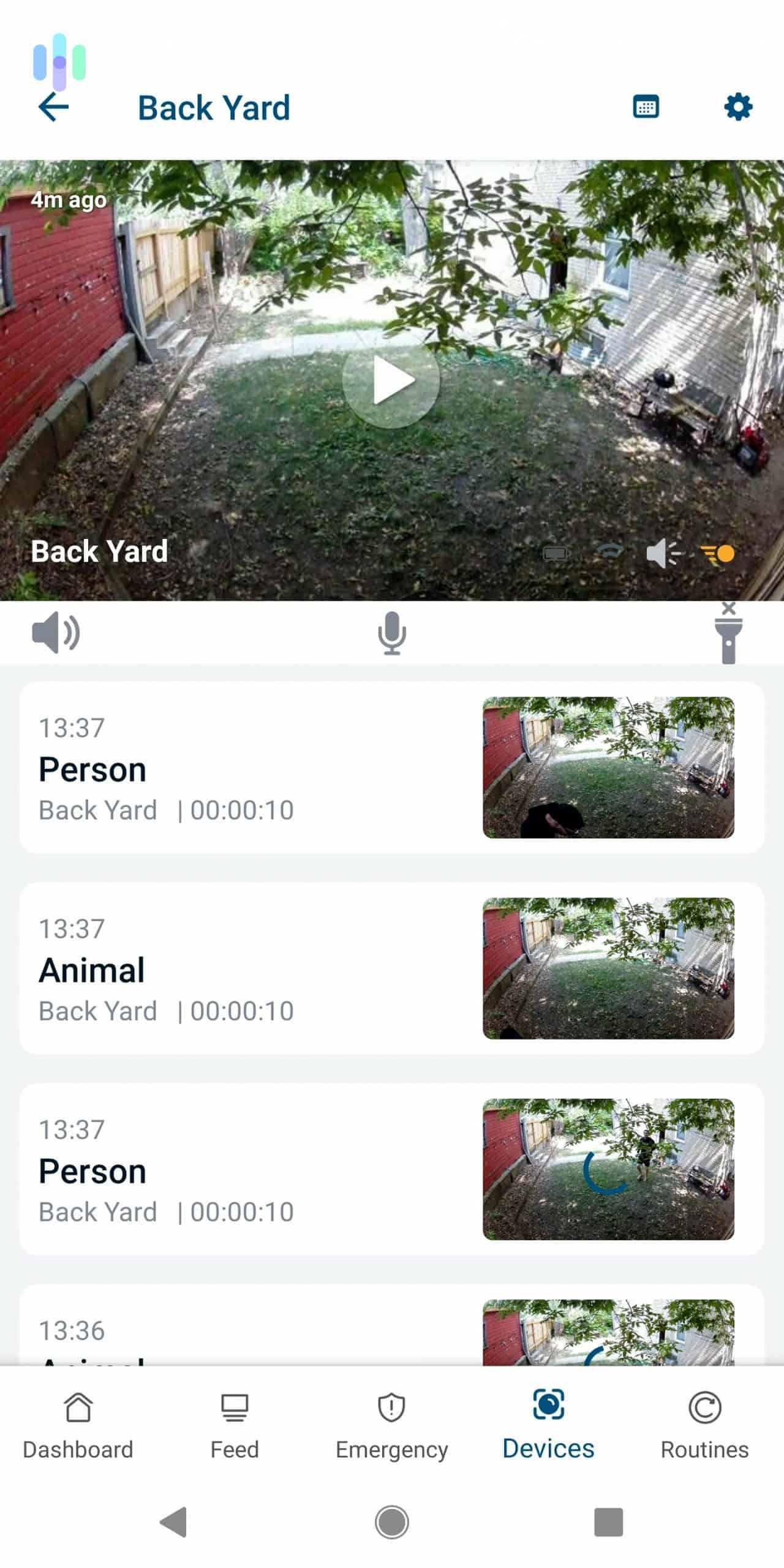
We used the Arlo app to monitor our cameras. It was easy to switch between live feeds, use the two-way talk feature, and activate smart lights and sirens. We could also review our notification history and watch video events.

Camera view and events on the Arlo Secure app Recording clips requires an Arlo Secure subscription — $9.99 monthly per camera or $19.99 for unlimited cameras, both storing 30 days of footage. That’s more than Google Home Premium’s $10 unlimited plan, but remember that 4K video files need more storage than 1080p. To squeeze maximum value from your subscription, deploy Arlo’s high-resolution 2K and 4K cameras across your property.
Pro Tip: Cut your Arlo subscription costs by 20 percent with annual billing. The yearly payment saves you over two months’ worth of fees compared to monthly payments.
Features
Some special features of Arlo Pro outdoor security cams include:
- Wire-free installation
- Color night vision
- Motion-activated spotlights
- Facial recognition
- White, black, and camouflage print
- Arlo Pro 3 and Arlo Ultra support Apple HomeKit.
Arlo’s lineup covers all the bases — indoor cameras, outdoor cameras, and security floodlights. For self-monitored, high-end home security without contracts, Arlo delivers outstanding value. Their weatherproof options span from budget-friendly 1080p to premium 4K, with your choice of infrared or color night vision. Bundle deals sweeten multi-camera purchases, and their cloud storage pricing stays competitive.
-
6. Wyze Cam Outdoor v2 - Best with Local Video Storage
 View on Amazon Links To Amazon
Product Specs
Resolution Up to 2K HD Field of View Up to 130° Power Wired, battery, solar Connectivity Wi-Fi Video Storage Cloud, local Smart Platform Compatibility Alexa and Google Home
Wyze built its reputation on incredible value, and the Wyze Cam Outdoor v2 continues that tradition. At $73.99, we got an impressive feature set: six-month battery life, PIR motion detection for fewer false alarms, and the unique ability to detect smoke and CO alarm sounds.
The standout feature? Built-in local storage support. Like other Wyze cameras, the Outdoor v2 accepts microSD cards up to 32GB. Pop one in and you’ve got continuous recording without monthly fees. It’s a simple but powerful advantage that makes this compact camera surprisingly capable for whole-home protection.

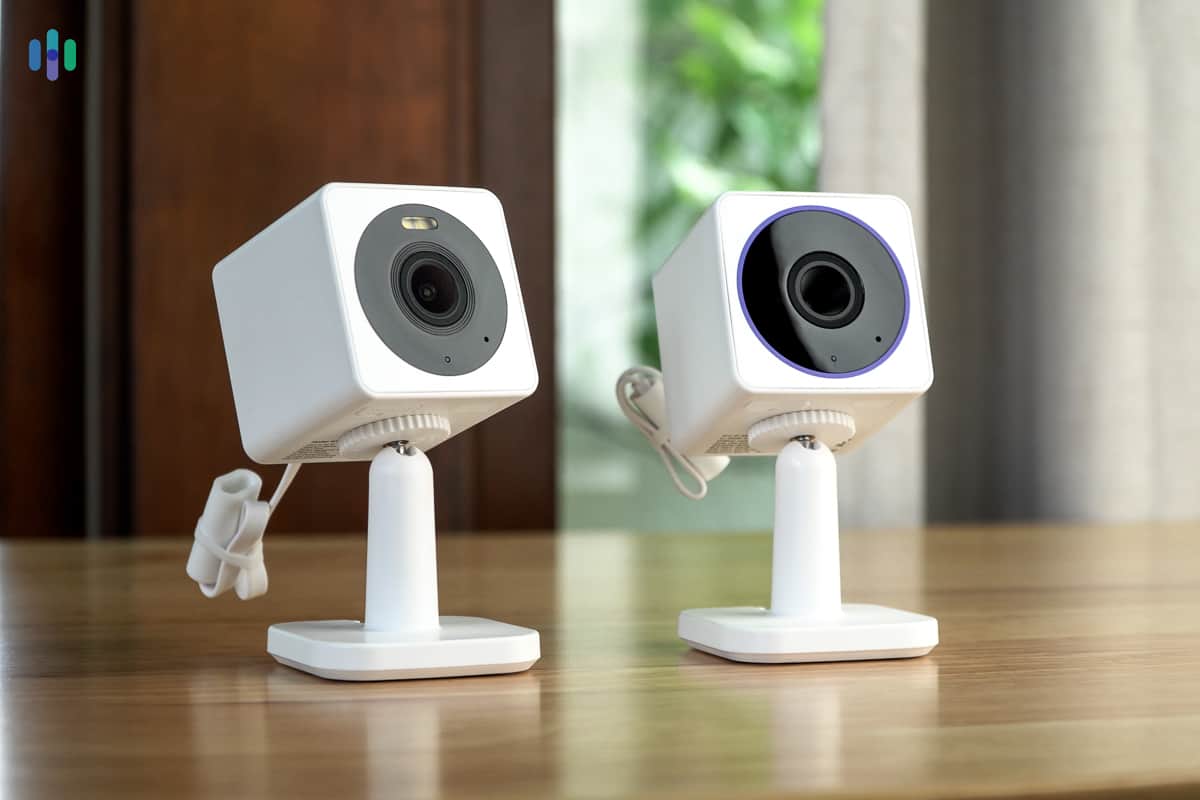
Wyze Cam OG and Wyze Cam OG Telephoto The Wyze Family
The Wyze Cam v2 is just a part of the larger Wyze family of security cameras. And technically, almost every Wyze camera model can work as an outdoor camera. The base model, the Wyze Cam v3, is IP65 weatherproof. Just give it an outdoor-ready power cord and it’ll work outdoors.
The same is true for the more AI-heavy Wyze Cam v3 Pro, which has the same body as the Wyze Cam v3 but an upgraded 2K image resolution and faster AI detection.
Together, these other Wyze cameras can help the battery-powered Wyze Cam Outdoor make your home more secure.
Affordable Cloud Storage and Monitoring
Here’s where Wyze gets really interesting — they offer professional monitoring like ADT, but at a fraction of the cost. You’ll need their monitoring system (base station, keypad, and sensors), but here’s the clever part:
When your camera detects motion, its AI determines whether a person triggered it. Non-person events just notify you. But if it spots a person, the camera sends footage directly to the monitoring center where agents verify the threat. Real emergencies trigger immediate contact attempts while dispatching police if needed.
Professional monitoring runs $10 monthly through Wyze Home Monitoring — significantly less than competitors. Prefer self-monitoring? Cloud storage plans start at just $2.99 monthly for enhanced features.
-
7. Blink Outdoor - Most Affordable Outdoor Cameras
 View on Amazon Links to Amazon.com
Product Specs
Resolution Up to 1080p Field of View Up to 143° Power Battery, wired, solar Connectivity Wi-Fi Video Storage Cloud, local Smart Platform Compatibility Alexa
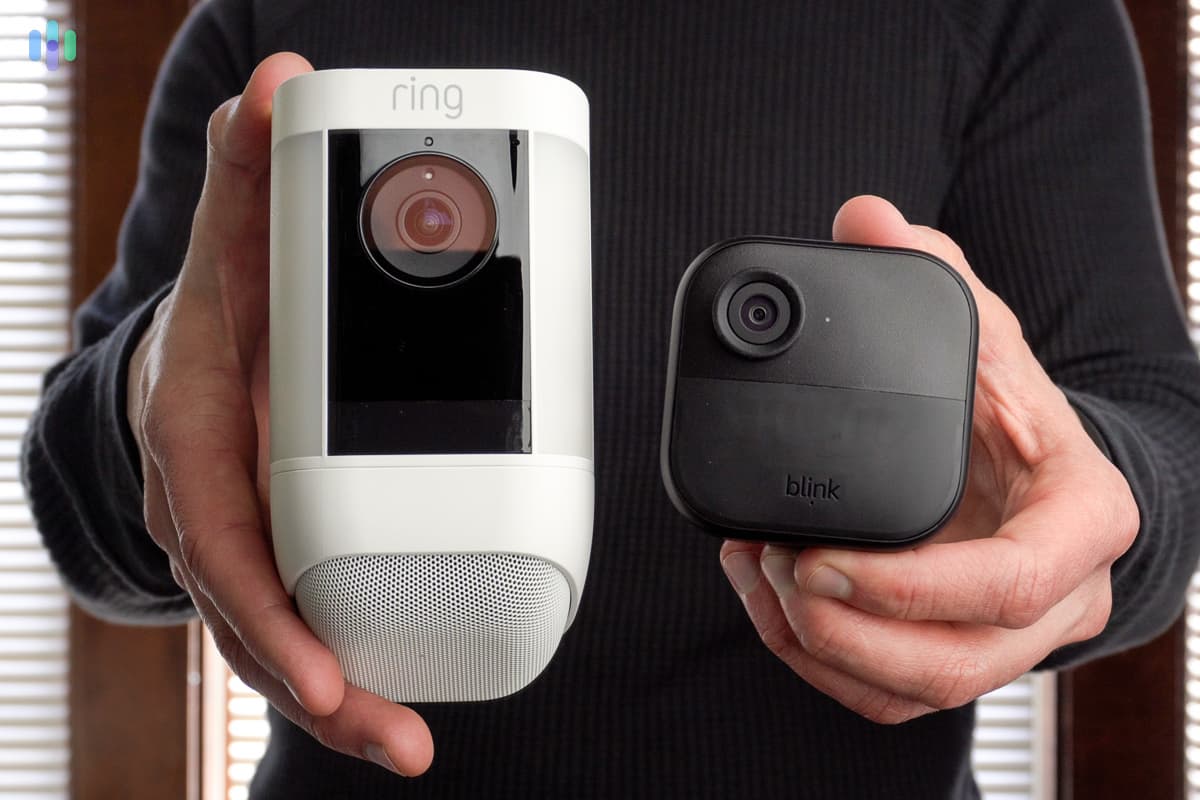
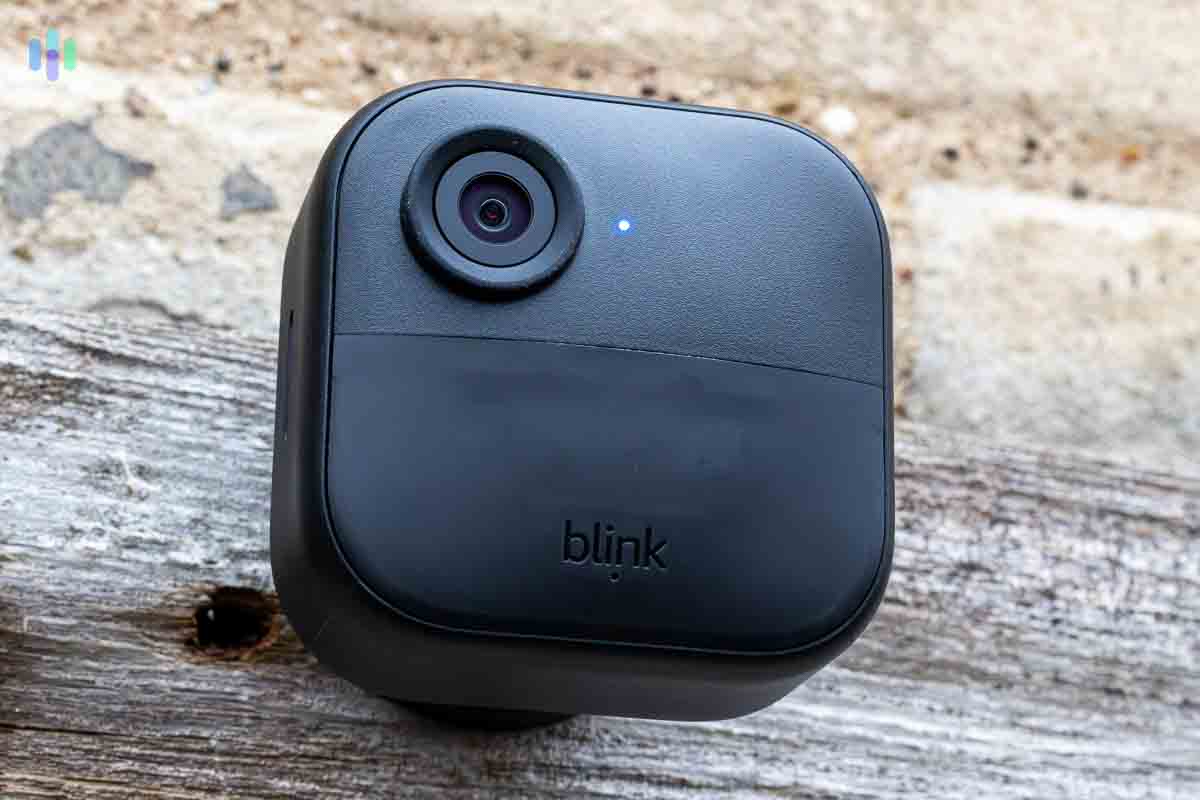
Blink delivers dependable security starting at rock-bottom prices — cameras from $29.99, with the latest Blink Outdoor 4 at $79.99. These cameras provide mobile alerts and local storage through the included Sync Module 2, all without monthly fees. It’s why we consider Blink the ultimate budget-conscious choice for outdoor security.
Blink Outdoor 4 Camera Cameras by Blink weren’t feature-rich but were good value for DIY video security. They were easy to install, had motion detection with customizable zones, and recorded with infrared vision at night.
How much storage did Blink provide for free? Each Sync Module 2 can connect with up to 10 Blink cameras, and while it doesn’t have any sort of built-in video storage, you can plug in a USB flash drive up to 256 GB to use as storage. Given the Blink cameras’ video resolution, 256GB should be enough to store months of motion and sound event videos.
If you wish to have cloud backup, though, Blink’s cloud plans are affordable, too. They start at $3.99 per month for 60 days of cloud storage for one camera, and go as high as $11.99 per month for 60 days of cloud storage for unlimited cameras.
-
8. Lorex - Best Overall Outdoor Cam
 Shop Lorex Cameras Links to Lorex
Product Specs
Resolution Up to 4K HD Field of View Up to 180° Power Wired, battery, PoE Connectivity Wi-Fi, ethernet Video Storage Cloud, Local Smart Platform Compatibility Alexa and Google Home
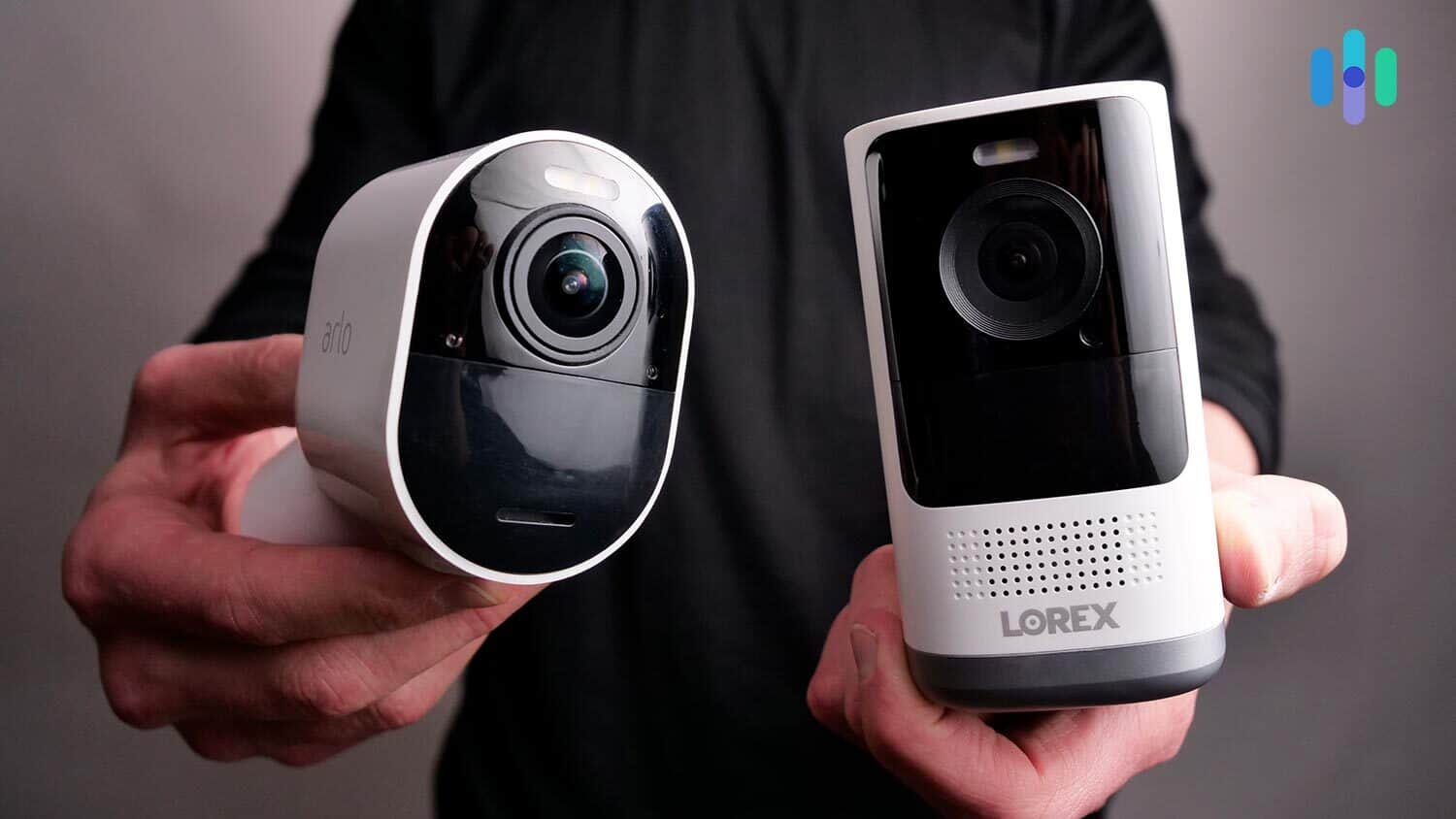
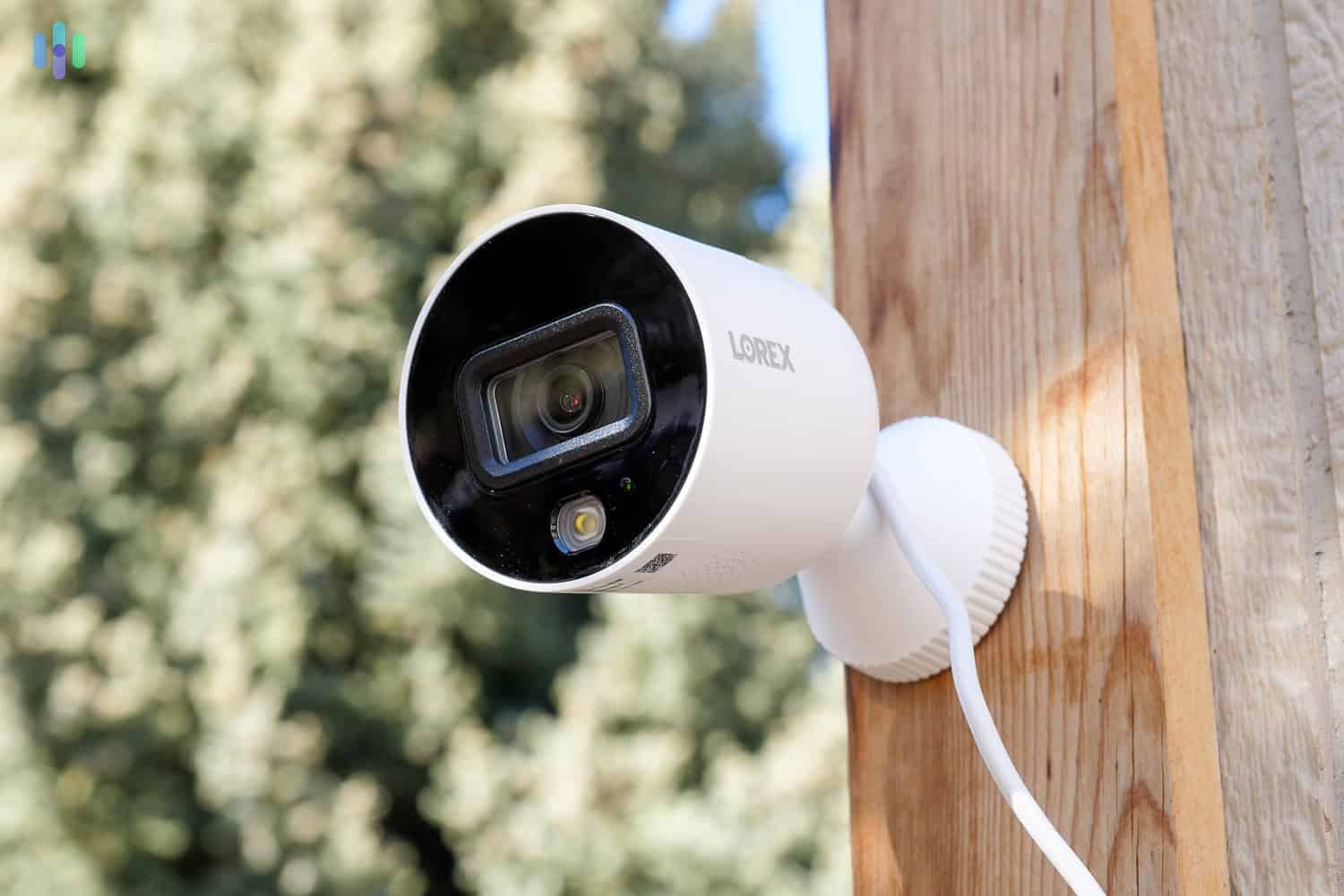
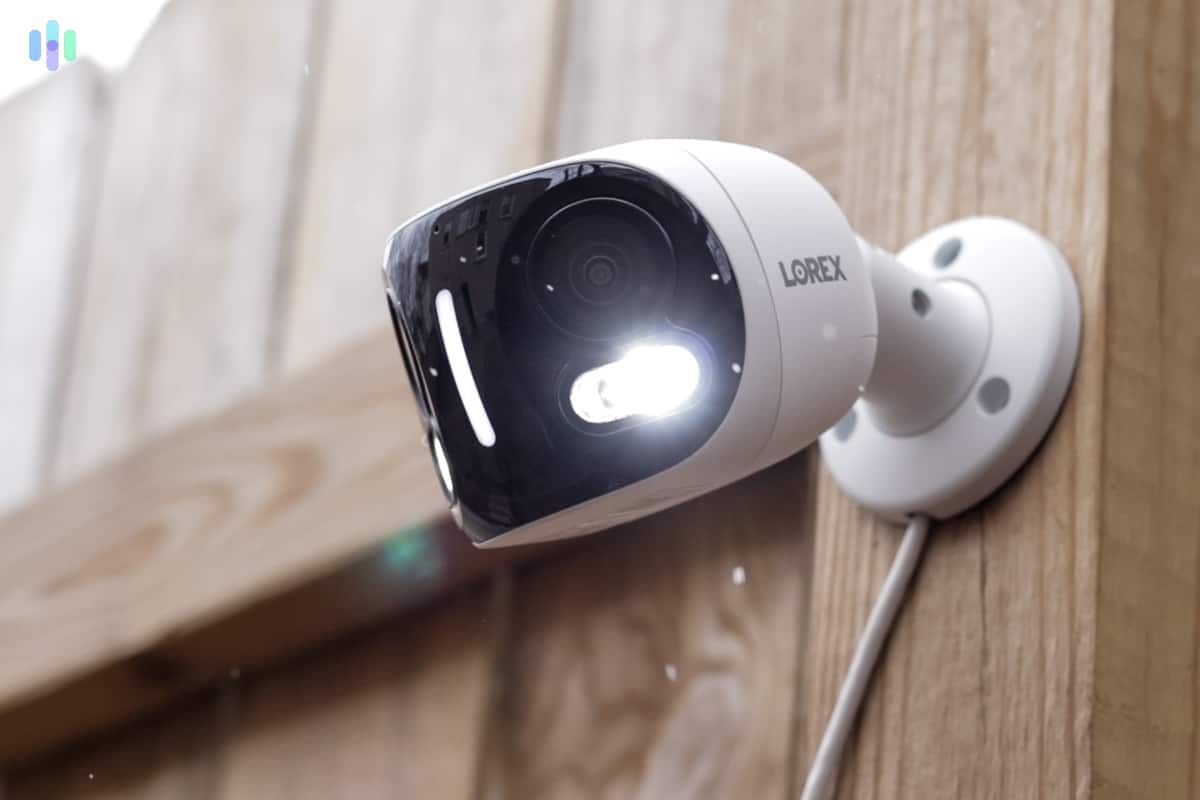
If you want options — lots of options — Lorex delivers where SimpliSafe and ADT’s limited selections fall short. You’ll find commercial-grade bullet cameras, AI-powered models with facial recognition, and even dual-lens cameras that create ultra-wide viewing angles. Lorex’s price range is also budget friendly, with cameras starting at $60.
>> More info: Best 4K Security Cameras

Lorex Cam Outside Scalability of Lorex Security Camera Systems
Lorex keeps professional-grade systems affordable. We paid just $700 for a four-camera kit with DVR — complete property coverage at a reasonable price. Smaller properties might need fewer cameras if you strategically place your cameras to maximize coverage.
This should be easy as Lorex has a wide range of cameras available with different fields of view and security features. Keep in mind that you can mix and match models. You could get a wireless 4K camera to cover the front yard and a cheaper plug-in outdoor camera for lower-priority areas.
Setting up our Lorex 4k Dual-Lens Camera Continuous Local Recording
For high-activity areas, continuous recording to a DVR could be worth your while. Cameras that only record events can miss moments or start recording too late. Lorex records 24/7 and stores every second so you can review it later. The DVR that came with our four-camera system could store a week’s worth of footage.
Just prepare yourself that you’ll need to wire each camera to the DVR, which isn’t easy. We had to snake the wires through the ceiling and use power tools to put the cameras in place. It’s worth it, though, as you don’t need to constantly check batteries or adjust for a better wireless connection. Once they were online, they started recording.

Our Methodology: How We Selected The Top Outdoor Security Cameras
Our Review Guidelines
Security cameras serve different purposes, and our job is to find the ones that meet those needs. Guided by our Editorial Guidelines, our team sets up and runs each camera we review over several weeks. We time and assess the installation, evaluate image sharpness at 1080p, 2K, and 4K, test night vision range and reliability, review motion detection sensitivity, and assess local and cloud storage options. We also test outdoor weather and temperature extremes. Our team weighs upfront pricing, recurring service fees, and storage plan terms to make sure the best security cameras we choose hold up in the real world.
Our Main Testing Criteria
When testing and evaluating outdoor security cameras, our team of security experts put each model through a hands-on evaluation designed around the unique demands of exterior environments — where cameras face not just intruders, but the elements, wide open sightlines, and the challenge of covering property perimeters day and night. Here’s what we looked for:
- Weather and Environmental Durability: We verified each camera’s IP weather resistance rating through real-world exposure testing, examining how well each unit held up against rain, humidity, direct sunlight, and temperature swings that would be irrelevant for any indoor-only device.
- Perimeter Detection and Range: We measured how far each camera could reliably detect motion and capture usable footage across driveways, yards, and entry points — paying close attention to whether detection zones could be customized to reduce false alerts triggered by passing cars or neighborhood foot traffic.
- Deterrence Features: We evaluated active deterrence capabilities including built-in sirens, floodlights, and two-way audio, assessing whether these features were loud and bright enough to genuinely discourage trespassers rather than serve as a cosmetic add-on.
- Power Source and Uptime: We tested each camera across its available power configurations — wired, battery, and solar — examining how consistently each option maintained uptime outdoors, where running power cables isn’t always practical and battery drain accelerates in high-traffic areas.
Only cameras built to perform reliably in harsh, real-world outdoor conditions — not just in controlled settings — made our final list.
About Our Team
Our editorial team is an independent team of security experts committed to putting together honest, unbiased recommendations. We have 20+ researchers and product testers who have collectively logged over 25,000 hours of testing. Our various work has been cited by major publications including The New York Times, CBS News, and TechRadar.
Paul Frew leads our security camera testing team. A 10-year veteran who has reviewed hundreds of indoor and outdoor security cameras, Paul approaches hands-on testing with a detail-oriented, consumer-first methodology. The rest of the team behind our security camera recommendations includes:
- Corey Birnstengel: Editor and videographer behind 200+ in-depth video reviews spanning eight security and tech product categories
- Gene Petrino: Former S.W.A.T. commander and law enforcement veteran, contributing 30+ years of real-world security expertise as a subject matter advisor
- Cort Honey: Product tester with an engineering background, over 1,000 hours of hands-on testing, and a knack for making complex tech accessible to everyday readers
- Matthew Adkins: Researcher with a Ph.D. and 100+ security cameras tested and ranked
No security provider can pay to influence our lists. Our recommendations are editorially independent.
Features to Look For
When shopping for outdoor security cameras, these key factors deserve your attention:
- Power Source: Choose between plug-in (reliable but limited placement), battery (flexible but needs recharging), or solar power (eco-friendly but weather-dependent). Each top brand offers wire-free models with rechargeable batteries lasting three to eight months. Wired cameras often include short battery backups for power outages.
- Continuous Video Recording: Some outdoor security cameras only recorded audio and video when triggered by trespassers. Others could record continuously. Continuous video recording was sometimes advertised as CVR.
- Resolution: Today’s cameras range from basic 720p to crystal-clear 4K. While 1080p remains the sweet spot for most users (delivering 1920×1080 pixel video), consider 2K or 4K for areas where identifying details matters most.
- Recording Cost: While live viewing is typically free through smartphone apps, recording footage usually requires a paid subscription. Plans range from $3 to $20 monthly depending on features like cloud storage duration and camera quantity, but you can avoid this monthly fee with a camera that supports local storage like Blink or Lorex.
- Two-Way Voice: Our selections for best outdoor security cameras captured exceptionally clear audio. Ideally, they’d have all had echo cancellation and other advanced audio features. Some also had two-way voice, which let us holler at potential criminals or stay in touch with family members around our property.
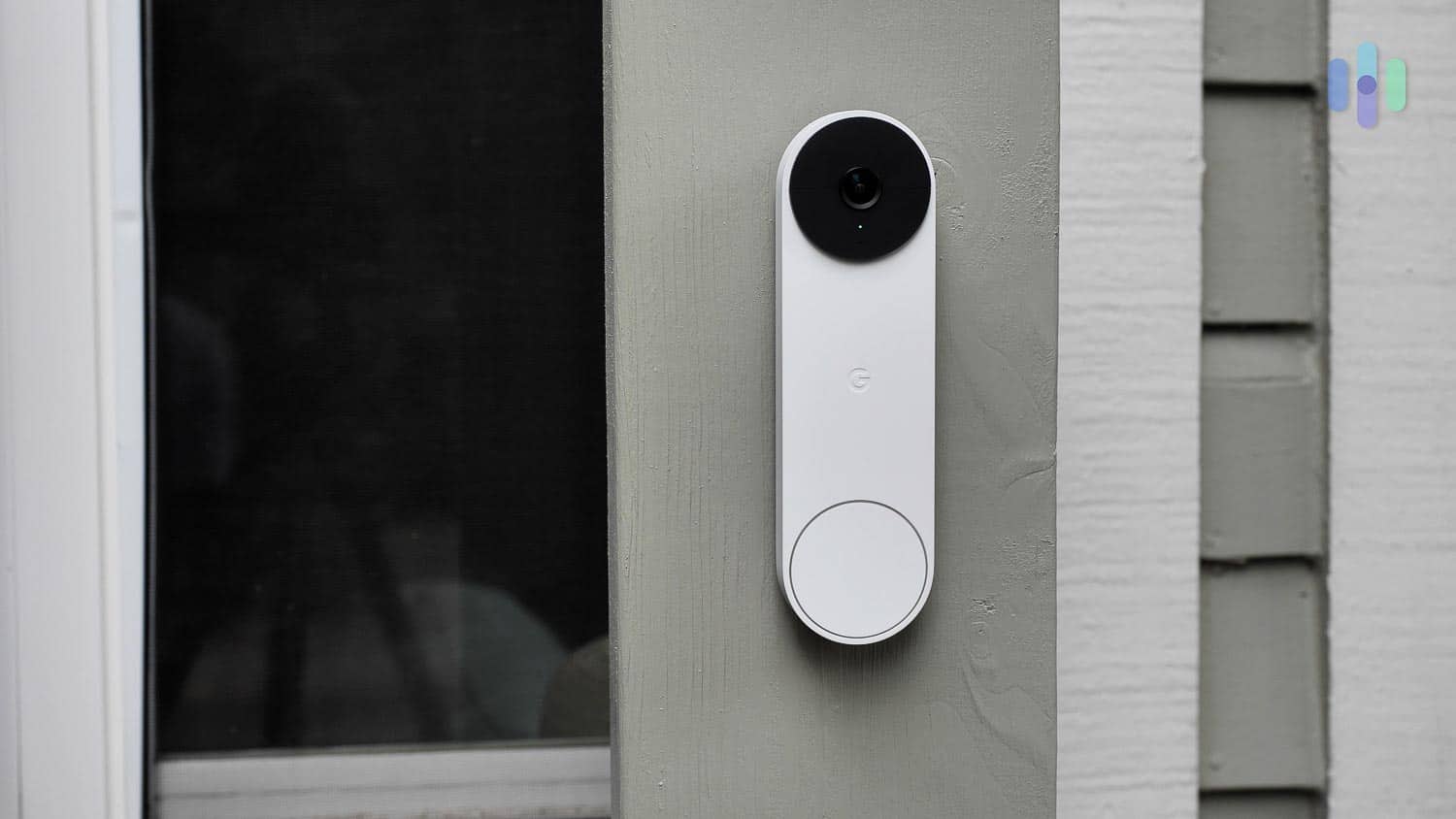
- Doorbell Video Camera: A wide-angle doorbell camera guarded our doorstep and provided us with a long-range view. A smart-motion detector ignored running squirrels and swaying trees and alerted us of a person’s presence, even if they didn’t ring the bell. A smartphone app let us use two-way talk and gave the impression that we were at home, no matter where we were. Additionally, some doorbell security cameras, such as the Nest video doorbell, recognized familiar faces and played pre-recorded messages for expected visitors.
Start with non-negotiables like weatherproofing and power options, then layer on advanced features like AI detection and active deterrence based on your security needs and budget. Speaking of budget, let’s break down what you’ll actually pay for today’s top outdoor cameras.
Pricing Rundown
| Outdoor Camera | Price |
|---|---|
| Nest Cam with Floodlight | $279.99 |
| Lorex H2O 4K Wired Dual Lens Security Camera | $279.99 |
| Arlo Pro 5S | $179.99 |
| Nest Cam Battery | $179.99 |
| Ring Spotlight Cam Plus | $149.99 |
| SimpliSafe Outdoor Camera | $199.99 |
| Blink Outdoor | $99.99 |
Outdoor cameras fit every budget, from Blink’s $79 basics to Lorex’s $1400 commercial-grade systems. While cheaper options work, investing in quality cameras pays off through better reliability and longer lifespan. Remember to budget for ongoing costs too — professional monitoring and cloud storage can add $10 to $80 monthly depending on your chosen features.
Mobile Application
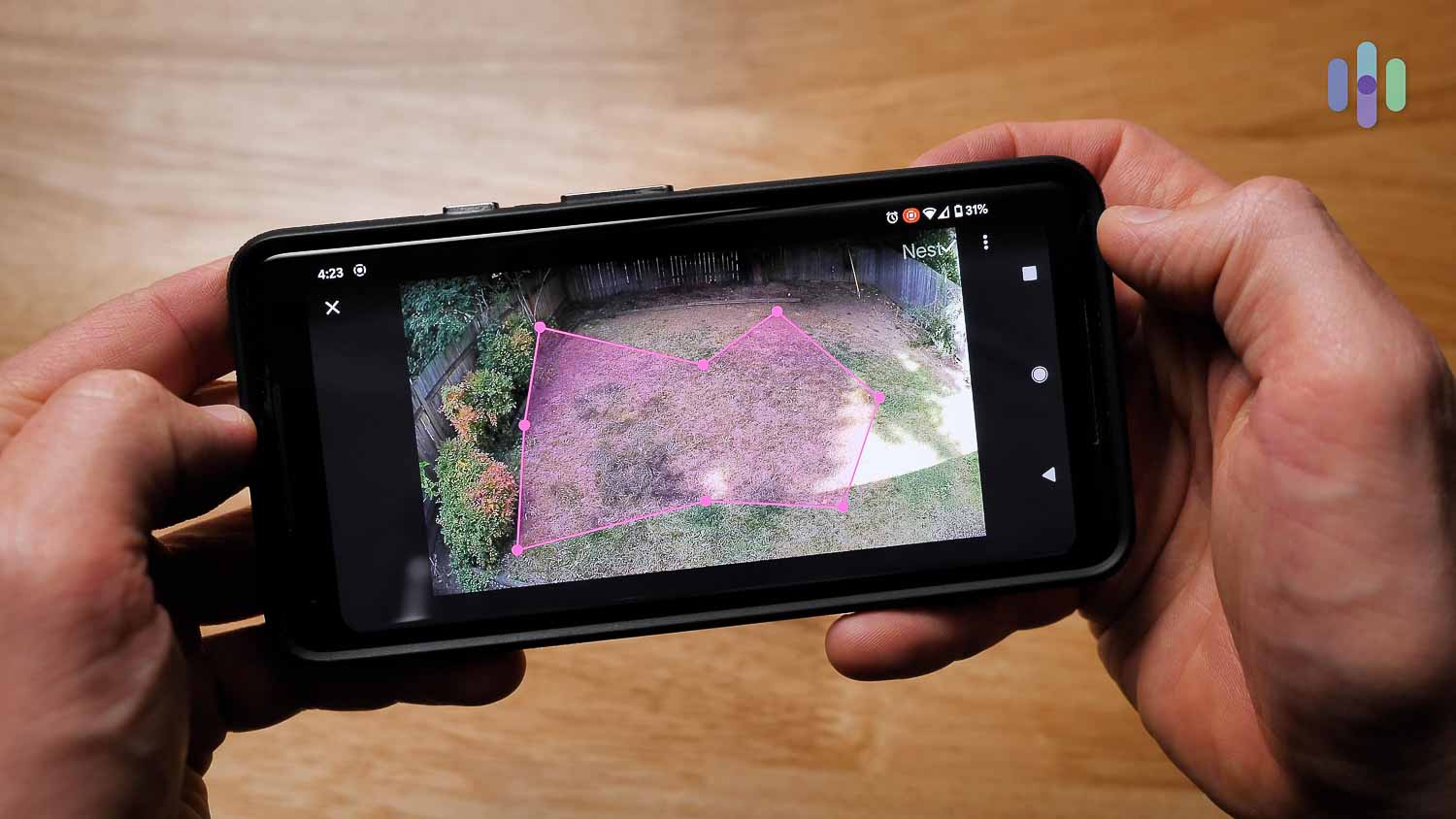
We used mobile apps to manage our outdoor security cameras. The apps let us adjust settings, stream live footage, view storage, and review notifications. We even used the app to have conversations with visitors via two-way audio. To meet our standards, we required user-friendly apps with easy access to features.
How To Power Outdoor Security Cameras
Most outdoor cameras offer wireless operation through rechargeable batteries or solar panels, though plug-in models remain popular for locations near outlets. Power management is simple: recharge batteries indoors every few months, swap in fresh batteries, connect to an outlet, or let solar panels handle everything automatically.
Outdoor Security Camera FAQs
-
Is it better to have wired or wireless outdoor security cameras?
Wired cameras deliver rock-solid reliability and never need recharging, but installation complexity limits placement options. Wireless models go anywhere but require strong Wi-Fi coverage and periodic battery maintenance. Choose based on your priorities.
-
Do you need the internet for wireless outdoor security cameras?
Not always. Cameras like the Arlo Go 2 use cellular networks instead of Wi-Fi, perfect for large properties where your router’s signal doesn’t reach or remote locations without internet service.
-
How do you choose an outdoor camera?
Start by checking weatherproof ratings against your climate, then evaluate night vision quality and storage options. Consider bonus features like two-way audio, AI person detection, and smart home compatibility based on your specific security needs.
-
Where is the best place to put cameras outside the house?
Cover all entry points first — front door, back door, first-floor windows. Then add cameras monitoring driveways, garages, and any blind spots around your property’s perimeter.
-
How high should an outdoor security camera be?
Mount cameras eight to 10 feet high for optimal results. This height prevents tampering while maximizing the camera’s field of view, capturing faces clearly without creating awkward downward angles.
-
National Monitoring Center. (2025). Video Verification.
https://nmccentral.com/video-verification/ -
Precedence Research. (2025). Facial Recognition Market Size, Share, and Trends 2025 to 2034.
https://www.precedenceresearch.com/facial-recognition-market -
Grand View Research. (2025). AI In Video Surveillance Market Size, Share & Trends Analysis Report.
https://www.grandviewresearch.com/industry-analysis/artificial-intelligence-ai-video-surveillance-market-report